88
Settings
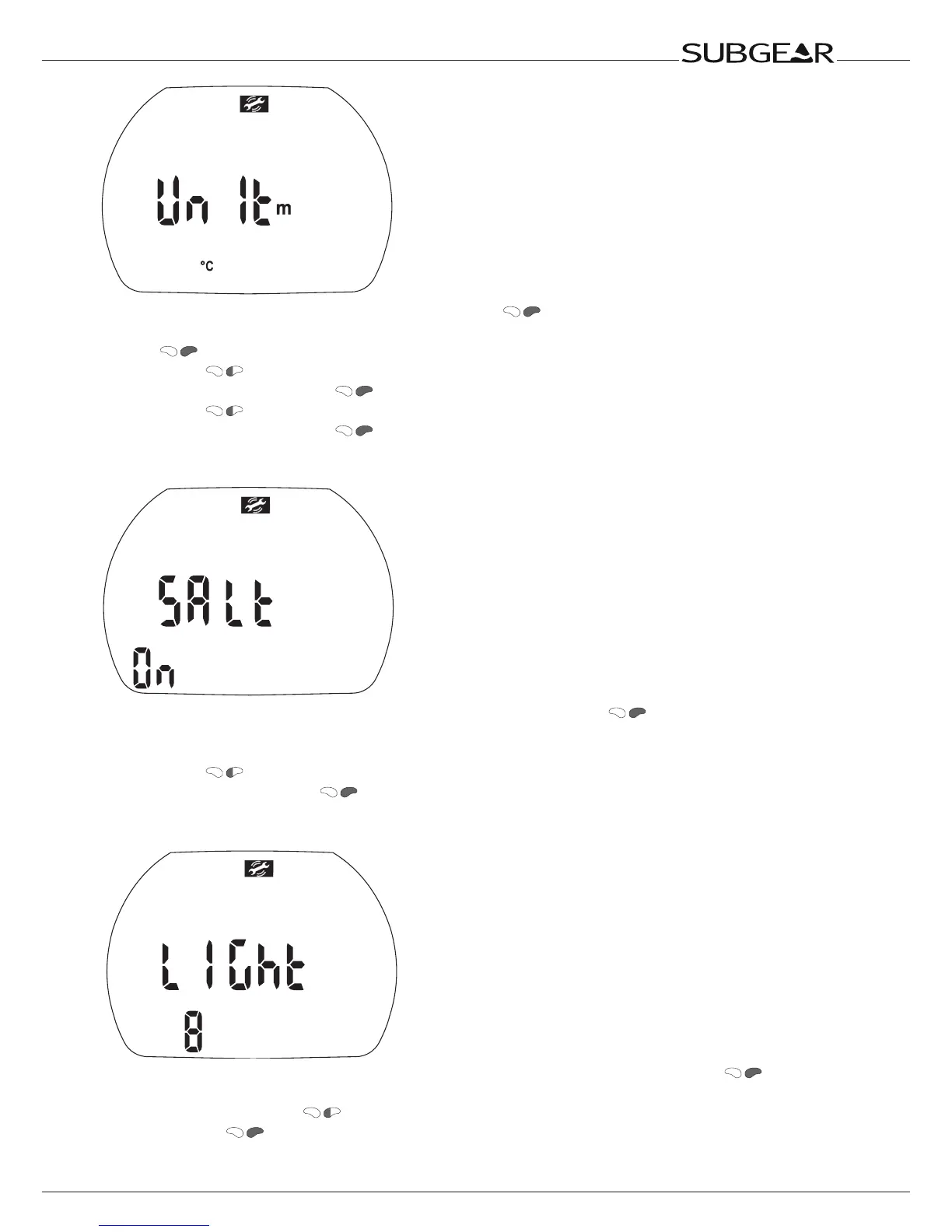
1. Confirm that you wish to change the units by pushing The selected units are displayed (m / ft
/ °C / °F).
2. Push . “m” or “ft” starts to flash.
3. Switch with between “m” and “ft”.
4. Confirm the selected unit with . “°C” or “°F” starts to flash.
5. Switch with between “°C” and “°F”.
6. Confirm the selected unit with .
Selecting the water type
1. Confirm that you wish to change the selected water type by pushing . “On” or “off” starts to
flash.
“Salt on” indicates salt water, “salt off” indicates fresh water.
2. Switch with between “salt on” and “salt off”.
Confirm the water type with .
Setting the backlight duration
1. Confirm that you wish to change the duration of the backlight illumination by pushing . The
value starts to flash.
2. Change the duration with . (2-12s or push on / push off)
3. Confirm it with .



 To Next Page