92
Settings
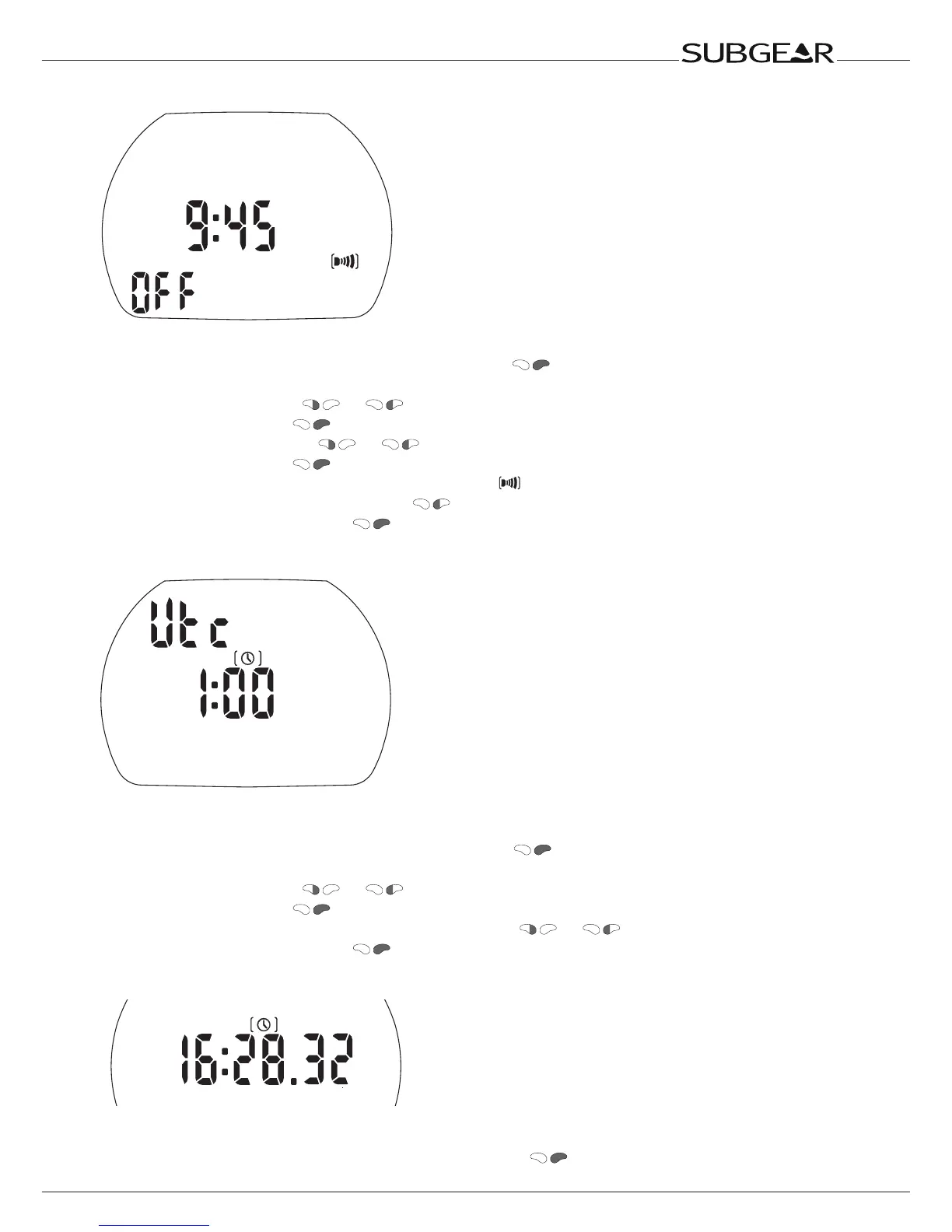
Setting the alarm clock time
The alarm clock goes off only at the surface. “Sound” must be turned “on” in “set 2”.
1. Confirm that you wish to set the alarm time by pushing .
The hours start to flash.
2. Set the hours by pushing or .
3. Confirm the setting with . The minutes start to flash.
4. Set the minutes by pushing or .
5. Confirm the setting with . “On” or “off” starts to flash.
6. “On” indicates “activated” (time of day display shows ), “off” indicates “deactivated”.
Switch between “on” or “off” by pressing .
7. Confirm the selected status with .
Setting the UTC offset (coordinated universal time)
This setting allows you to quickly set the watch to a new time zone without affecting the actual time
setting.
1. Confirm that you wish to set the UTC offset by pushing .
The hours start to flash.
2. Set the hours by pushing or (±13hrs).
3. Confirm the setting with . The minutes start to flash.
4. Set the minutes in increments of 15 minutes by pushing or .
5. Confirm the selected status with .
Adjusting the time of day
Time of day
You can adjust it to your time zone either in this menu or using the UTC offset (see above).
1.
Confirm that you wish to adjust the time of day by pushing .
The hours start to flash.



 To Next Page