93
Settings
English
2. Set the hours by pushing
or
.
3. Confirm the setting with . The minutes start to flash.
4.
Set the minutes by pushing
or
.
5. Confirm the setting with .
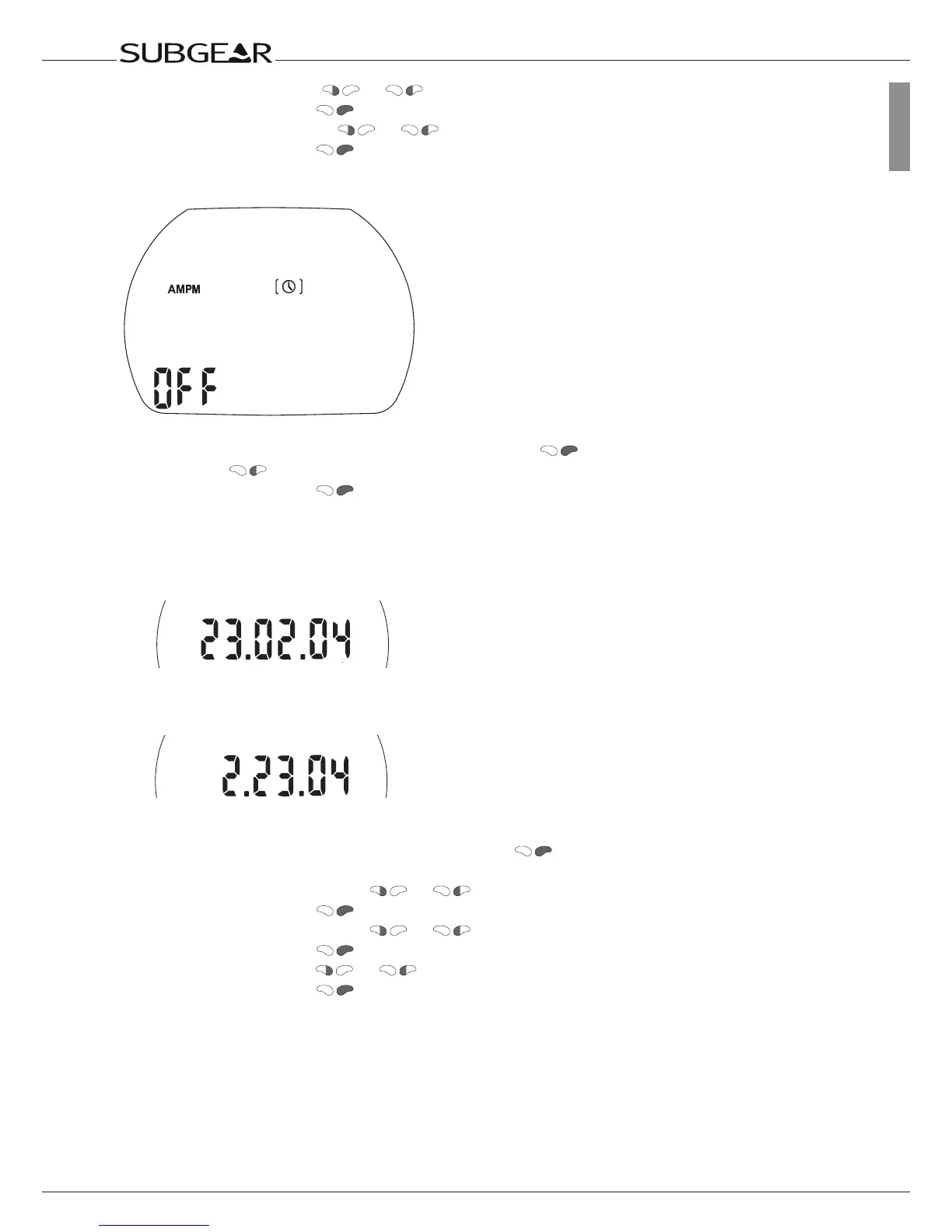
Selecting 24 hours or AM/PM setting
1. Confirm that you wish to change the setting by pushing . “On” or “off” starts to flash.
2. Switch with
between “on” (AM/PM) and “off” (24h).
3. Confirm the setting with
.
The 24h - AM/PM setting influences the display of the date (see below).
Adjusting the date
Date (24h setting)
Day / Month / Year
Date (AM/PM setting)
Month / Day / Year
1. Confirm that you wish to adjust the date by pushing .
The first day (month) starts to flash.
2. Set the day (month) by pushing
or .
3. Confirm the setting with . The month (day) starts to flash.
4. Set the month (day) by pushing
or .
5. Confirm the setting with . The year starts to flash.
6. Set the year by pushing
or .
7. Confirm the setting with .



 To Next Page