Discovery Delay – ControlsControls
17
Revision: 1.2 (7/1/2021)
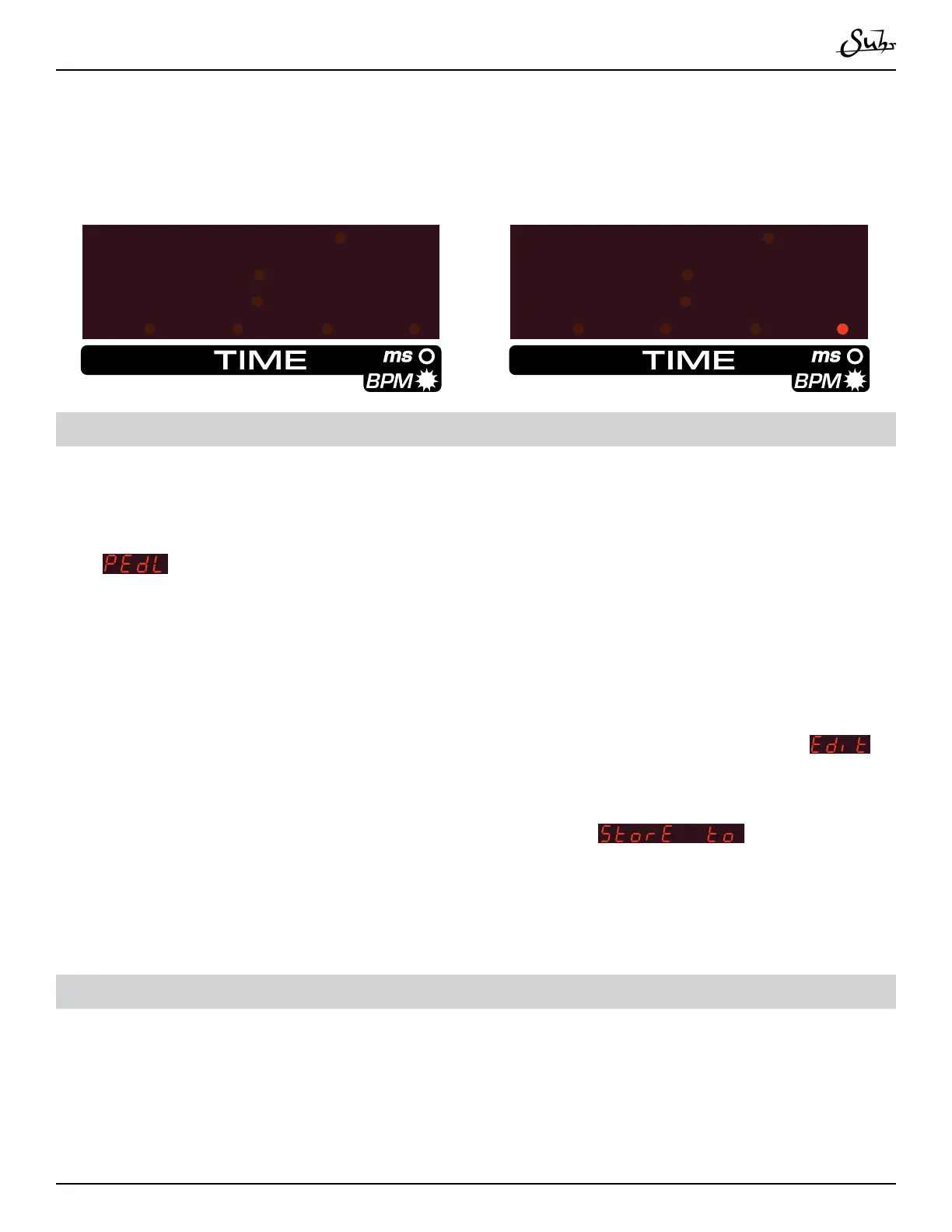
Holding the division button will toggle the display to show milliseconds (ms) or
BPM of the delay time� A dot in the bottom right corner of the display indicates you
are looking at the BPM�
Preset Select (Edit Save)
e [PRESET SELECT] button has multiple functions�
is switch allows you to access your presets� e rst time you press it, you will
see
on the screen, which is a manual mode� No settings are recalled in this
mode� It’s simple, the position you set the knobs is what you will hear �
Pressing [▲] will access presets 1 - 127� Using the [▲] and [▼] buttons, you can
jump to another preset by pressing the [PRESET SELECT] button� Pressing the
[PRESET SELECT] button again will jump back to the ms/BPM view on the display�
Editing: Holding the [PRESET SELECT] button down will bring the word
to the screen� e screen will blink and you can change all the settings of the delay
in preparation for saving� One the desired settings are dialed in, pressing the [PRE-
SET SELECT] button will prompt the display to show
� Now choose
the Preset slot to save in� One last press of the [PRESET SELECT] button will store
those settings in that preset location�
Up & Down Arrow Buttons
e [▲] and [▼] buttons are used for incrementing or decrementing whatever is
shown on the display� It is also used for navigating which presets to recall, and for
navigating the global settings menu�
8888
500



 To Next Page