Discovery Delay – PresetsPresets
21
Revision: 1.2 (7/1/2021)
6. Once mapping is as desired, press the [PRESET SELECT] to store�
7. Use the [▲] [▼] buttons to select a new location, then [PRESET SELECT] to
complete the save�
Notes:
1.
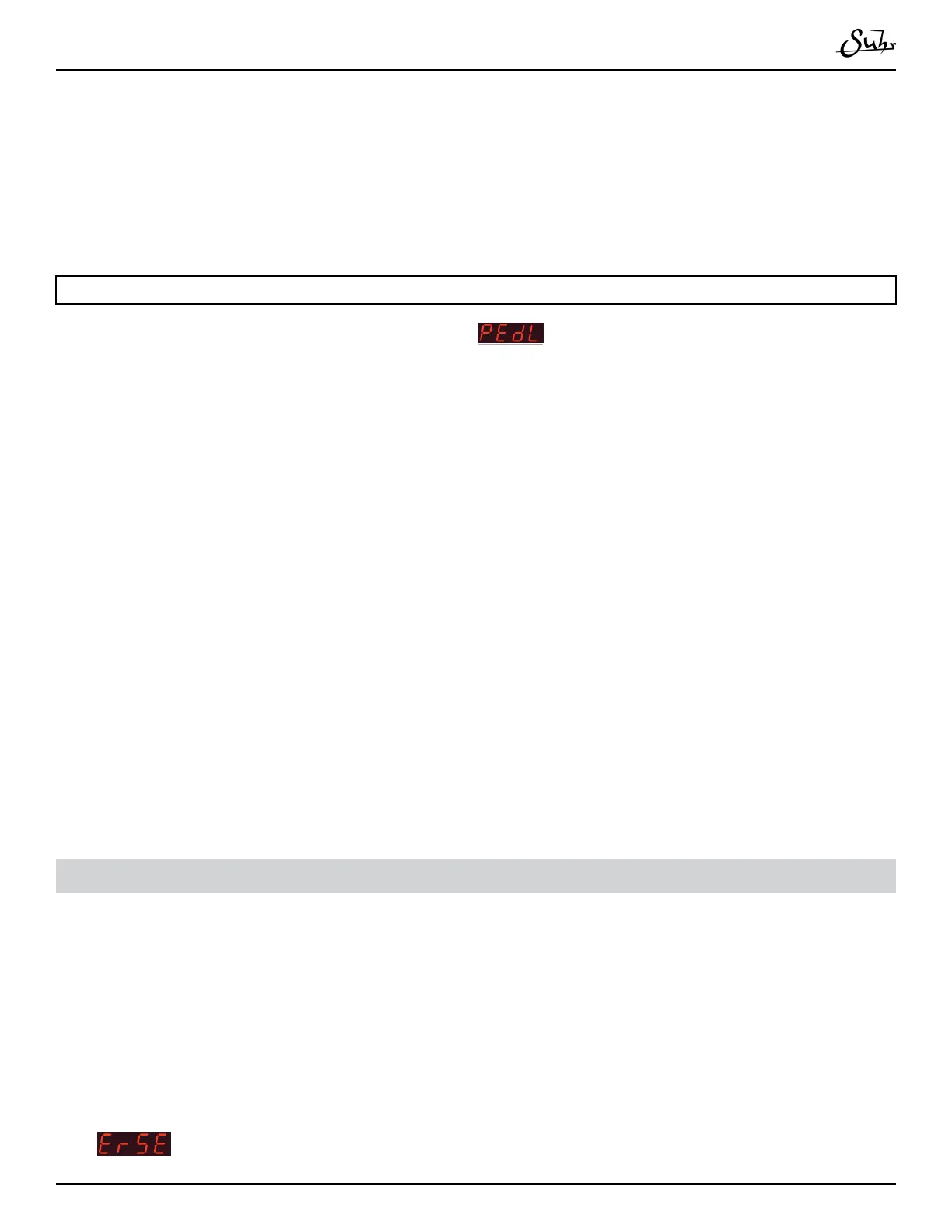
When editing a new preset (such as in
mode), the top and bottom po-
sitions are mapped to what the knob settings were before editing� It is worth setting
the settings as close as possible before editing the preset�
2. Divisions settings are global through the whole sweep of the expression mapping
and can not be changed with the expression pedal�
3. You can manually adjust millisecond/BPM times with the [▲] and [▼] buttons
to get specic delay times in the top/bottom positions�
4. When changing delay times, it is normal for the pitch to change due to the bucket
brigade technology�
5. If you nd yourself in “Edit Mode” accidentally and wish to exit that mode,
press the [▲] and [▼] buttons simultaneously to act as a “Cancel” and you will exit
“Edit Mode”�
Erasing presets
1. Press the [PRESET SELECT] button�
2. If not on the Preset you want to erase, use the [▲] and [▼] buttons to select a
new preset, then [Preset Select] to select it�
3. Hold [BYPASS] foot switch while pressing [PRESET SELECT]�
4.
will temporarily show on the display� Once nished, the preset is erased�



 To Next Page