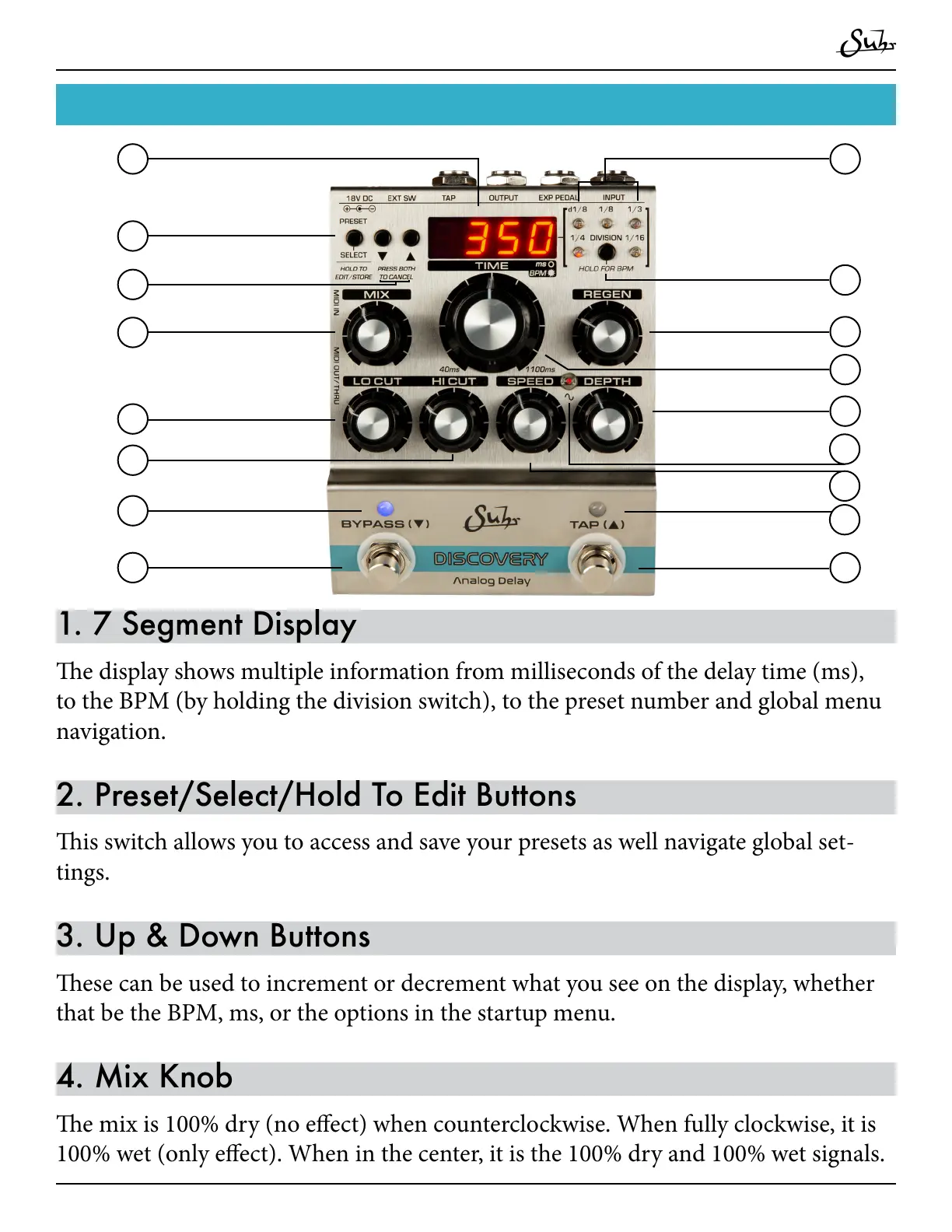
1. 7 Segment Display
e display shows multiple information from milliseconds of the delay time (ms),
to the BPM (by holding the division switch), to the preset number and global menu
navigation.
2. Preset/Select/Hold To Edit Buttons
is switch allows you to access and save your presets as well navigate global set-
tings.
3. Up & Down Buttons
ese can be used to increment or decrement what you see on the display, whether
that be the BPM, ms, or the options in the startup menu.
4. Mix Knob
e mix is 100% dry (no eect) when counterclockwise. When fully clockwise, it is
100% wet (only eect). When in the center, it is the 100% dry and 100% wet signals.



 To Next Page