Discovery Delay – MIDIMIDI
27
Revision: 1.2 (7/1/2021)
Sending Patch Changes
e Discovery can send patch changes whenever its preset has changed� is can be
done using the [PRESET SELECT] button to select a new preset� It can also be done
with your feed in “Preset Mode” by holding the [TAP] switch and using [BYPASS]
and [TAP] to change presets�
In order to send patch changes, the global settings for the MIDI OUT/THRU jack
must be set to one of the OUT modes� For more information on setting MIDI Out/
ru modes, refer to page 30.
Sending Patch Changes and Controller Change data
Along with sending patch changes (As described in Sending Patch Changes), Dis-
covery can send CC (Controller Change) data�
To achieve this, the global settings for the MIDI OUT/THRU jack must be set to
one of the OUT modes (OUT2, OUT3, or OUT4)� For more information on setting
MIDI Out/ru modes, refer to page 30.
MIDI time sync
Discovery can be synced to a MIDI clock source, such as a computer, drum ma-
chine, guitar MIDI foot switcher etc�
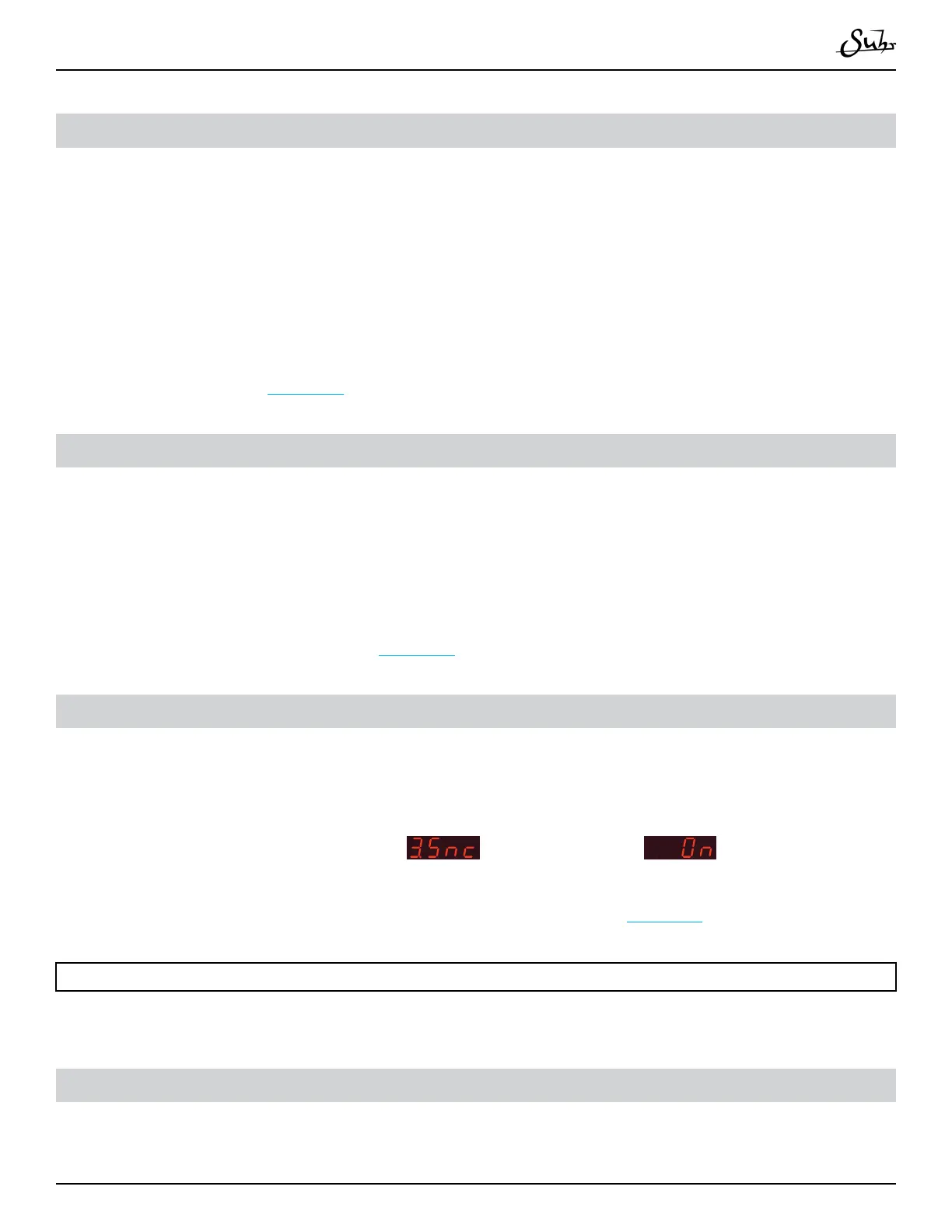
In order to sync, the global setting
must be set to
�
For more information on editing Global Settings, refer to page 30�
Note:
When MIDI sync is enabled, switching to presets will not recall the saved delay time�
MIDI Sysex dump & load of memory
Discovery has the ability to store all preset data as a MIDI Sysex (System Exclusive)
le� It can even send all preset data directly to an other Discovery unit via a MIDI



 To Next Page