Discovery Delay – PresetsPresets
19
Revision: 1.2 (7/1/2021)
Presets
Selecting a Preset
e [PRESET SELECT] button is used to look at what preset you are on and for se-
lecting a preset when moving to a new one�
1. Press [PRESET SELECT]�
2. Use [▲] and [▼] buttons to jump to a new location� e display will blink, indi-
cating the new preset has not been selected yet�
3. Press [PRESET SELECT] to select new location�
4. Press [PRESET SELECT] to view delay time on the display�
Editing / Saving Presets
Creating a new preset or Editing a current preset is the same process�
1. Select the preset you want to edit�
is a good place to start for a fresh preset (the settings you currently see on
the pedal will be what you hear)�
2. Hold the [PRESET SELECT] button for half a second�
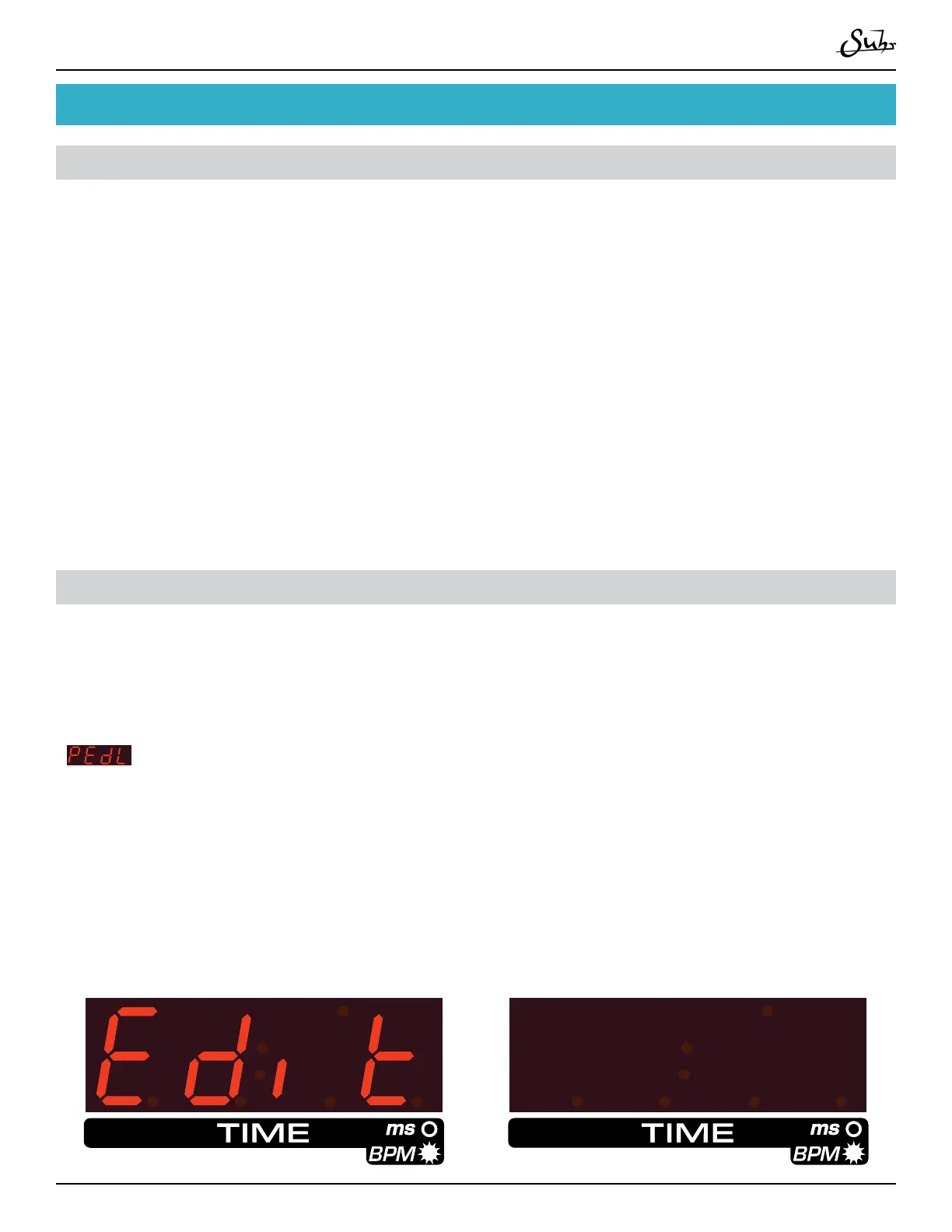
e display will show EDIT on the screen, followed by displaying the preset you are
editing, then the display will start to blink, indicating you are editing�
P 018888



 To Next Page