Discovery Delay – MIDIMIDI
23
Revision: 1.2 (7/1/2021)
MIDI
Changing MIDI Channel:
1. Power on the unit while holding the [PRESET SELECT] button�
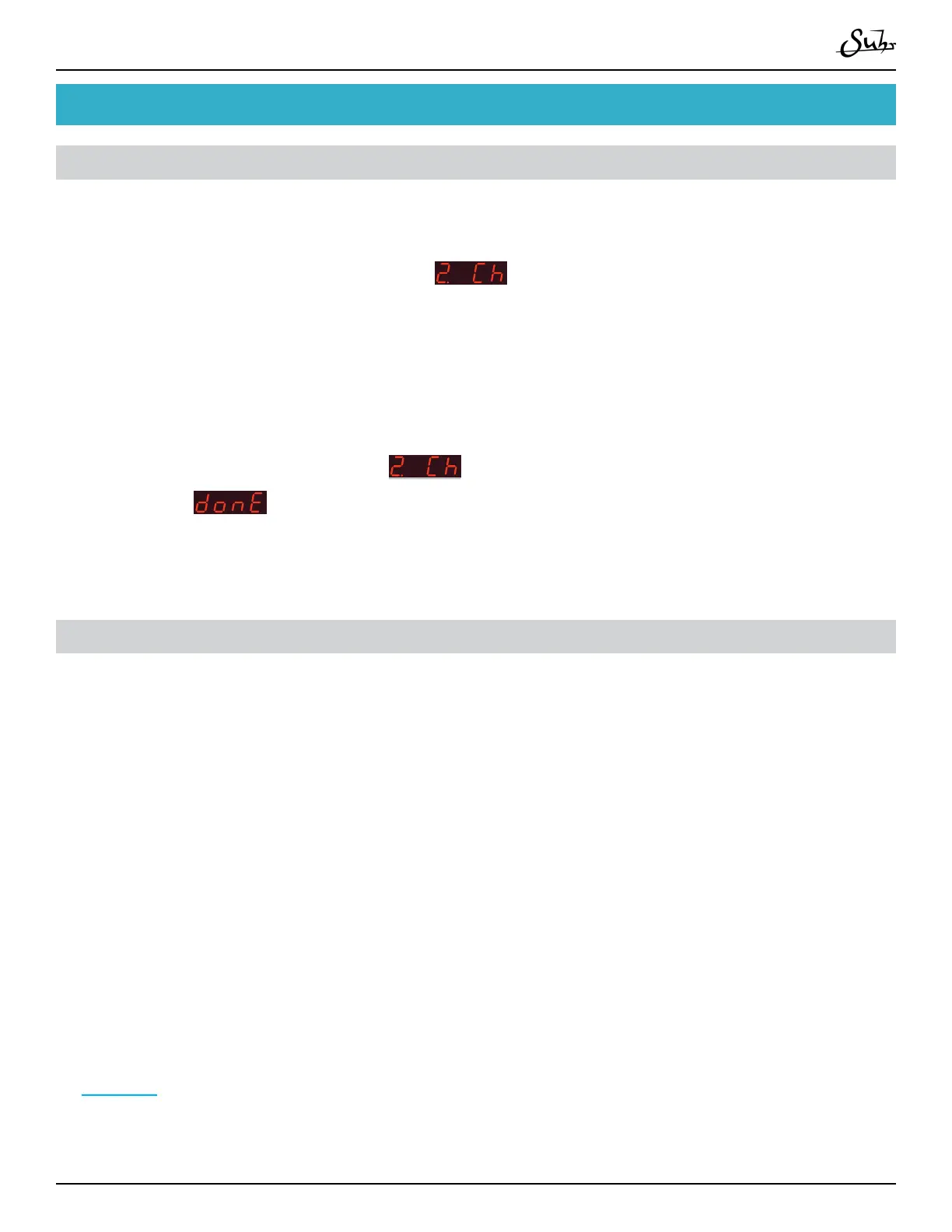
2. Press the [▼] button until you see
�
3. Use the [▲] and [▼] buttons to select the channel�
4. Press the [PRESET SELECT] button to select the channel�
5. When complete, you will see
on the menu again� Scroll down with [▼]
until you see
�
6. Press [PRESET SELECT] to nishing editing the global settings�
Changing Presets With Program Changes (PC#s)
Discovery’s presets can be changed via Program Changes coming from any MIDI
device, being that a MIDI switcher or DAW, or really anything that can send a Pro-
gram Changes via a 5-pin MIDI cable�
1. Be sure the Discovery and your MIDI device are transmitting on the same MIDI
channel� For directions on changing Discovery’s MIDI Channel, please refer to the
instructions in the section above�
2. Connect the MIDI OUT from your MIDI device via 5-pin MIDI cable to the
[MIDI IN] of your Discovery�
3. Send Program Changes from your MIDI device to change the presets of your
Discovery� For a MIDI table with PC#s and corresponding a Discovery presets, refer
to page 28�



 To Next Page