Discovery Delay – PresetsPresets
22
Revision: 1.2 (7/1/2021)
Factory Reset of all Presets
1. With the pedal power disconnected, hold down [TAP] [WAVEFORM ~] and
[DIVISION] buttons simultaneously �
2. Plug in power while keeping those buttons held�
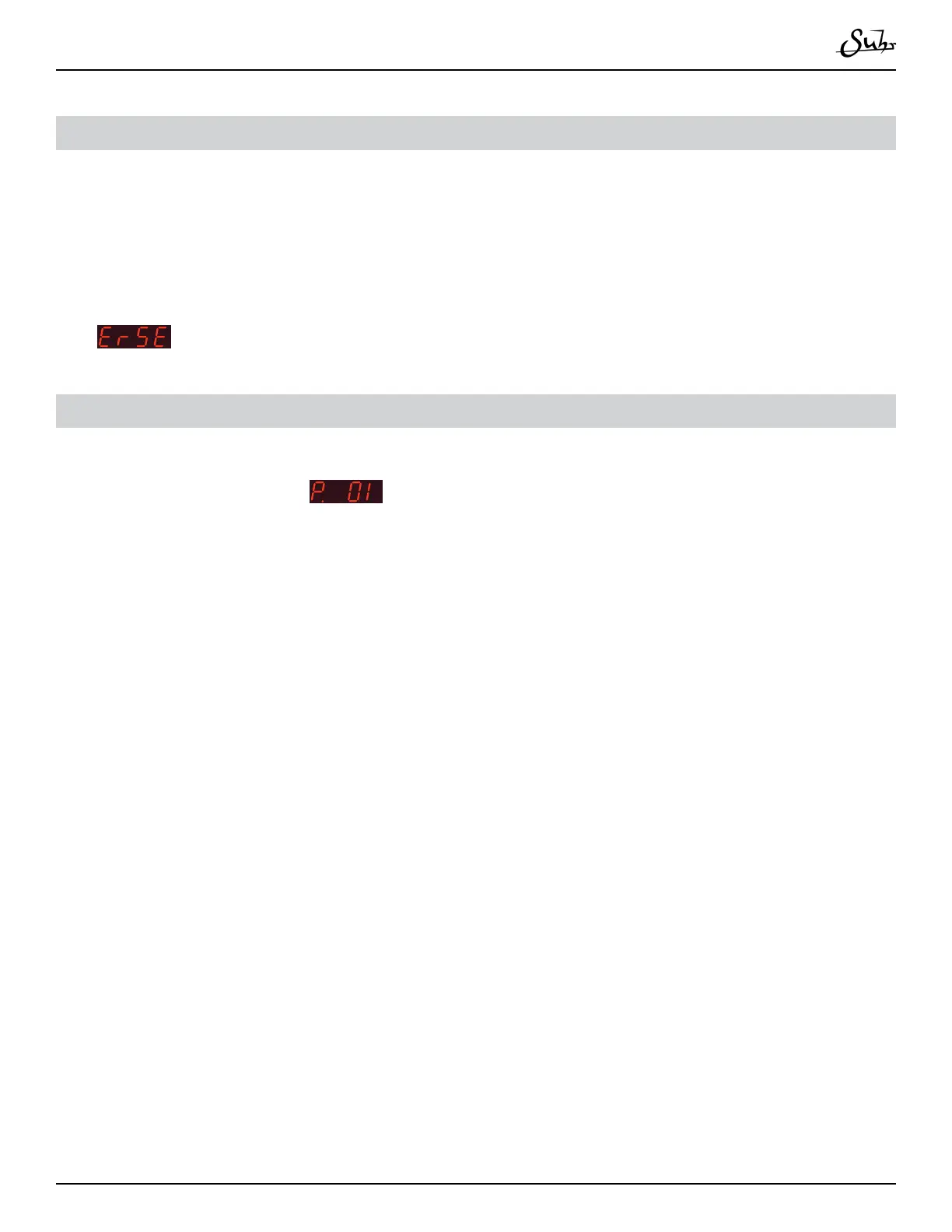
3.
will display on the screen, erasing all presets and global settings�
Live Preset Mode (Bypass / Tap)
1. Hold the [TAP] foot switch for 1�1 seconds until Discovery displays the preset
you are on (for example,
)�
2. Use the [TAP] switch to increment the preset by 1 and the [BYPASS] switch to
decrement the preset by 1�
3. To revert back to view the delay time on the display and reverting the foot switch-
es to the normal functions, hold the [TAP] switch for half a second�



 To Next Page