Discovery Delay – MIDIMIDI
26
Revision: 1.2 (7/1/2021)
Setting the mode
1. Power on the unit while holding the [PRESET SELECT] button�
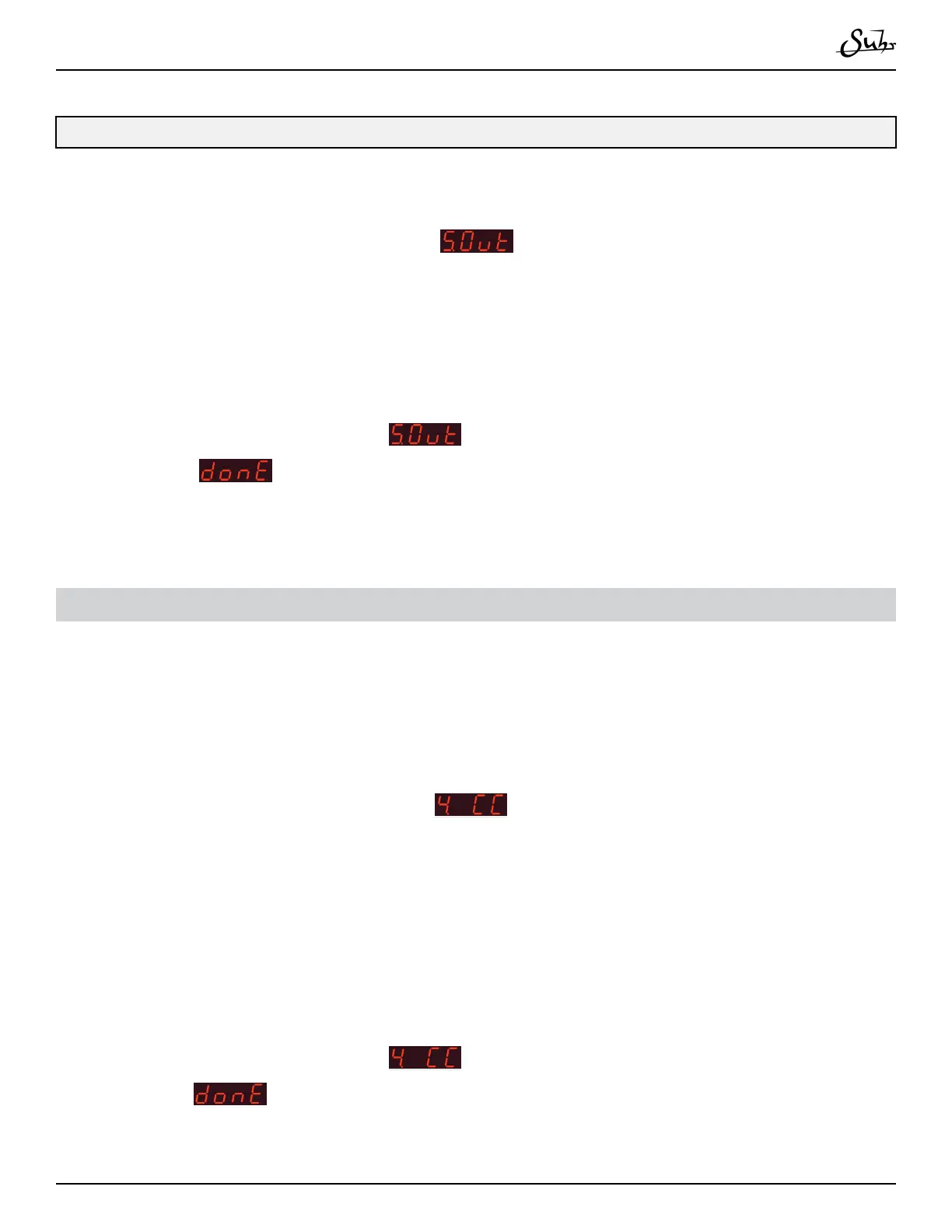
2. Press the [▼] button until you see
�
3. Use the [▲] and [▼] buttons to select the mode�
4. Press the [PRESET SELECT] button to save the mode�
5. When complete, you will see
on the menu again� Scroll down with [▼]
until you see
�
6. Press [PRESET SELECT] to nishing editing the global settings�
Accepting/Denying CC#s
e Discovery can reject incoming CC data if desired� is is done in the Global
Settings�
1. Power on the unit while holding the [PRESET SELECT] button�
2. Press the [▼] button until you see
.
3. Use the [▲] and [▼] buttons to select the mode�
• “On”: Discovery will accept MIDI CC
• “OFF”: Discovery will not accept MIDI CC
4. Press the [PRESET SELECT] button to save the mode
5. When complete, you will see
on the menu again� Scroll down with [▼]
until you see
�
6. Press [PRESET SELECT] to nishing editing the global settings



 To Next Page