Discovery Delay – PresetsPresets
20
Revision: 1.2 (7/1/2021)
3. Set the knobs to your desired settings� For expression pedal editing, refer to bot-
tom of this page�
4. Press [PRESET SELECT] button again� e display will read
and
show a preset location while blinking�
5. Use the [▲] and [▼] arrow buttons to select which location you want to store to�
6. Press the [PRESET SELECT] button one more time�
7. is display will show
aer saving is complete�
Mapping Expression pedal
Requirement: A low resistance 10K ohm expression pedal should be used.
If the expression pedal has a limit knob, set it so the expression pedal is work-
ing with its full range.
1. Edit a preset by holding down the [PRESET SELECT] button�
2. Once editing a preset and the display is blinking, tilt the expression pedal com-
pletely to the top (toe) or bottom (heel) position�
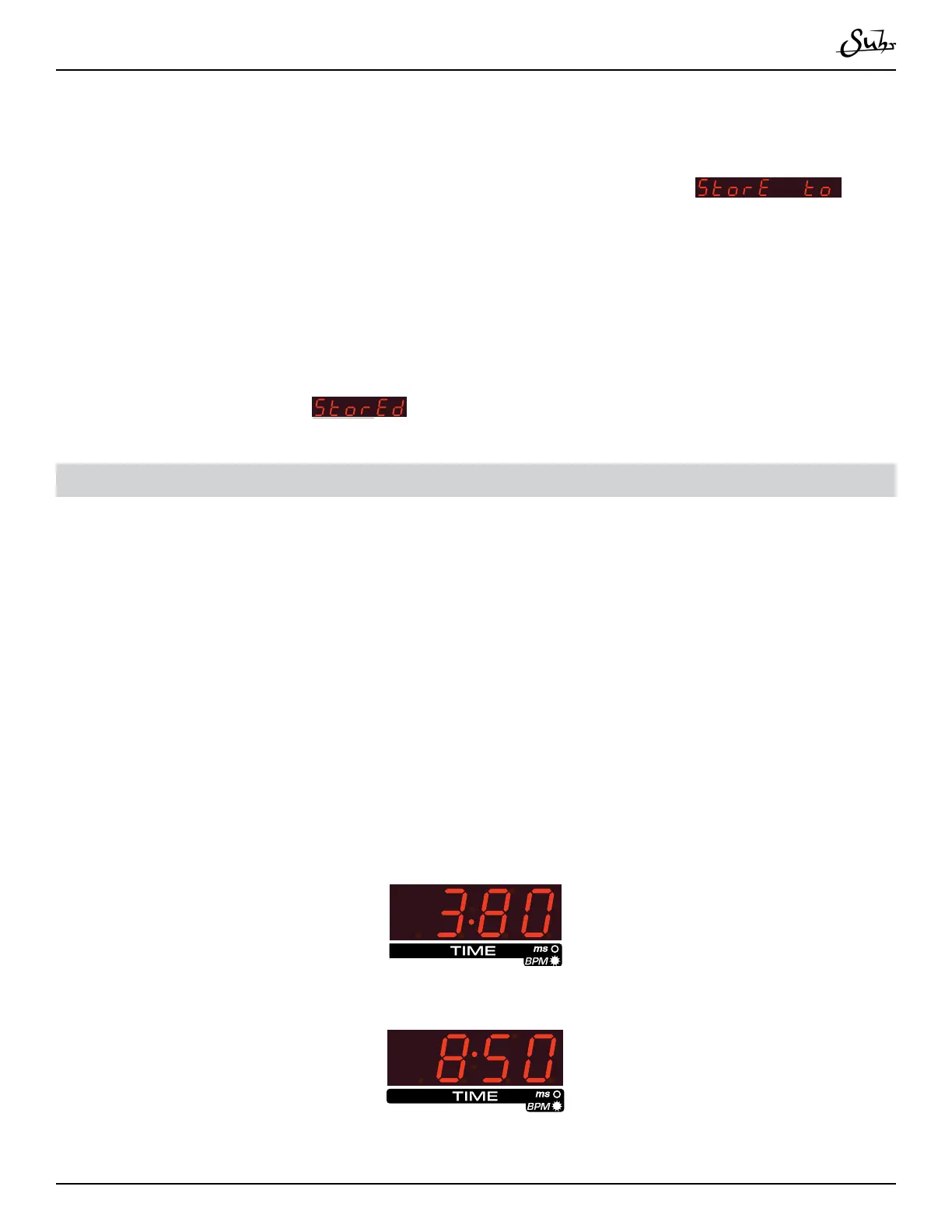
3. When in the top/bottom position, you should see a dot in the center of the dis-
play indicating you are in the right area� Set your controls as desired for this posi-
tion�
4. Tilt the expression pedal completely to the opposite direction, and repeat step 3�
5. Tilt the expression back and forth while playing to determine if the desired map-
ping is correct�



 To Next Page