57
Step 5 Insert the terminal base into the corresponding terminal.
table 5-3 Terminal definition
No Definition
1
RS485 A IN, RS485A differential signal+
2
RS485 A OUT, RS485A differential signal+
3
RS485 B IN, RS485B differential signal-
4
RS485 B OUT, RS485B differential signal-
Step 6 If other wiring operations need to be performed on the communication board, finish the wiring
operations before performing the following steps. If otherwise, continue to perform the fol-
lowing steps.
Step 7 Install the junction box, see
" Install the Junction Box".
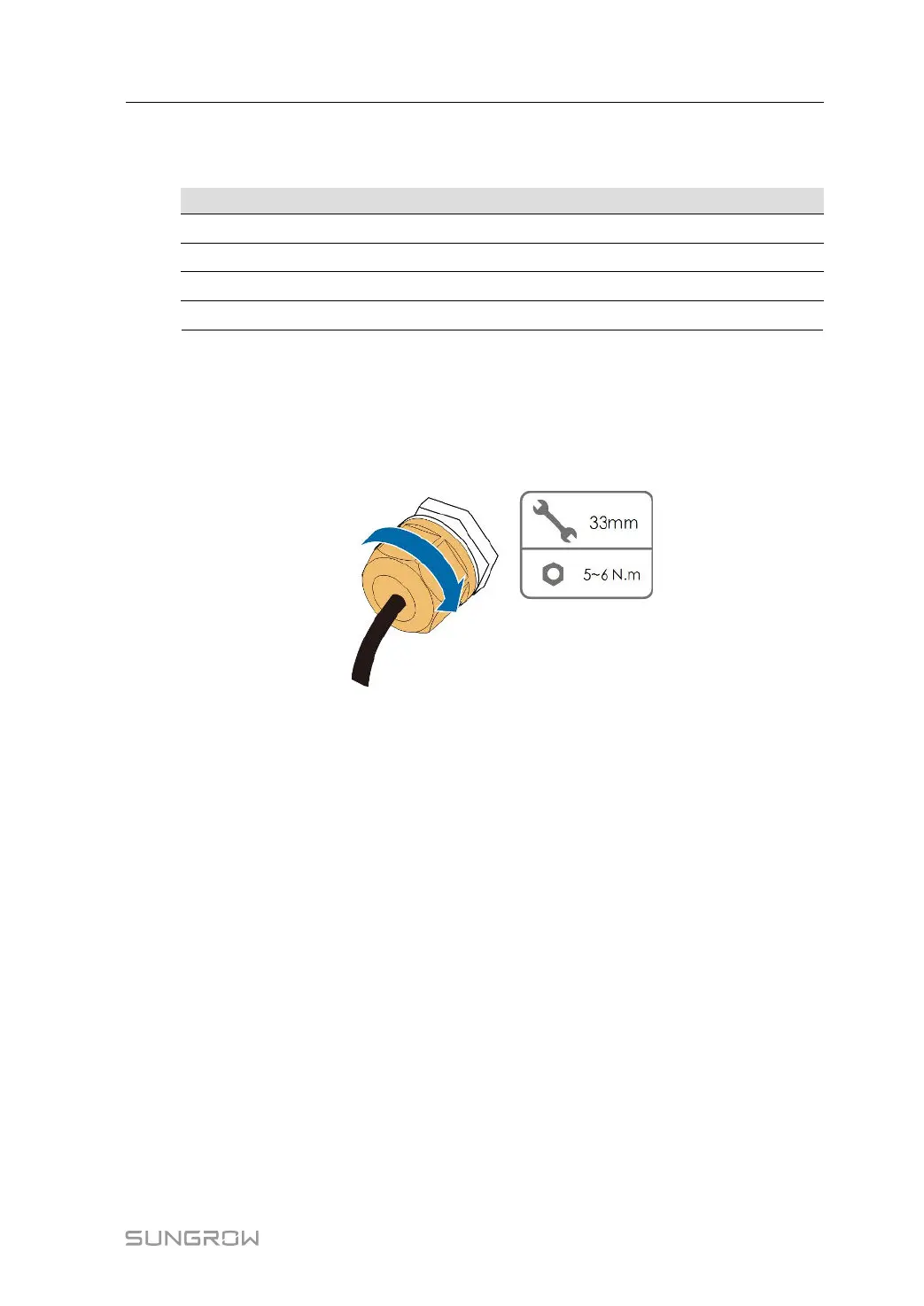
Step 8 Pull the cable gently to make sure it is secured, tighten the swivel nut clockwise.
- - End
5.10.4 Connection Procedure (RJ45 Ethernet Port)
Step 1 Remove the communication junction box, see " Remove the Junction Box".
User Manual 5 Electrical Connection



 To Next Page