3.3 Registering Your Versa6SDPro
TM
To register and name your Versa6SDPro
TM
:
Go to the Dashboard on the Touchscreen Controller.
Input your Admin Password.
Click the Admin Setup Button.
Give your Versa6SDPro
TM
a name and enter it in the first box.
Enter the Booth Location
Enter your Sunless Inc. Customer ID Number. This is the same number you use
when ordering on the Online Marketplace.
The booth serial number should already be filled in.
The machine voltage should have been set during installation. Do not change
the voltage settings without the consultation of a Certified Sunless, Inc. Tech.
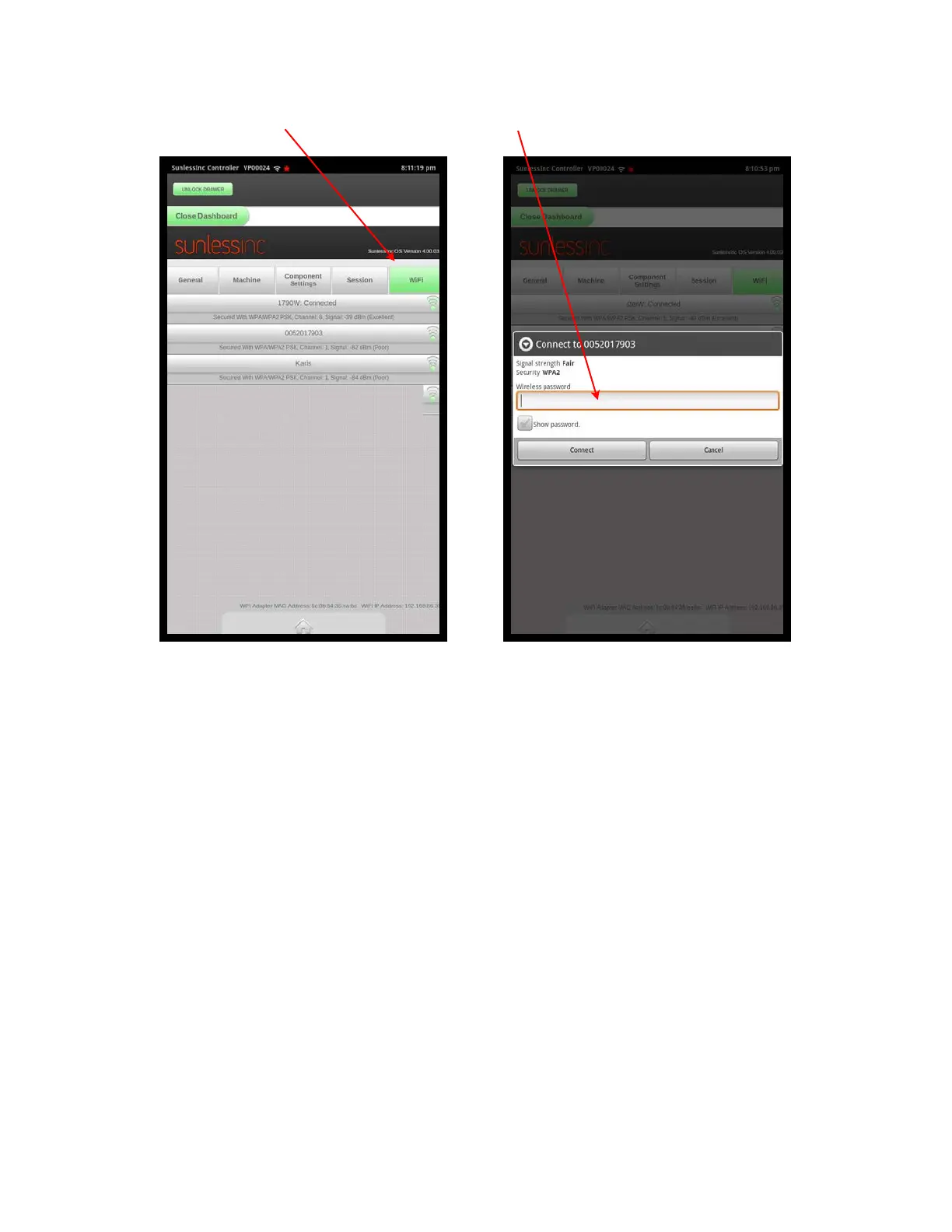
See the following screen shots for registering.
Section 3! Setup
19
Wifi Tab Enter Wifi Password here



 To Next Page