6.1 Automatic Washdown
It is recommended that the Versa6SDPro
TM
washdown be ran after every session as it
will clean the walls, the floor, the exhaust filter, and the inside of the exhaust column.
Auto Washdown can be enabled in the Machine Settings Tab of the Salon Setup Menu
(see Section 3.9) Also the washdown can be manually activated from the main
Dashboard screen.
6.2 Booth Cleaning
To keep your Versa6SDPro
TM
looking its best, it is recommended that your Versa6SD
Pro
TM
be wiped down at the end of every day with a soft towel and warm water. You
can wipe down the walls, columns, base, roof, etc. The touchscreen can be cleaned
with any standard computer monitor wipes or cleaner. NEVER use abrasive or caustic
cleaners on your Versa6SDPro
TM
as it will damage the finish of the components.
6.3 Primary Exhaust Fan Filter Cleaning
Your Versa6SDPro
TM
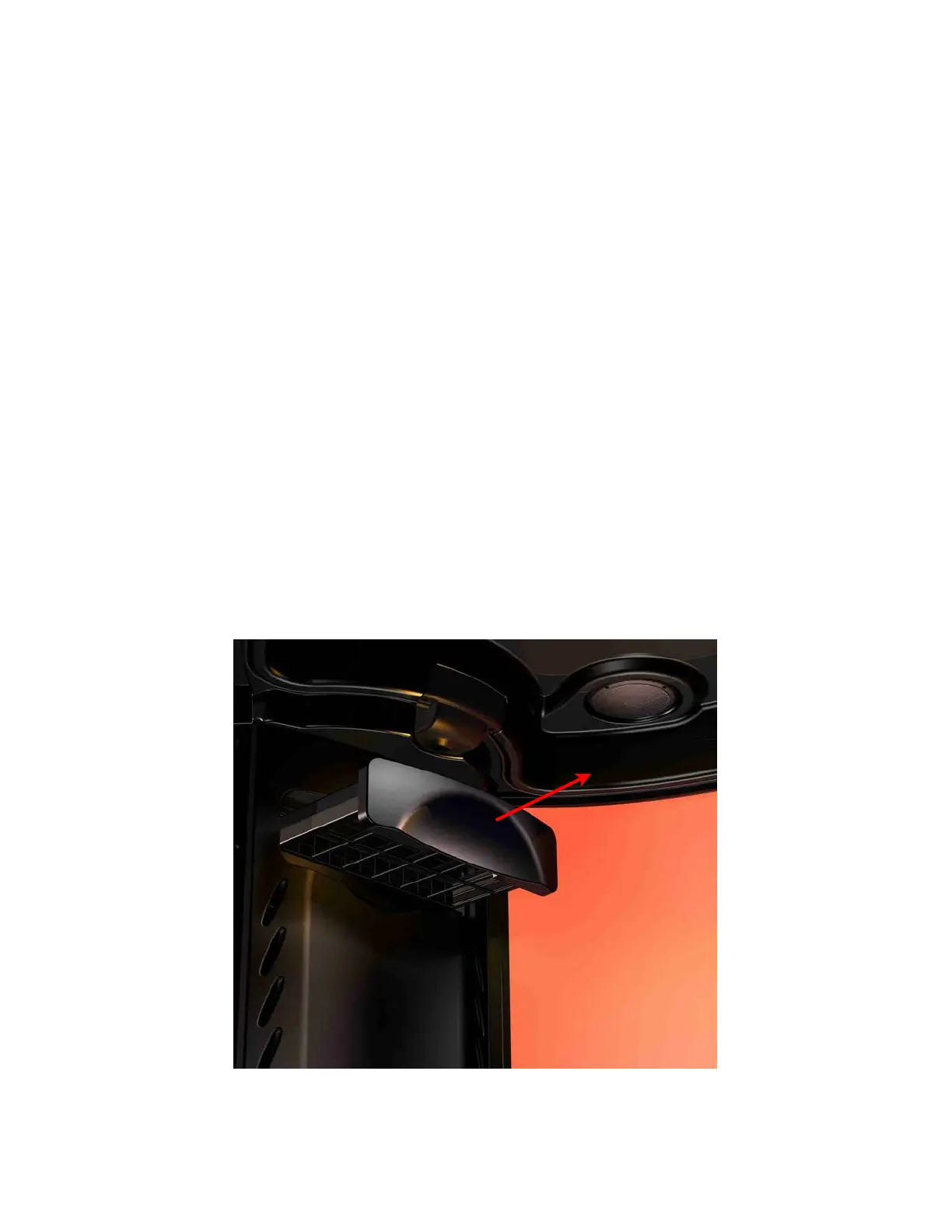
will automatically rinse the primary exhaust fan filter every time it
performs a washdown but it is recommended that once a week it is removed and rinsed
thoroughly with warm water. To do this, remove the filter as shown below and take to a
utility sink. Rinse all sides with warm water, let dry and re-insert back into the machine.
Section 6! Maintenance and Cleaning
4



 To Next Page