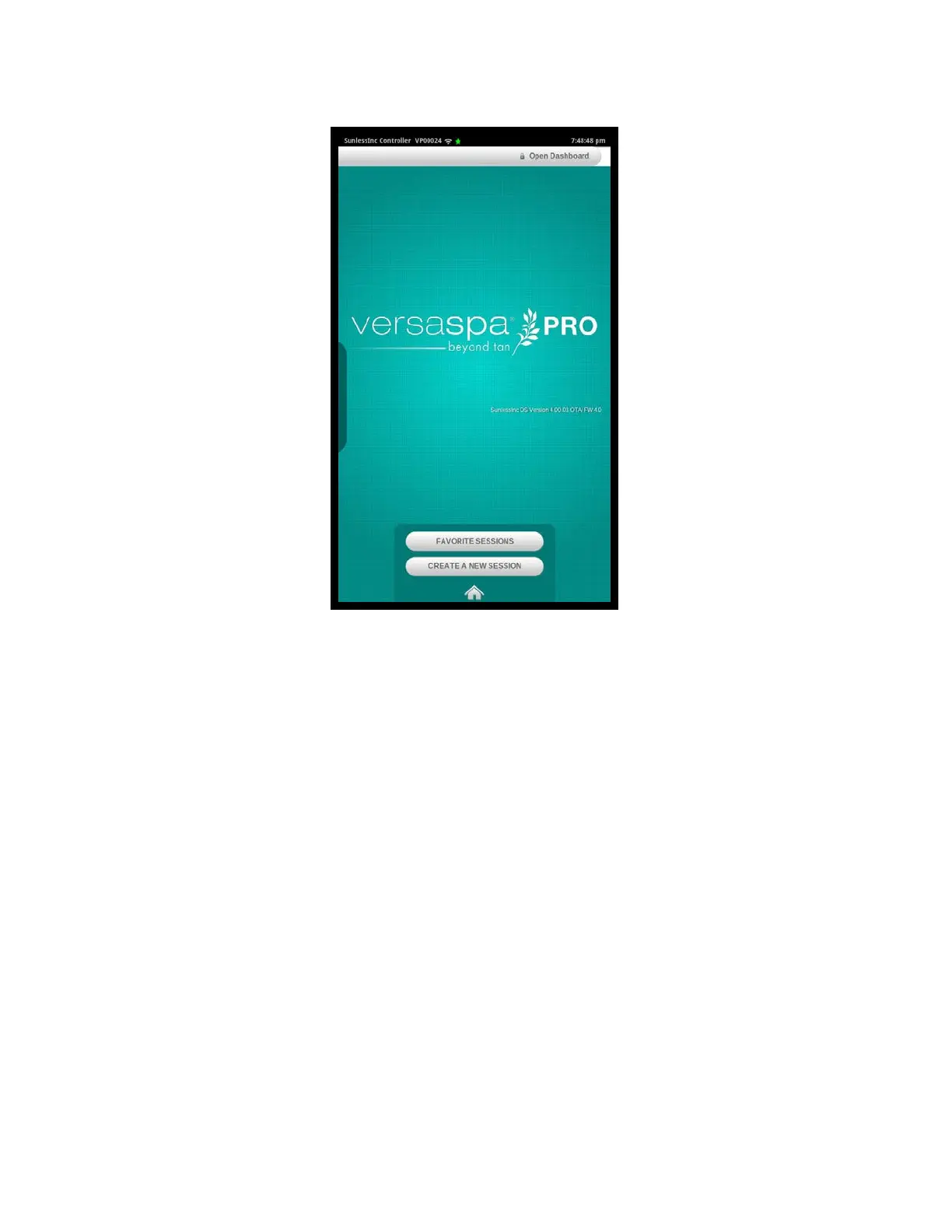
• Run a Favorite Session: Touching the Favorite Sessions button will pull up a list ofpre-
defined multi-sessions for quick access to activate one of these sessions. Section
7.12 of this manual describes how to create and modify Favorite Sessions.
• Create a New Session: Using an innovative Session Builder, it is simple and easy to
create a custom session on the fly that can consist of up to four treatments, with anyof
the four solutions, at any level between 1 and 4, and for each body part includingfull
body, just face, or just legs. Section 4.3 describes in detail how to use the Session
Builder.
• Watch Instructional Video: This is a great place to show new clients all of the
information on receiving a Versa6SDPro
TM
Heated Sunless Spa Series session.
Section 2!
Getting to Know Your Versa6SDPro
TM
13
Versa6SDPro
TM
Home Screen
2.4 Understanding Your Touchscreen Controller
Your Versa6SDPro
TM
is equipped with the most advanced and easy to use interface in
the industry, powered by Sunless Inc. OS. From the Home Screen, shown above,
everything you need to set your preferences, run sessions, and troubleshoot your unit is
just a few touches and swipes away. Directly from the Home Screen you can:



 To Next Page