4.6 Starting a Session Using a Closed Contact Timer
If you are using a non-TMax timer system, it is still possible to use your timer as a
security mechanism to activate your Versa6SDPro
TM
. Basically, when time is sent to
the machine, it will allow you to select a Favorite Session or Create A New Session as
described in Sections 4.3 and 4.4. We recommend sending a time value of between 2
and 8 minutes maximum. You can also assign different pricing in your Salon Software
for 2,3,4,5,6,7, and 8 second codes and have them correspond to different types of
sessions.
Make sure you let your installer know if it will be set up this way so he can properly
connect your timer system to the Versa6SDPro
TM
controller.
4.7 Canceling a Session
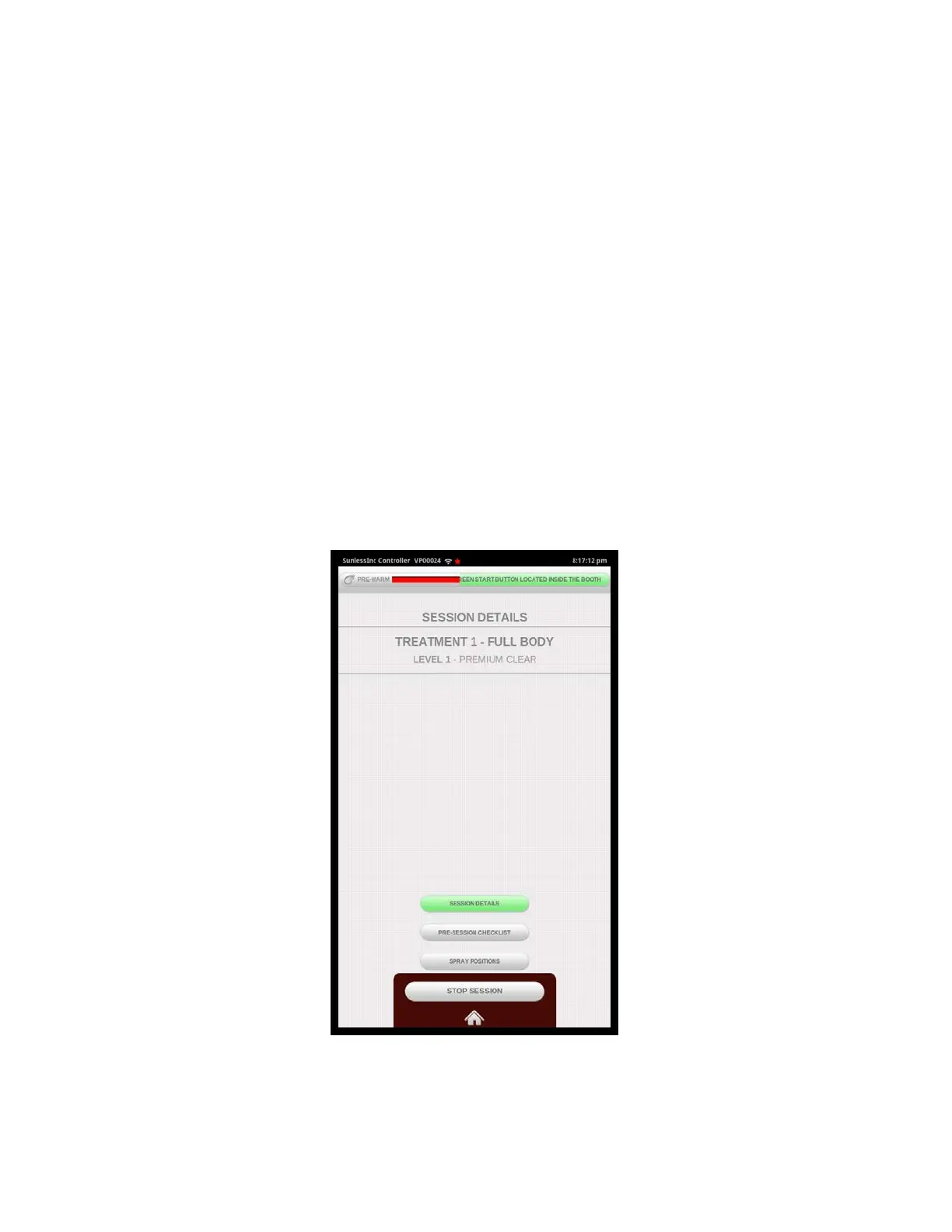
At any time after a session is Activated, it can be easily cancelled by pushing the Home
Button at the bottom of the screen and selecting the Stop Session in the pop-up
dialogue box. Also if using a Tmax system, simply send a zero reset command.
Section 4!
Using Your Versa6SDPro
TM
39
Stop Session Shown



 To Next Page