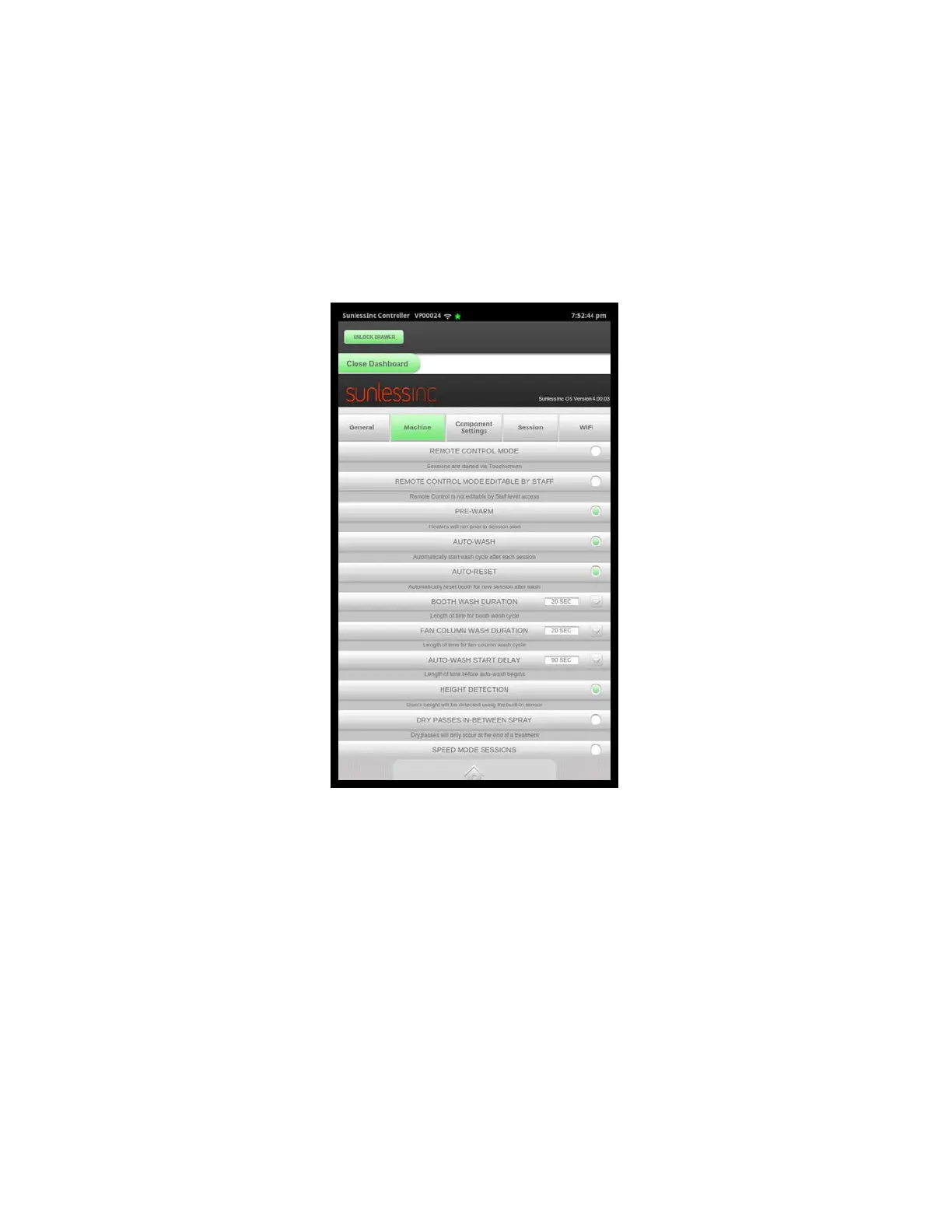
Salon Setup Machine Tab
faster service response times should there be an issue with your machine. WiFi must
be enabled and connected for this to function.
•
Use 24-Hour Time Format: When enabled your system will use and display the time
in the 24-hour format. When disabled, it will display the time in the 12-hour format.
•
Select Time Zone: Select the time zone of your location.
•
Set Date: Set the current date.
•
Set Time: Set the current time. It is important that your time and date are set properly
so that your reporting and tech support submissions are accurate.
7.3.2 Machine Settings
All settings in this section are outlined in Section 3.8 of this manual.
Section 7! Advanced Touchscreen Functions
5



 To Next Page