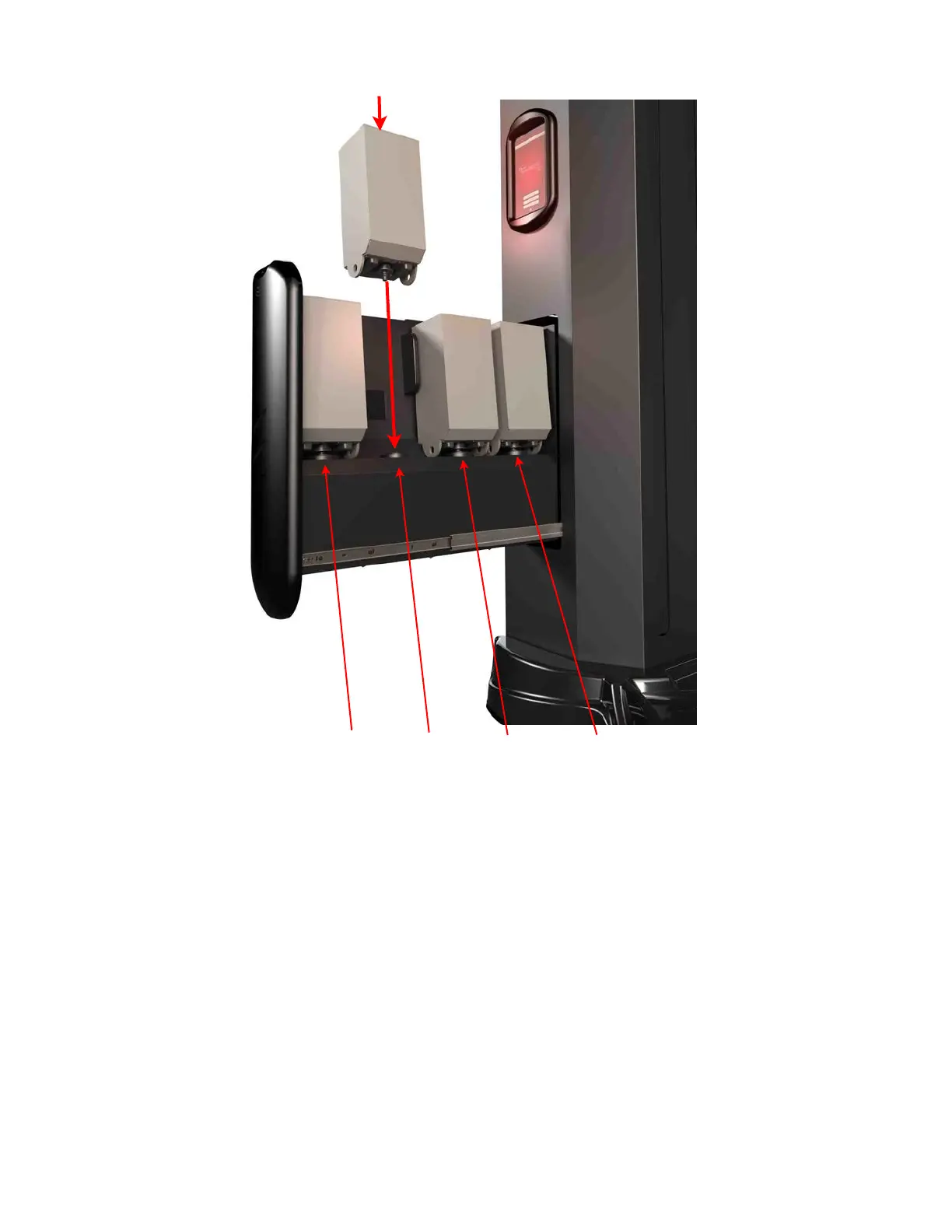
3.7 Setting Session Parameters
All Session Parameters can be modified from the Dashboard in the Salon Setup
Screen. A Manager or Admin password is required to access the Salon Setup Menu.
The names of each solution in all four slots will be displayed and selecting the name will
highlight it and allow the parameters for that solution to be modified. The recommended
factory settings for each solution is programmed on the container but these settings can
be modified based on your preferences within pre-defined limits. Use care when
modifying any of these parameters.
In Session Parameters, the following can be modified:
Section 3! Setup
23
Slot #1 Slot #2 Slot #3 Slot #4



 To Next Page