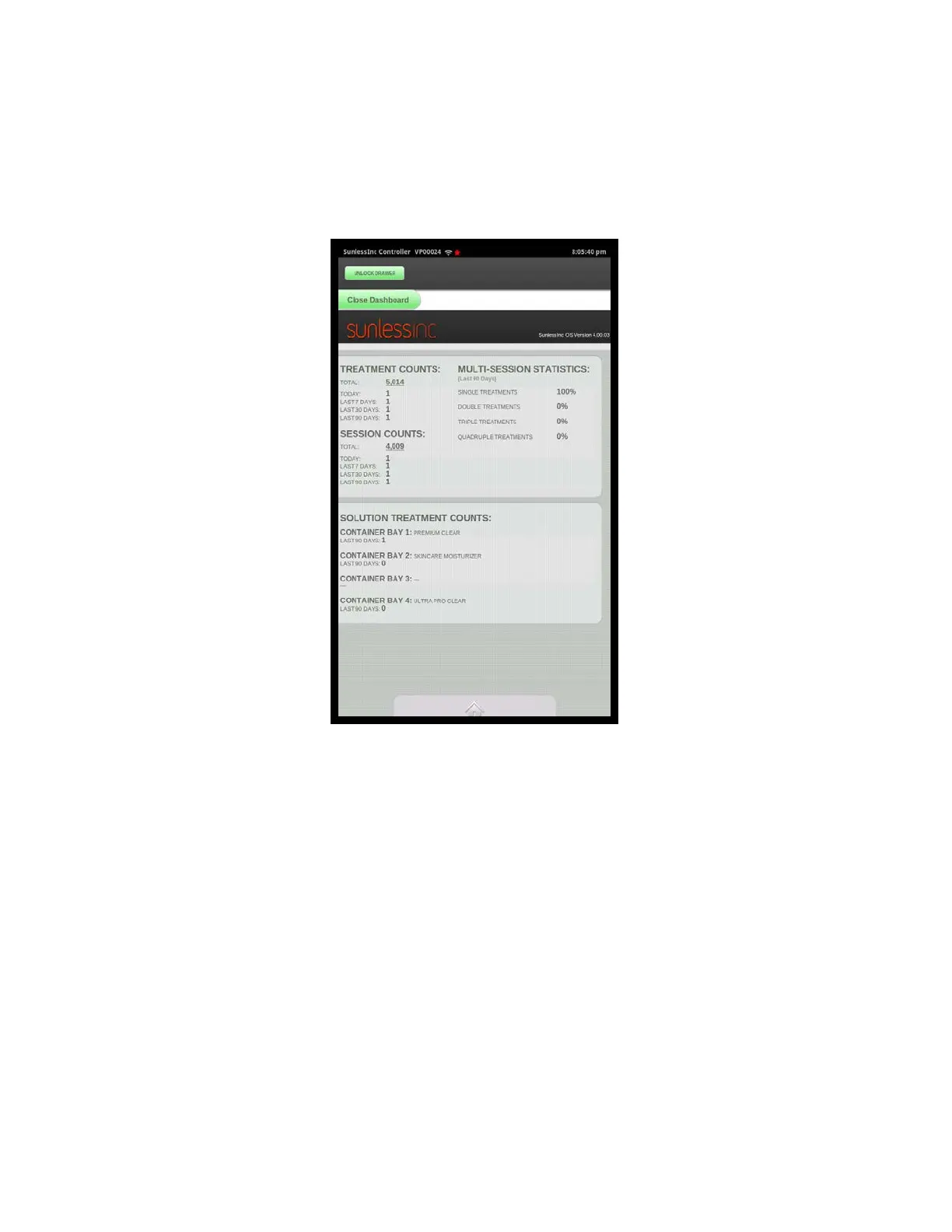
7. View Statistics: This option allows you to view general usage statistics of your
machine. You can view Total Session Counts broken out by the Day, Week, Month, or
Total. You can also see individual session counts for each type of solution you have in
your machine with a pie chart showing the breakdown.
Section 7! Advanced Touchscreen Functions
6
View Statistics Screen
7. Check For Updates: Selecting this option allows your machine to communicate
with Sunless, Inc’s Cloud Server to see if your software is up to date. If it is, it will
display a message saying “No Updates Available At This Time”. If there is an available
update, it will guide you through downloading and installing it.
7. Import Media Content: The SD card located in the main control box stores all the
media being played on your sound system. If there is a language change or end of
session message change, the media files can be added to the SD card and imported
here. Please contact a Sunless, Inc. Tech before performing Media Imports.



 To Next Page