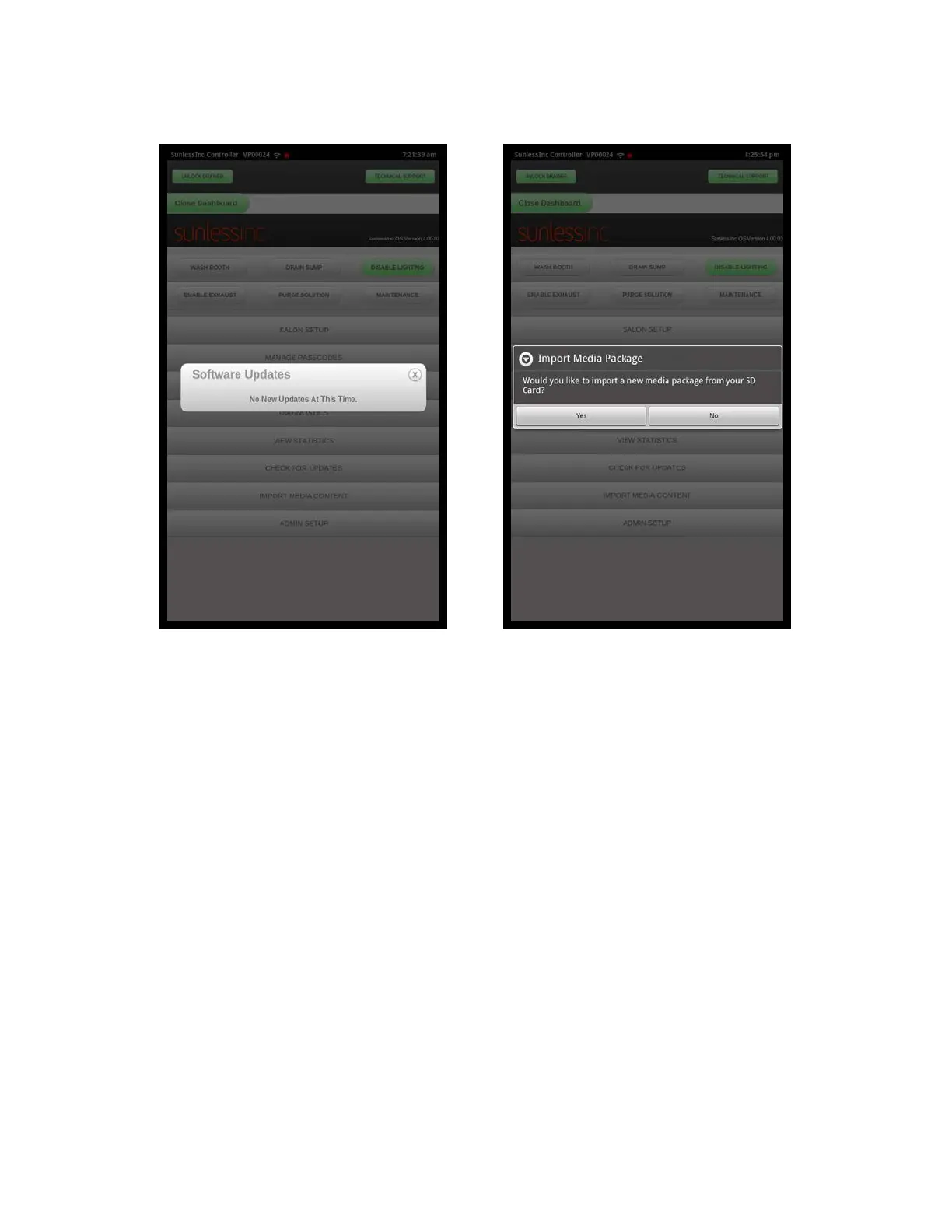
Check For Updates Screen
7.1 Admin Setup: The Admin Setup section of the Dashboard contains an Info Tab, a
Service Tab, and a Metrics Tab.
•
Admin Info Tab: This area has the booth information including: Booth Name, Booth
Location, Customer ID Number, and Booth Serial Number. It also contains an area
where you select the voltage that your machine is plugged into. All of this information
should be filled out at installation by a certified Sunless, Inc. Tech. The Info Tab also
includes options to Reset, Import, and Export Favorites. If you wish to Reset your
Favorites to the factory default, select this option. If you have multiple salons and
want to easily duplicate one machine’s Favorites to all of your machines, you would
select the Export Favorites To External Media option and it will create a new file on the
SD card with this machine’s Favorite settings. You can take this SD card to any of
your other machines and from the Info Tab, select Import Favorites From External
Media and it will import the Favorites from the SD card.
Section 7! Advanced Touchscreen Functions
6
Import Media Content Screen



 To Next Page