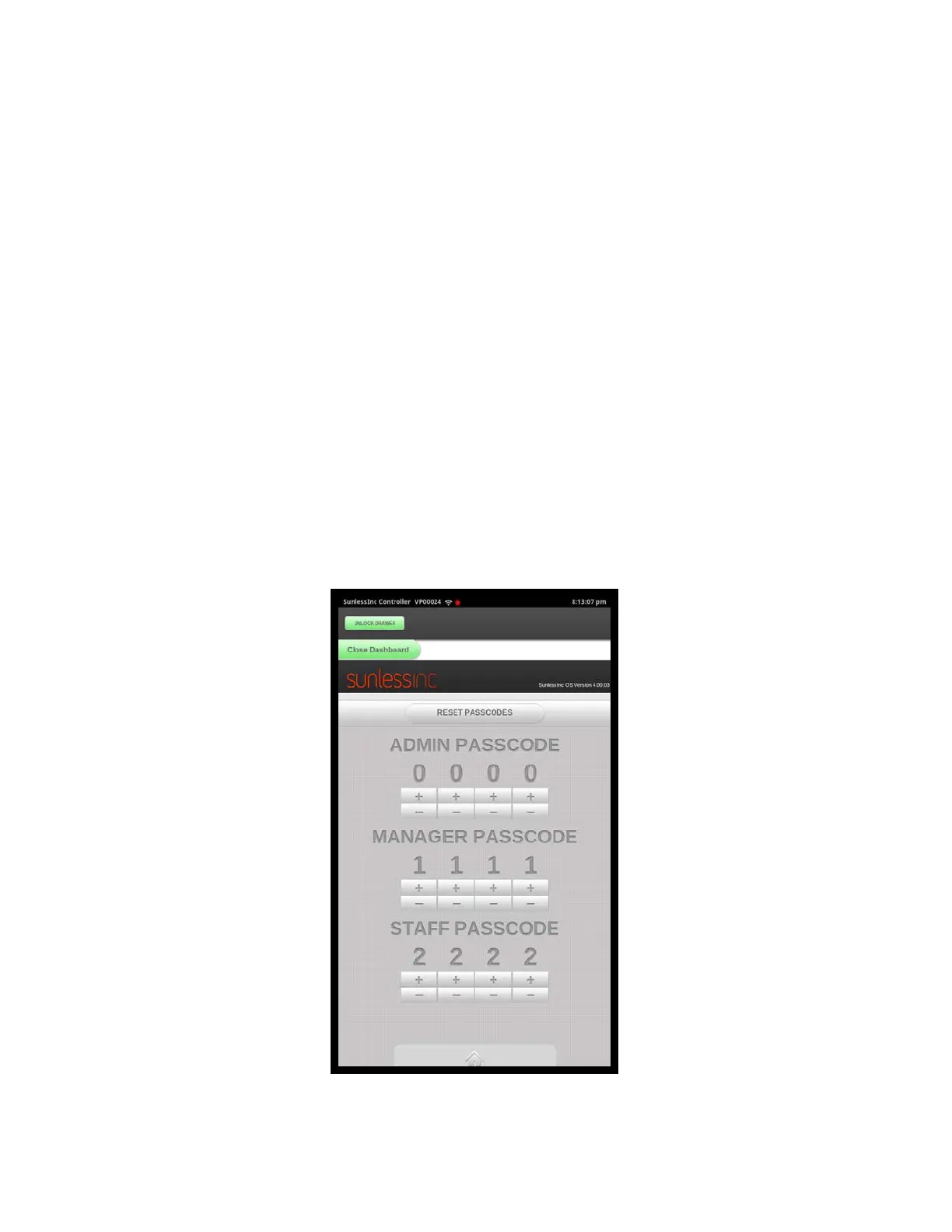
7.4 Manage Passcodes: Your Versa6SDPro
TM
allows you to set three different
levels of access to the control system. The three levels are:
1. Admin: All functions, settings, and parameters are accessible. The default code
is 0000.
2. Manager: All functions of the Admin except Admin Setup, Manage Passcodes,
Manage Security Keys, Importing Media Content, and Tech Utilities. The default
code is 1111.
3. Staff: This level is limited to opening the drawer,changing solutions, washing the
booth manually, enabling/disabling the interior lighting, checking for updates,
viewing the owner’s manual and getting tech support. The default code is 2222.
It is important to change all three codes and write them down in a safe place for future
reference. To change the codes:
1. Go to the Dashboard on the Touchscreen Controller.
2. Input your Admin Password.
3. Click the Manage Passcodes Button.
4. Enter a new passcode for all three levels.
Section 7! Advanced Touchscreen Functions
5
Manage Passcodes Screen



 To Next Page