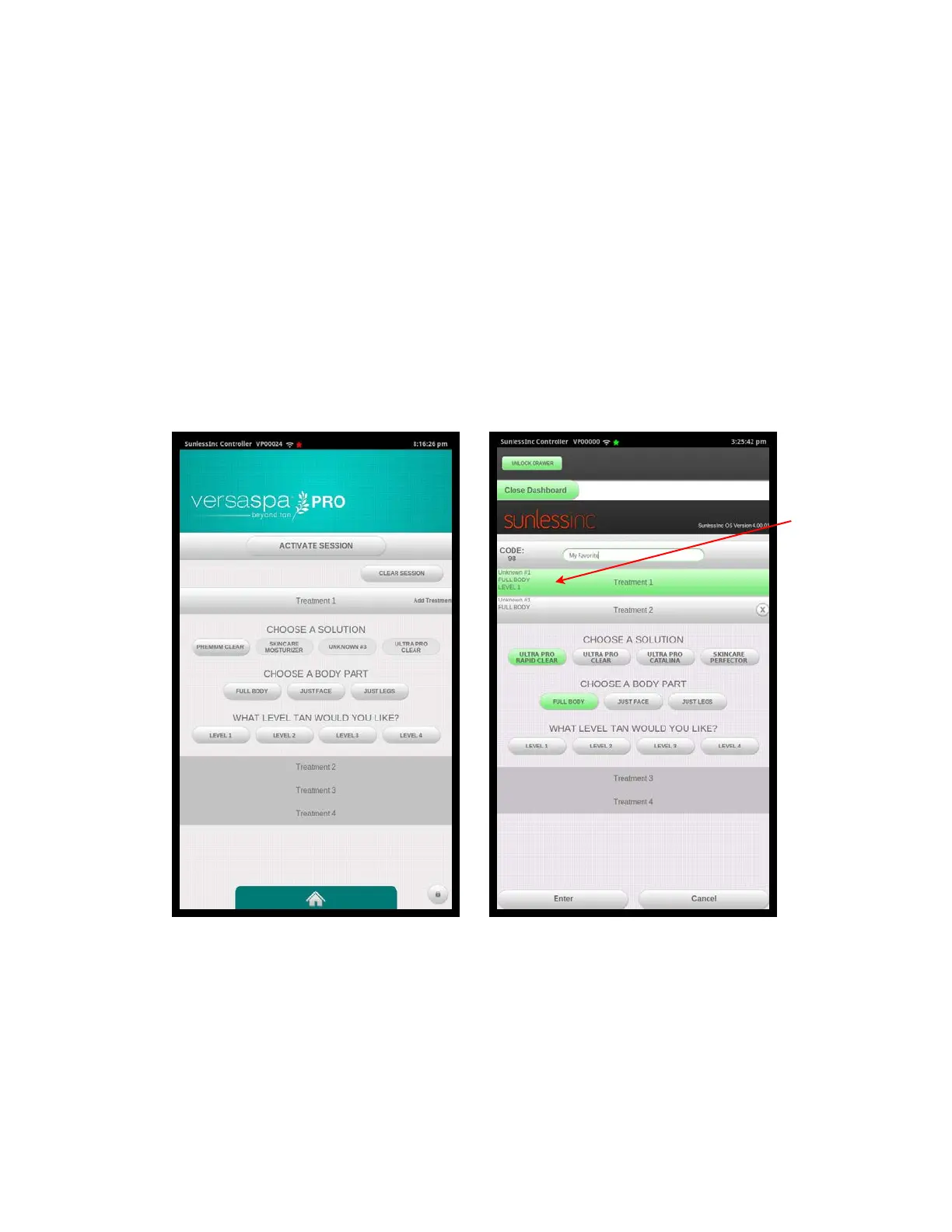
Adding Favorites
To add a Favorite:
1. Go to the Dashboard on the Touchscreen Controller.
2. Input your Admin Password.
3. Select the Manage Favorites Button.
4. Select the Create New Favorite Button at the top.
5. Select in the Favorite Name Box to assign a name to this Favorite.
6. Enter all the parameters for Treatment 1: Solution, Body Part, and Level.
7. Select the Treatment 2 box and enter all the parameters for Treatment 2.
8. If desired, enter all the parameters for Treatment 3 or 4.
Section 4!
Using Your Versa6SDPro
TM
35
Treatment
1 Details
Shown
Create Favorite
Treatment one Details
Create Favorite
Treatment two Details



 To Next Page