•
Slide Motor: Allows you to test the function of the Slide Motor by moving it up or
down at a given speed. You can also select to move it a set distance or all the way up
or down to its limits. Pressing the Test Slide Encoder Button after selecting your
speed will move the slide and when finished, a report screen will appear showing the
results of the test and if it has moved within allowable tolerances.
•
Slide Encoder: Allows you to test the function of the Slide Encoder by instructing the
slide motor to move the slide at a specific speed and reading the encoder and
comparing the results. Pressing the Jog Slide Motor Button after selecting your
options will move the slide and when finished, a report screen will appear showing the
results of the test and if they are within allowable tolerances.
Section 7! Advanced Touchscreen Functions
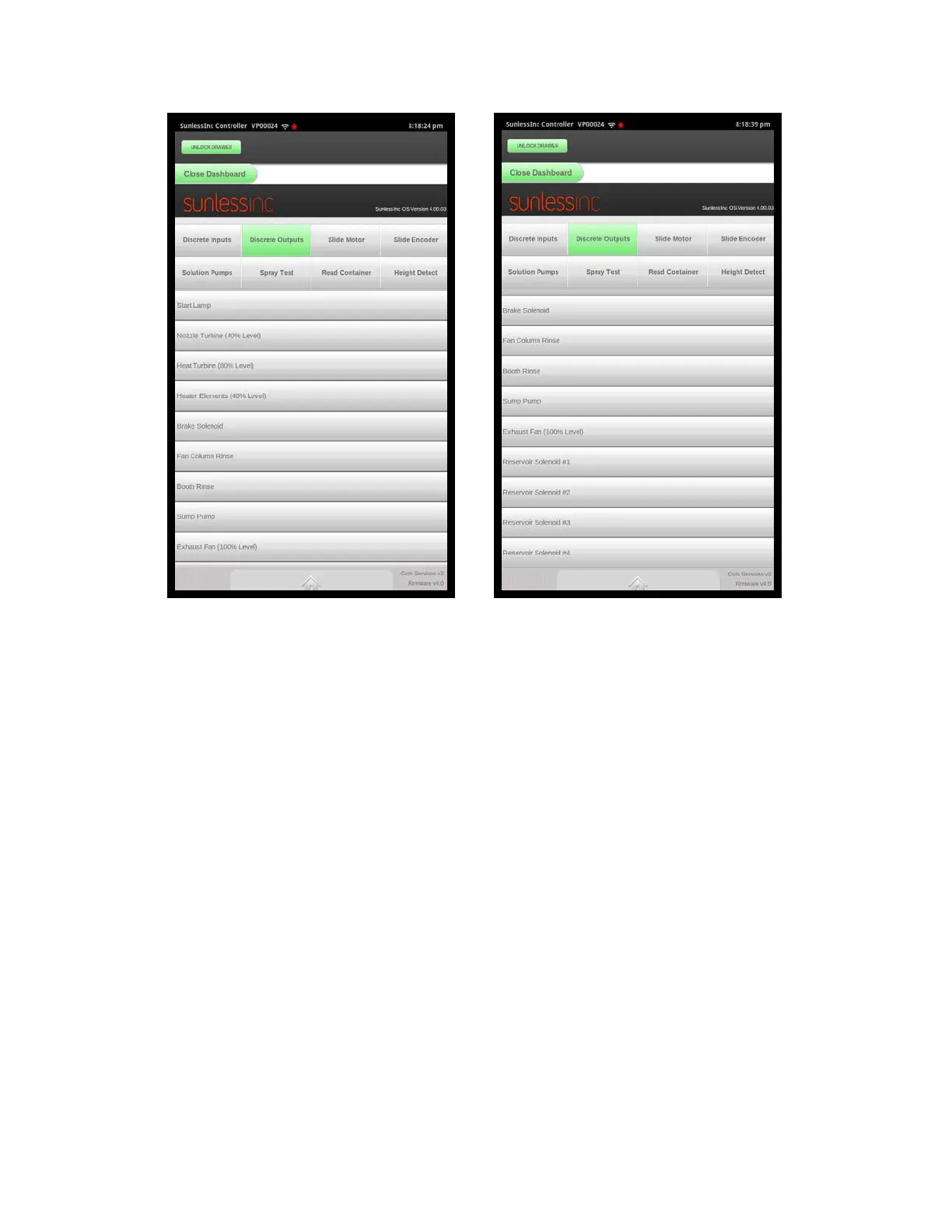
Discreet Outputs Screen 1 Discreet Outputs Screen 2



 To Next Page