OPERATION & MAINTENANCE MANUAL SWDE120B-3
2.4.2 Settings Interface
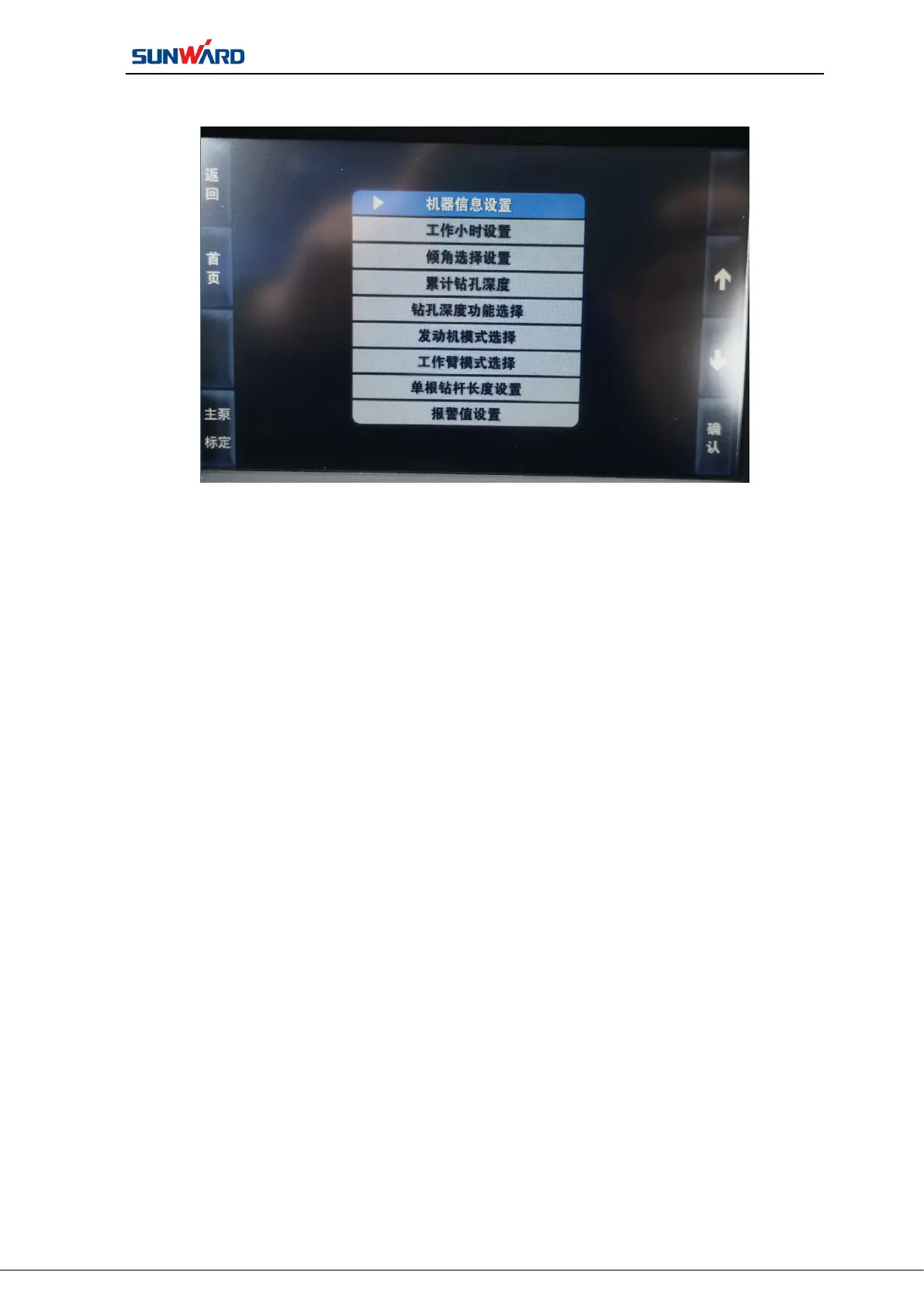
Figure 3.4 Setting Interface
Press “SET”on main operating interface (figure 3.2) to enter“setting interface”.
Click the button on the interface to perform operation, but you must enter login password
before entering the interface. Click “HOME PAGE”(F2) , return to the main operation
interface.(Figure 3.2)
The setting interface includes setting: date, rotary head block forwarding time, login
password, pulse valve output.



 To Next Page