OPERATION & MAINTENANCE MANUAL SWDE120B-3
2.4.1 Parameter Interface
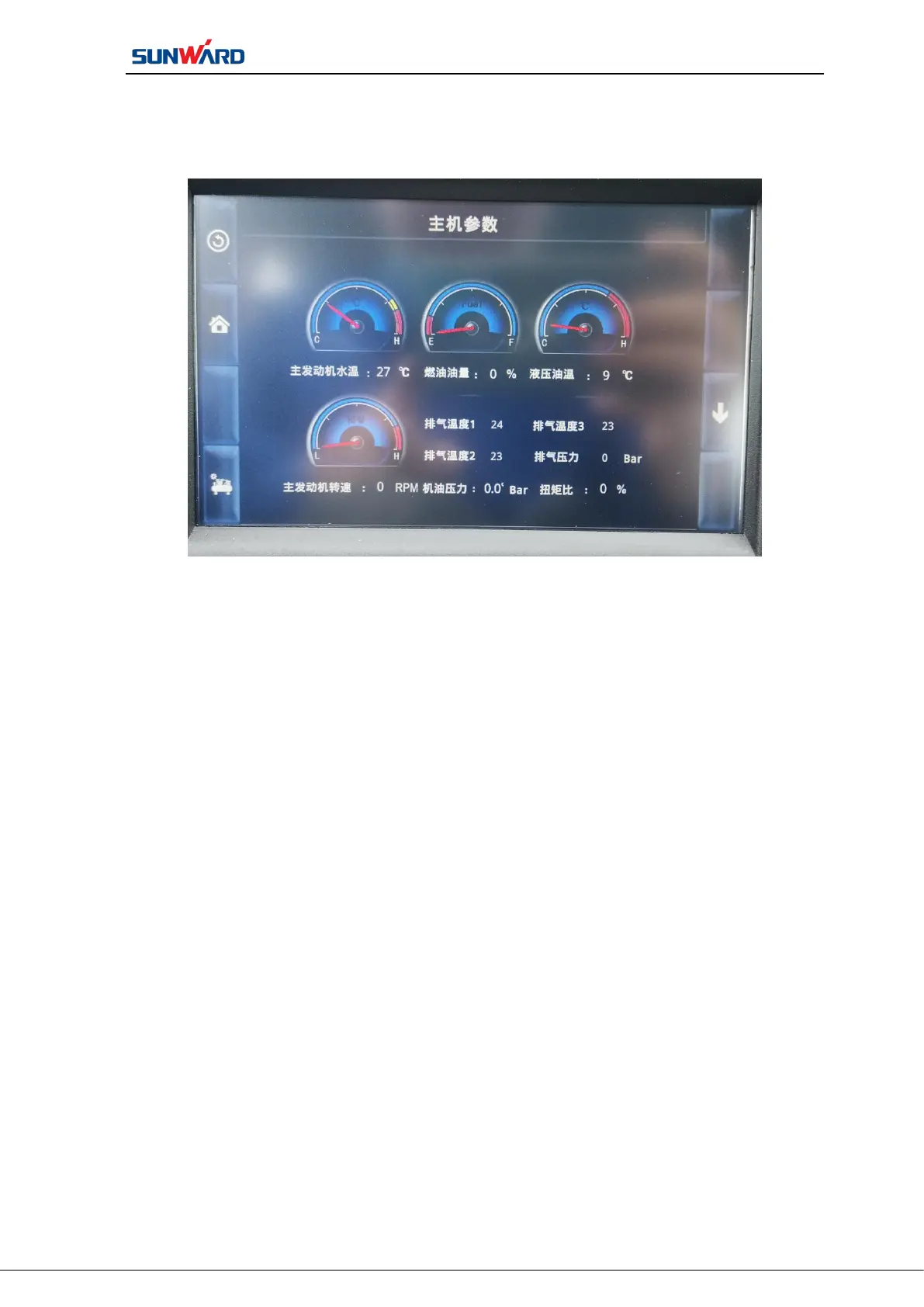
Press “PARAMETER” ( F2 ) on main operating interface(figure 3.2) to enter“host
parameter interface”(See figure 3.3).
Figure 3.3 Host Parameter Interface
Press “PARAMETER”(F2)on main operating interface(figure 3.2) to enter“host
parameter interface”(See figure 3.3). Click the corresponding button on the interface to
perform corresponding operation. The parameter interface can view the host running
parameters, including: main engine water temperature, water tank, water tank level, voltage
value, working time, controller program version number, screen program version number,
machine model, machine number and drilling depth data.
Press “AIR COMPRESSOR PARAMETER”(F4)on current interface, you can view
the air compressor running parameters, including: air compressor engine water temperature,
speed, voltage, working time and oil pressure.



 To Next Page