OPERATION & MAINTENANCE MANUAL SWDE120B-3
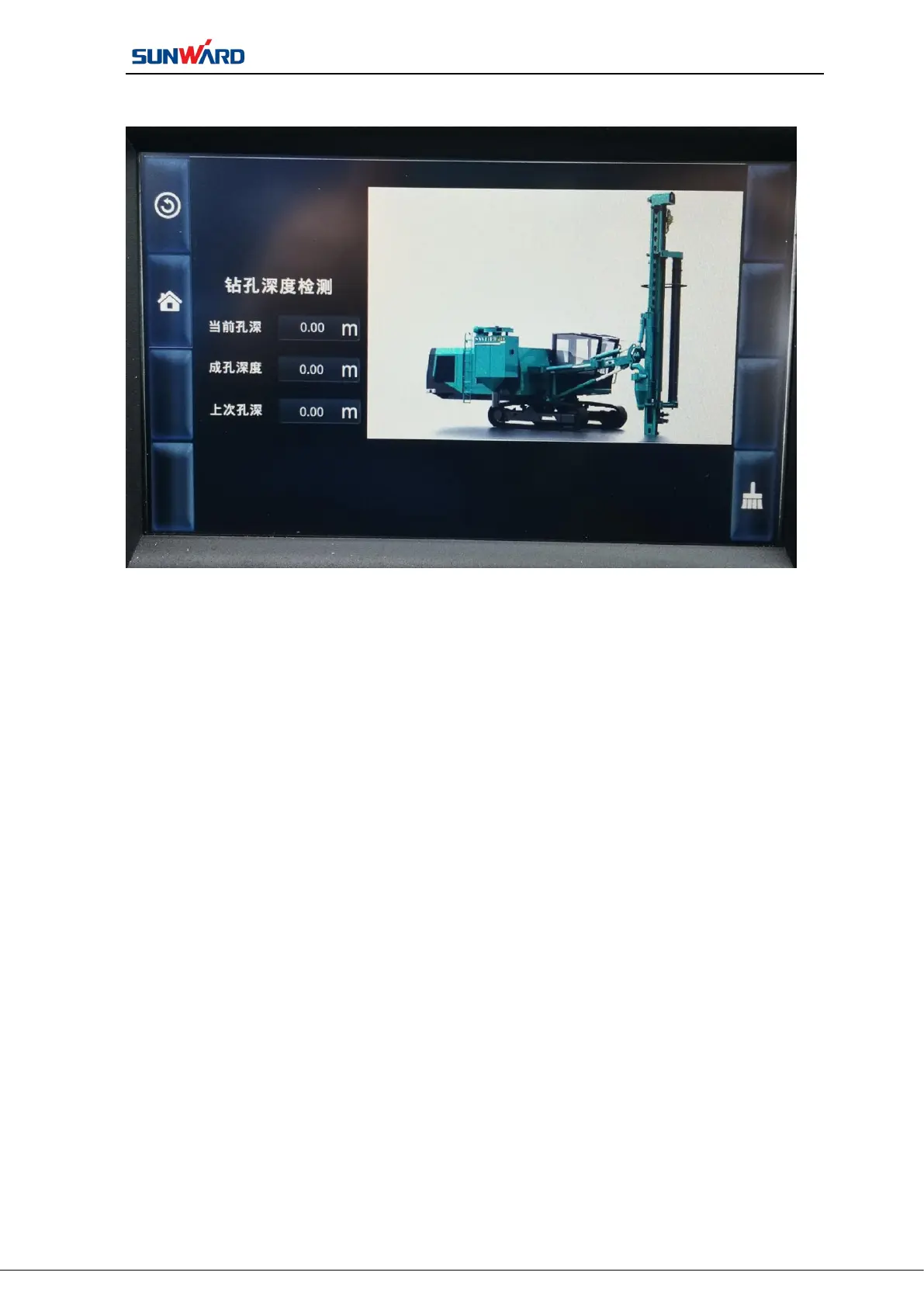
2.4.4 Drilling Depth Detection Interface
Figure 3.6 Drilling Depth Detection Interface
Press “drilling depth detection”on main operating interface (figure 3.2) to
enter“drilling depth detection”. Click the corresponding button on the interface to perform
corresponding operation:
Press “RESET” (F8), the current depth will be reset. This button can be easily
adjusted when the working ground height of the rig is not the same. Place the drill bit on the
ground and press this button to set the current depth to zero depth.



 To Next Page