- 12 -
Controls, Display (top) continued
PUSH
BASS
MID
TREBLE
TEXT VR PROG REPEAT
MENU/STORE
DISP SINGLE
A-B
CANCEL/DELETE
REC MODE
CD-RW PLAYBACK
CD RECORDING SYSTEM PSD300
MIC
PLAY
OPEN
REC/PLAY
ERASE FINALIZE
REC
SELECT
PUSH ENTER
POWER KEY TEMPOSTANDBY
11 12 13
11 KEY controls continued
Notes
• If the or the buttons are pressed while
another display (such as CD-TEXT) is shown, the
current position of the KEY control is shown first.
Once one of the or buttons are pressed a
second time the KEY changes.
• Once the key has been adjusted by pressing
either the or button, it is possible to also
adjust the tempo (CD playback speed). For a key
adjustment in a range of ±5.00 half steps, the
tempo can also be adjusted -33% to +50%.
• Pressing the STOP button during
stop mode will reset the KEY to
0.00 position
12 Tempo
controls
TEMPO
TEMPO can be changed in increments of 1% up to
+50% and -33%.
A "+" button increases the speed in steps of 1%.
A "-" button decreases the speed insteps of 1%.
Holding down either a "+" or a "-" button for more than
1 second causes the tempo adjustment to change
rapidly. Pressing both the "+" and "-" buttons at the
same time returns the TEMPO to 0% (normal speed).
TUNING Once the Tempo has been adjusted by
pressing either the - or + button, it is possible to also
fine tune (TUNING) the key (musical pitch).
Press to lower or to
raise the key (musical pitch).
TUNING
lets you tune the
CD output to a musical
instrument (CD drive only).
Useful when practicing an instrument because it lets
you adjust the music practice source to your instru-
ment.
The button raises the tuning in 0.1% increments
and is displayed as a whole number with a + sign. For
example, to raise the tuning of the CD by 1.5% the
display should show "+15".
The button lowers the tuning in 0.1% increments
and is displayed as a whole number with a - sign. For
example, to lower the tuning by 0.8% the display
should read "-8".
TOC
information is held in memory. The table of contents
includes the total number of tracks, playback time and
other CD text if provided. Flashes during recording.
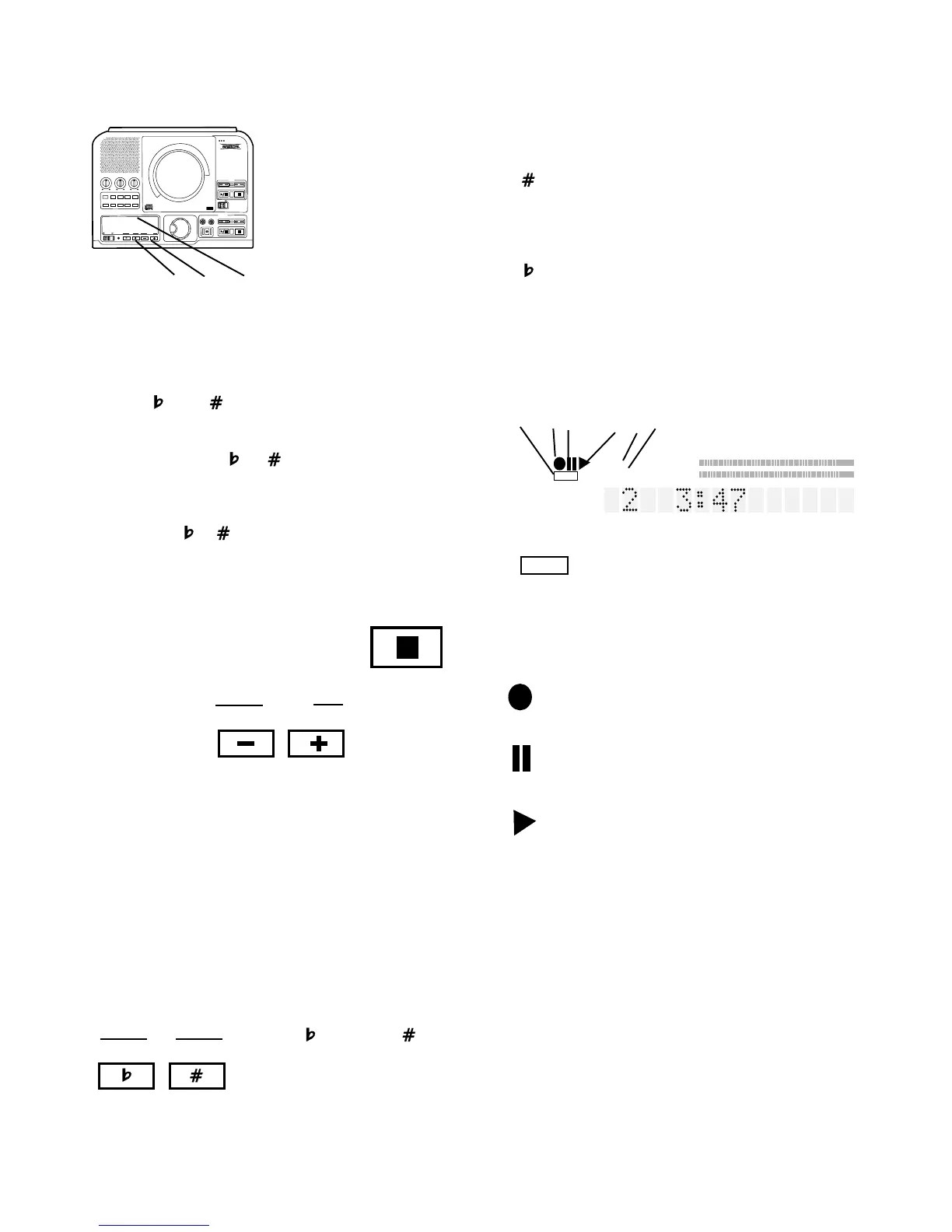
1 TOC
Lit when TOC (disc table of contents)
3 Pause indicator
Lit when recording or playback has been
paused.
2 Record indicator
Lit when recording.
5 PROG indicator
Lit during programming mode (selecting
track playback sequence).
PROG
6 REPEAT indicator
Lit during a repeat operation.
When the 1 indicator is also lit only the
currently playing track is repeated.
REPEAT
4 Play indicator
Lit during recording or playback.
13 Display
R
L
dB-50 -30 -22 -16 -12 -8 -4 0OVER
1 A B TOTAL TRACK
REPEAT AUTO SYNC
PROGRANDOM DIGITAL
STANDBY
CD-RW
CD TEXT
TOC
1 2 3 4 5 6
REPEAT
1



 To Next Page