- 37 -
How to erase CD text
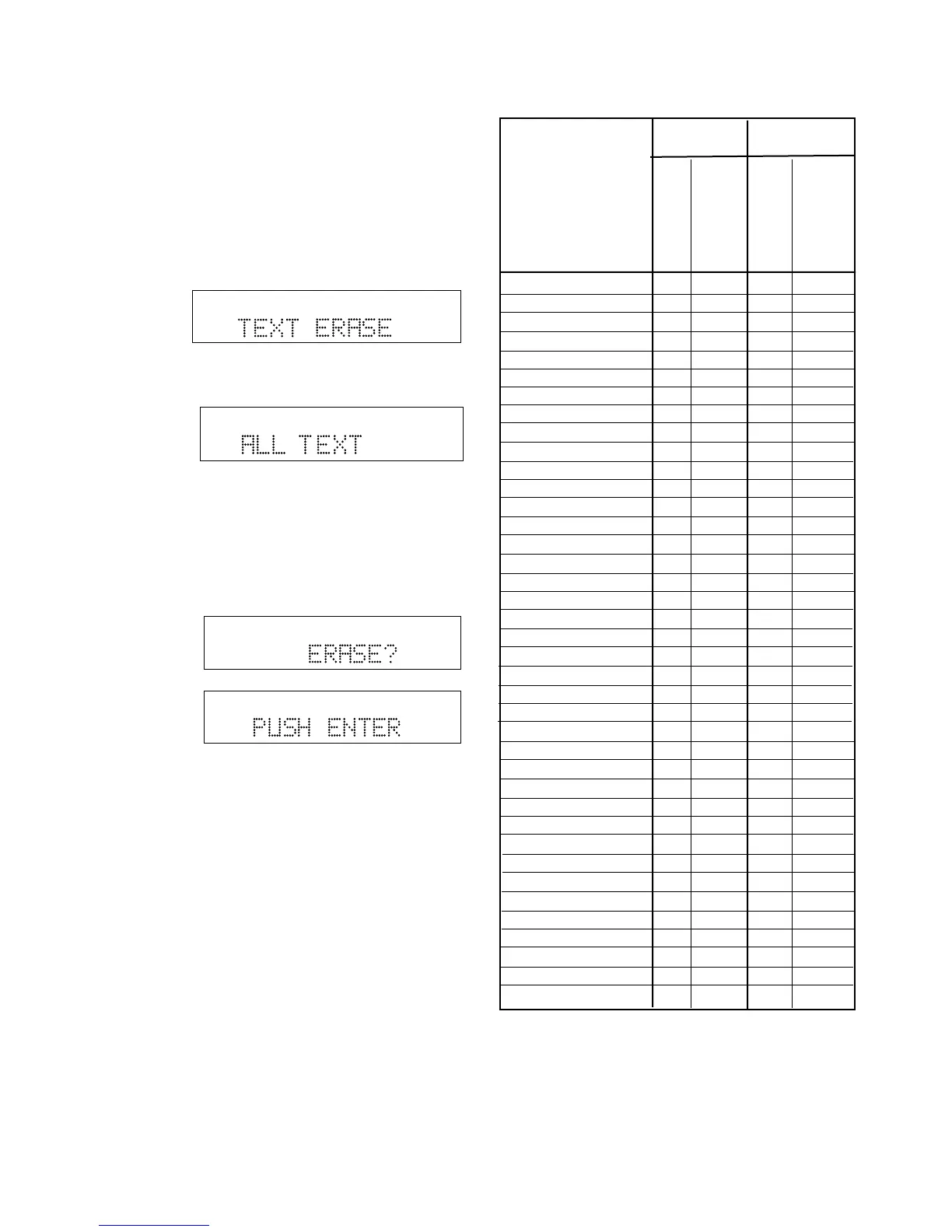
The TEXT ERASE menu item lets you delete CD text
that has been entered.
With your unfinalized disk in the CDR drive and
stopped
1 Push and release MENU/STORE.
2 Turn the SELECT control so TEXT ERASE is
displayed.
TOTAL TRACK
CD-R
R
L
dB-50 -30 -22 -16 -12 -8 -4 0
CD-RW
3 Push and release the SELECT control to confirm
the selection. ALL TEXT is displayed.
TOTAL TRACK
CD-R
R
L
dB-50 -30 -22 -16 -12 -8 -4 0
CD-RW
When ALL TEXT is displayed, turn the SELECT
control to select erasing only the CD title or a track
title.
4 Push and release the SELECT control to confirm
the selection. ERASE? is displayed briefly, then
PUSH ENTER is displayed.
TOTAL TRACK
CD-R
R
L
dB-50 -30 -22 -16 -12 -8 -4 0
CD-RW
TOTAL TRACK
CD-R
R
L
dB-50 -30 -22 -16 -12 -8 -4 0
CD-RW
Push and release the SELECT control to erase the
selected text.
0 _ Space 20 00 26 00
1 ABCabc 20 01 26 01
2 DEFdef 20 02 26 02
3 GHIghi 20 03 26 03
4 JKLjkl 20 04 26 04
5 MNOmno 20 05 26 05
6 PQRpqr 20 06 26 06
7 STUstu 20 07 26 07
8 VWvw 20 08 26 08
9 XYZxyz 20 09 26 09
PLAY 20 53 26 53
STOP 20 54 26 54
PAUSE 20 48 26 48
NEXT 20 32 26 32
PREVIOUS 20 33 26 33
FF 20 52 26 52
REW 20 50 26 50
PROGRAM 20 36 - -
CANCEL/DELETE 20 49 26 49
DISPLAY 20 11 26 11
TEMPO + 20 38 - -
TEMPO - 20 39 - -
KEY + 20 68 - -
KEY - 20 69 - -
AMS (intro scan) 20 43 - -
TEMPO RESET 20 37 - -
REC - - 26 55
OPEN/CLOSE 26 45 26 45
STANDBY 20 12 26 12
TEXT 20 15 26 15
ENTER 20 87 26 87
MENU/STORE 20 82 26 82
REPEAT 20 29 26 29
A - B 20 59 - -
CD 20 63 - -
CD-R - - 26 63
TR.INCR - - 26 114
SINGLE 20 59-11 - -
VR voice reduction 20 67 - -
CD code CD-R code
System (dec)
System (dec)
Command (dec)
Command (dec)
Function
RC-5 remote control codes



 To Next Page