- 27 -
How to Record continued
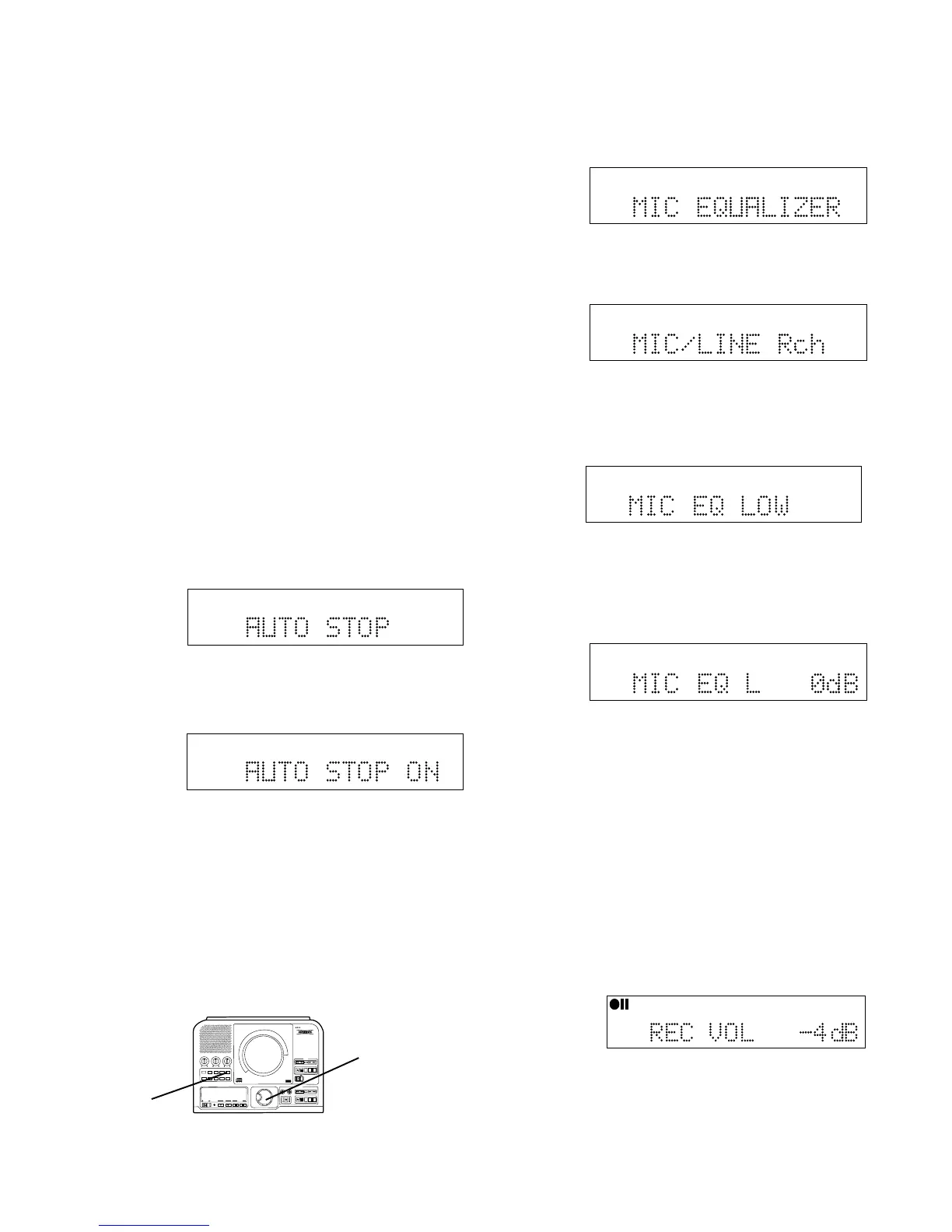
AUTO STOP
When recording with AUTO STOP ON the PSD300 will
automatically stop after a period of silence. The
silence will be recorded onto the last track of the
recording session.
When recording with AUTO STOP ON from an analog
source, the recording will stop after recording 20
seconds of silence (a signal lower than -40dB). When
recording with AUTO STOP ON from a digital source
(without track and stop data), the recording will stop
after recording 4 seconds of silence (a signal lower
than -80dB).
When recording in COPY + LISTEN, COPY 2X, or
CONV HALFSPEED modes the recording will stop
after detecting the stop data from the disc in the CD
drive.
1 Push and release MENU/STORE.
2 Turn the SELECT control so MIC EQUALIZER is
displayed.
a Push and release the SELECT control. MIC/LINE
Rch is displayed.
TOTAL TRACK
CD-R
R
L
dB-50 -30 -22 -16 -12 -8 -4 0
CD-RW
b Push and release the SELECT control to confirm
the right channel or turn the SELECT control to
select the left channel. Then push and release
the SELECT control to confirm.
TOTAL TRACK
CD-R
R
L
dB-50 -30 -22 -16 -12 -8 -4 0
CD-RW
c Push and release the SELECT control to confirm
adjusting the low frequencies or turn the SELECT
control to select adjusting the high frequencies.
Then push and release the SELECT control to
confirm.
TOTAL TRACK
CD-R
R
L
dB-50 -30 -22 -16 -12 -8 -4 0
CD-RW
d Turn the SELECT control to change the decibel
level from -10 to +10 dB. Then push and release
the SELECT control to enter the value and return
to MIC EQUALIZER.
Repeat steps a, b, c and d to change the values
for the other channel and High or Low.
When done push and release MENU/STORE to exit.
Example
display.
Example
display.
CD-R
R
L
dB-50 -30 -22 -16 -12 -8 -4 0
CD-R
AUTO SYNC
TRACK
REC LEVEL
In all recording modes, when at record Pause,
(REC button flashing) you can adjust the final
record level by turning the SELECT control.
How to turn AUTO STOP ON or OFF
1 With the PSD300 in one of the REC modes
2 Push and release MENU/STORE.
3 Check or turn the SELECT control so AUTO STOP
is displayed.
TOTAL TRACK
CD-R
R
L
dB-50 -30 -22 -16 -12 -8 -4 0
CD
4 Push and release the SELECT control to select
the AUTO STOP menu item. The current status of
AUTO STOP ON or OFF is displayed.
TOTAL TRACK
CD-R
R
L
dB-50 -30 -22 -16 -12 -8 -4 0
CD
Example
shows
AUTO
STOP ON.
5 Push and release the SELECT control to select
the displayed state of AUTO STOP, or turn the
SELECT control to select the other state and then
push and release the SELECT control.
6 The display returns to AUTO STOP.
How to adjust the MIC EQUALIZER
With the PSD300 in Stop, Play/Pause, REC or
REC Pause mode.
PUSH
BASS
MID
TREBLE
TEXT VR PROG REPEAT
MENU/STORE
DISP SINGLE
A-B
CANCEL/DELETE
REC MODE
CD-RW PLAYBACK
CD RECORDING SYSTEM PSD300
MIC
PLAY
OPEN
REC/PLAY
ERASE FINALIZE
REC
SELECT
PUSH ENTER
POWER KEY TEMPOSTANDBY
1
2
TOTAL TRACK
CD-R
R
L
dB-50 -30 -22 -16 -12 -8 -4 0
CD-RW
When ALC is set to ON, the REC LEVEL is not
available in certain REC modes.



 To Next Page