- 26 -
How to Record continued
Recording tips continued:
• In order to avoid feedback during analog recording
with any microphone, switch the SPEAKER to
OFF or lower the level of the PHONE/SPEAKER
LEVEL control. Lower the LINE OUT level control
if you are connected to an external amplifier.
• Note the default conditions of AUTO TRACK and
AUTO STOP outlined in this manual (see AUTO
TRACK). Each recording mode has a default
setup of these functions that can be altered to fit
the conditions of your specific application.
• You can use the supplied infrared remote control
to write your own track ID's during the recording
process by pushing the TR INC button.
• When the remaining record time on the CD-R or
CD-RW becomes 5 minutes, the message DISC
END will be displayed, and then the display will
indicate the remaining time both in minutes and
seconds as well as graphically.
• When DISC FULL is displayed there is no more
available recording time on the disc in the CDR
drive.
• When DOES NOT FIT is displayed the amount of
information you have selected to copy from the CD
drive will not fit on the recording time available on
the disc in the CDR drive.
AUTO TRACK
When recording with AUTO TRACK ON the PSD300
will automatically increment tracks.
If AUTO TRACK is ON and the source of recording is a
digital source that has tracks, such as a CD in the CD
drive or a source input via the DIGITAL IN jack (CD/
MD), those tracks will be included in your recording.
This source data is usually found only in an SPDIF
format digital connection.
If AUTO TRACK is ON and the source is digital
(without track data) or analog, the PSD300 will use a
silence gap to mark a track. When the source audio
signal drops below -80dB for digital, or -40dB for
analog, for 3 seconds or more and then rises to above
those levels, the PSD300 will mark a new track and
continue recording.
You can manually introduce a new track when AUTO
TRACK is ON or OFF by pushing TR INC on the
remote.
Record adjustments
AUTO TRACK and AUTO STOP defaults
The default settings for AUTO TRACK and AUTO
STOP depend on the REC mode.
REC AUTO AUTO
mode TRACK STOP
REC with CD ......................... OFF ................. OFF
RECORD ............................... OFF ................. OFF
COPY+ LISTEN ..................... ON .................. OFF
COPY 2X ................................ ON .................. OFF
COPY 2X +FINAL .................. ON .................. OFF
CONV HALFSPEED............... ON .................. OFF
SYNC RECORD .................... OFF ................. OFF
SYNC RECORD+FINAL........ OFF ................. OFF
How to turn AUTO TRACK ON or OFF
1 With the PSD300 in one of the REC modes.
2 Push and release MENU/STORE.
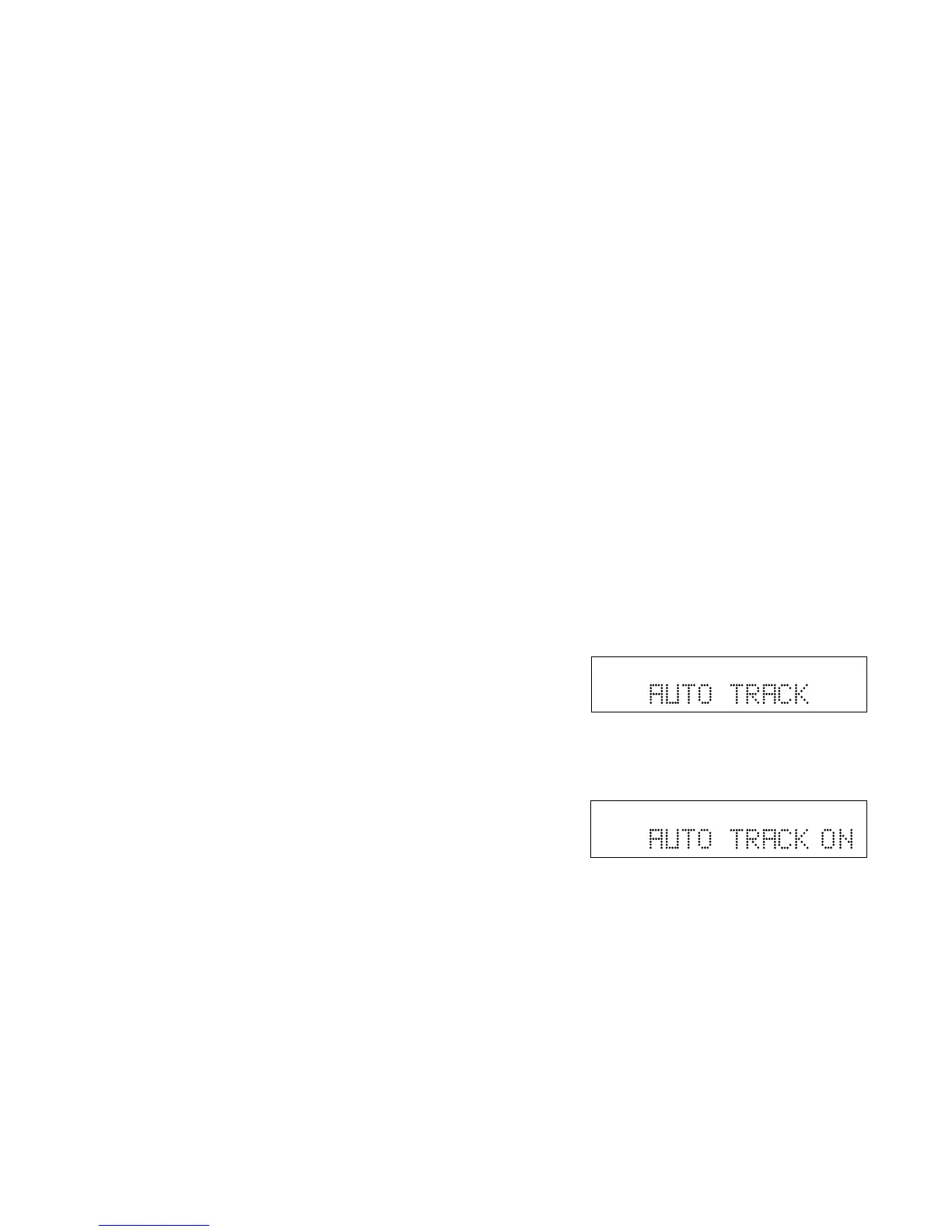
3 Turn the SELECT control so AUTO TRACK is
displayed.
TOTAL TRACK
CD-R
R
L
dB-50 -30 -22 -16 -12 -8 -4 0
CD
4 Push and release the SELECT control to select
the AUTO TRACK menu item. The current status
of AUTO TRACK ON or OFF is displayed.
Example
shows
AUTO
TRACK
ON.
5 Push and release the SELECT control to select
the displayed state of AUTO TRACK, or turn the
SELECT control to select the other state and then
push and release the SELECT control.
6 The display returns to AUTO TRACK.
TOTAL TRACK
CD-R
R
L
dB-50 -30 -22 -16 -12 -8 -4 0
CD



 To Next Page