- 5 -
Table of Contents continued
Introduction
PUSH
BASS
MID
TREBLE
TEXT
VR
PROG
REPEAT
MENU/STORE
DISP
SINGLE
A-B
CANCEL/DELETE
REC MODE
CD-RW PLAYBACK
CD RECORDING SYSTEM PSD300
MIC
PLAY
OPEN
REC/PLAY
ERASE FINALIZE
REC
SELECT
PUSH ENTER
POWER
KEY
TEMPO
STANDBY
PHONE/SPEAKER
LEVEL
PHONE SELECTOR
MIC/LINE
CD
LINE OUT AUX
PHONES
LINE OUT
ReWritable
Recordable
CD PLAY / RECORD
OPEN/CLOSE
MIX
SPLIT
MIC
STEREO
ONOFF
ALC
DIGITAL
ANALOG
INPUT
ONOFF
SPEAKER
MIC
LINE
INT
LINE
MIC
MIC/LINE
L
PUSH
R
MIC/LINE RIGHT
PUSH
LEFT
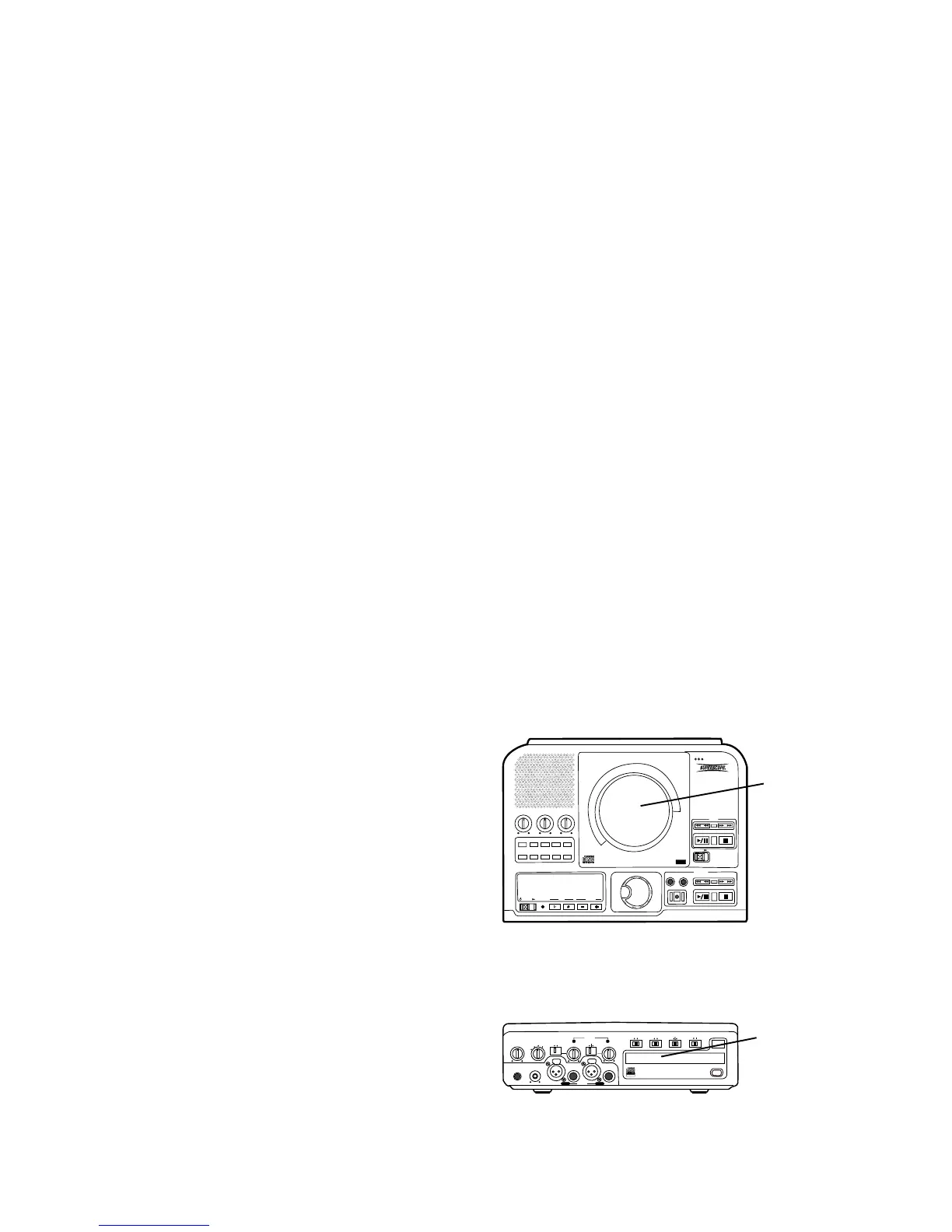
CD drive
CDR drive
The front, tray loading drive is for recording and
playback and is referred to as the CDR drive.
The PSD300 CD recording system is a CD player with
a built-in CD recorder. It includes features designed
for a music teacher, professional musician, vocalist, or
studio.
For musical practice you can:
• select A-B (point to point) repeat playback
• adjust KEY and TEMPO (adjust the musical pitch
and/or speed of any CD)
For CD recording you can:
• record on CD-R or CD-RW discs
• record any of the playing options (listed below)
For CD playing you can:
• auto cue (start at the beginning of the audio and
adjust the auto cue point)
• use voice reduction (reduce the volume of the
voice track on a CD)
• add (mix in) your own microphone or instrument
input.
• connect to an amplifier/speaker system
• connect to an external CD recorder
• connect an additional CD player (or other line
input) to the PSD300 and mix that input
Drive terminology:
In this manual the top loading drive is for playback
only and is referred to as the CD drive.
Topic page
How to program tracks for recording ........23
How to Record
How to record your voice or instrument
(basics) ........................................................24
SCMS ..........................................................25
How to copy an existing CD (basics) ...........25
Select record mode
REC with CD............................................26
RECORD .................................................26
COPY + LISTEN......................................26
COPY 2X .................................................26
COPY 2X+FINAL .....................................26
CONV HALFSPEED ................................26
SYNC RECORD ......................................26
SYNC RECORD +FINAL .........................26
Recording tips ..........................................26
Record Adjustments
AUTO TRACK and AUTO STOP defaults ...27
AUTO TRACK ..............................................27
How to turn AUTO TRACK ON or OFF ....27
AUTO STOP ................................................28
How to turn AUTO STOP ON or OFF ......28
How to adjust the MIC EQUALIZER ............28
REC LEVEL .................................................28
How to adjust SPLIT BALANCE ..................29
How to adjust REC BALANCE .....................29
How to select filters......................................30
How to erase
How to erase the last track ..........................31
How to erase the entire disc ........................31
How to finalize ...............................................31
How to Finalize a CD-R or CD-RW disc.......32
How to Unfinalize a CD-RW disc .................32
About the Remote ............................................33
Track Skip forward button ...............................34
Track Skip backward button............................34
AMS button (Automatic Search) .....................34
TR INC (Track Increment) ..............................34
About CD discs ................................................35
Which discs to use .........................................35
Disc cleaning ..................................................35
CD text...............................................................36
CD text during playback ...............................36
Recording CD text........................................36
How to view CD text.....................................37
How to erase CD text ...................................38
RC-5 remote control codes ...........................38
Troubleshooting ............................................39
Maintenance ...................................................39
Specifications ................................................40
Warranty .........................................................41



 To Next Page