396-4412Y1 QuickDraw 3000 Operator’s Manual 11 Revised 02/20/2020
The final icon on the top row is for the JOB SCREEN. Press this to return to the Job Screen to make
changes for the current batch.
Under the two icons on the top row are the MANUAL PRODUCTS that will be used in this batch.
The bottom of the Run Screen contains the information about the entire batch. The batch id is a
unique number created for every batch that can be used to tie this batch with other data that is
being used elsewhere. Both sets of data can be correlated by using the batch id.
The orange number is the calculated target total batch size for this batch. This will be the final
batch size that is loaded. The black number in the bottom that has the label ACTUAL: will count
up as the batch is running and the batch will complete when it reaches the target.
The pump pressure is shown under PRESSURE and is a monitor-only value for troubleshooting
but does not have any control of the process. The BATCH TIME displays how long the batch took to
complete.
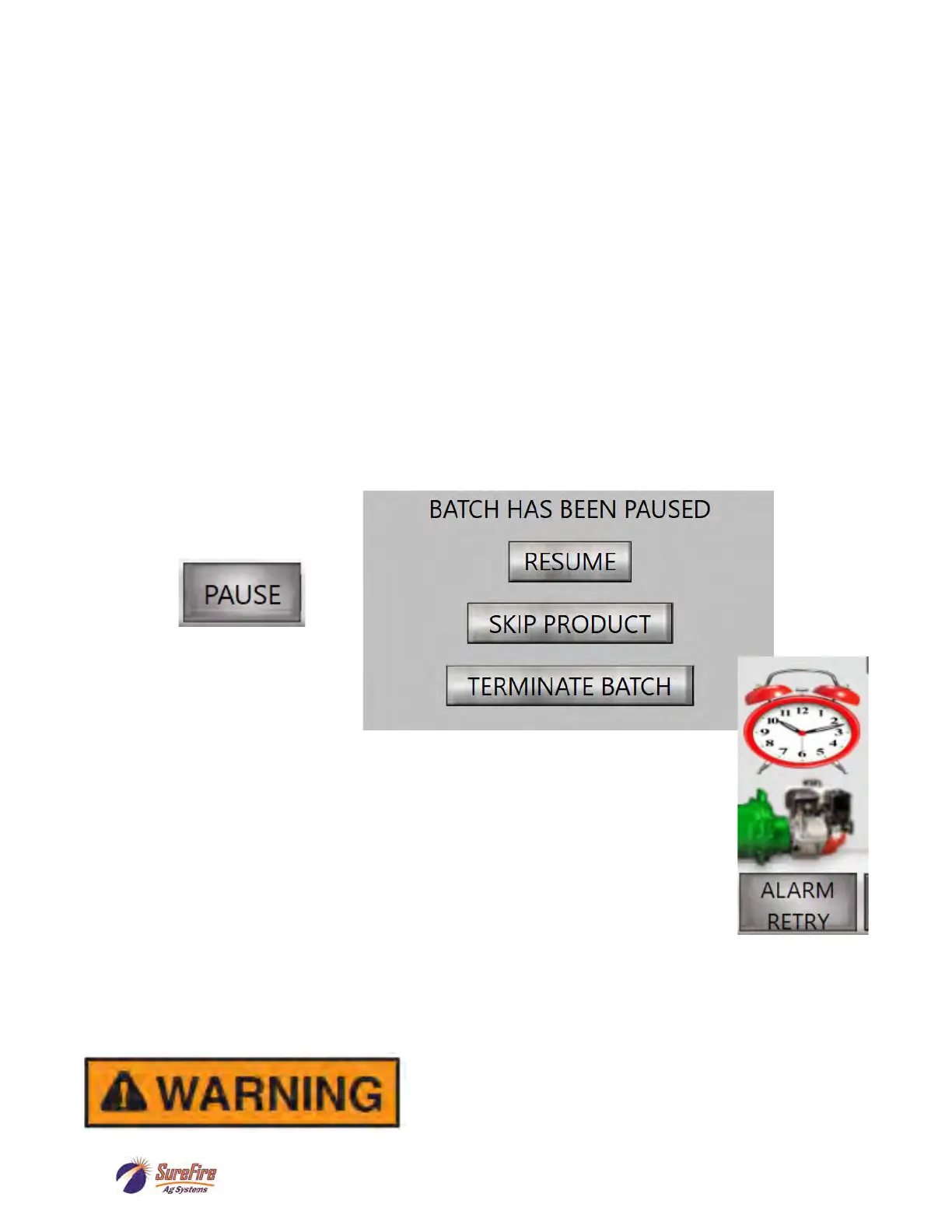
The START button is used to initiate a batch. Once initiated, this button changes from START to
PAUSE. Once the batch is active, pushing the PAUSE will put the process into a paused state. The
pump will continue to run but the valves will be closed. Pushing the PAUSE also causes another
window to pop up that gives you the choice to RESUME, SKIP PRODUCT, or TERMINATE BATCH.
If the batch needs to be terminated, push the TERMINATE button. If the batch is ready to continue,
then push the RESUME button.
When alarms occur, an ALARM
RETRY button appears on the lower right corner of the screen. The alarm also
puts the process into a pause state and closes all valves and shuts off the pump if
the pump supports the auto shutoff. Fix the issue, then start the pump, and push
ALARM RETRY to continue the batch. When an ALARM occurs, there is a 10-
second waiting period before the QD will allow the pump to be restarted. The batch
will pick up from where it was and finish the previously started batch. If the alarm
continues to happen or you are unable to determine the issue, contact your dealer
for technical support. The batch can also be terminated from the alarm state by
pushing the PAUSE button, and then by pressing TERMINATE BATCH.
MANUAL CONTROLS: Press MANUAL CONTROLS to go to the Manual Operation. Individual
valves may be opened and closed here. This is not necessary for normal operation but may provide
useful information for troubleshooting.
MENU: Press MENU to return to the main menu screen.
Running a batch will dispense chemical products. Be sure
that the totes are identified correctly in the QuickDraw and
that all hoses are connected securely and all manual
valves are in the correct position. Know how to operate
the E-stop.



 To Next Page