396-4412Y1 QuickDraw 3000 Operator’s Manual 47 Revised 02/20/2020
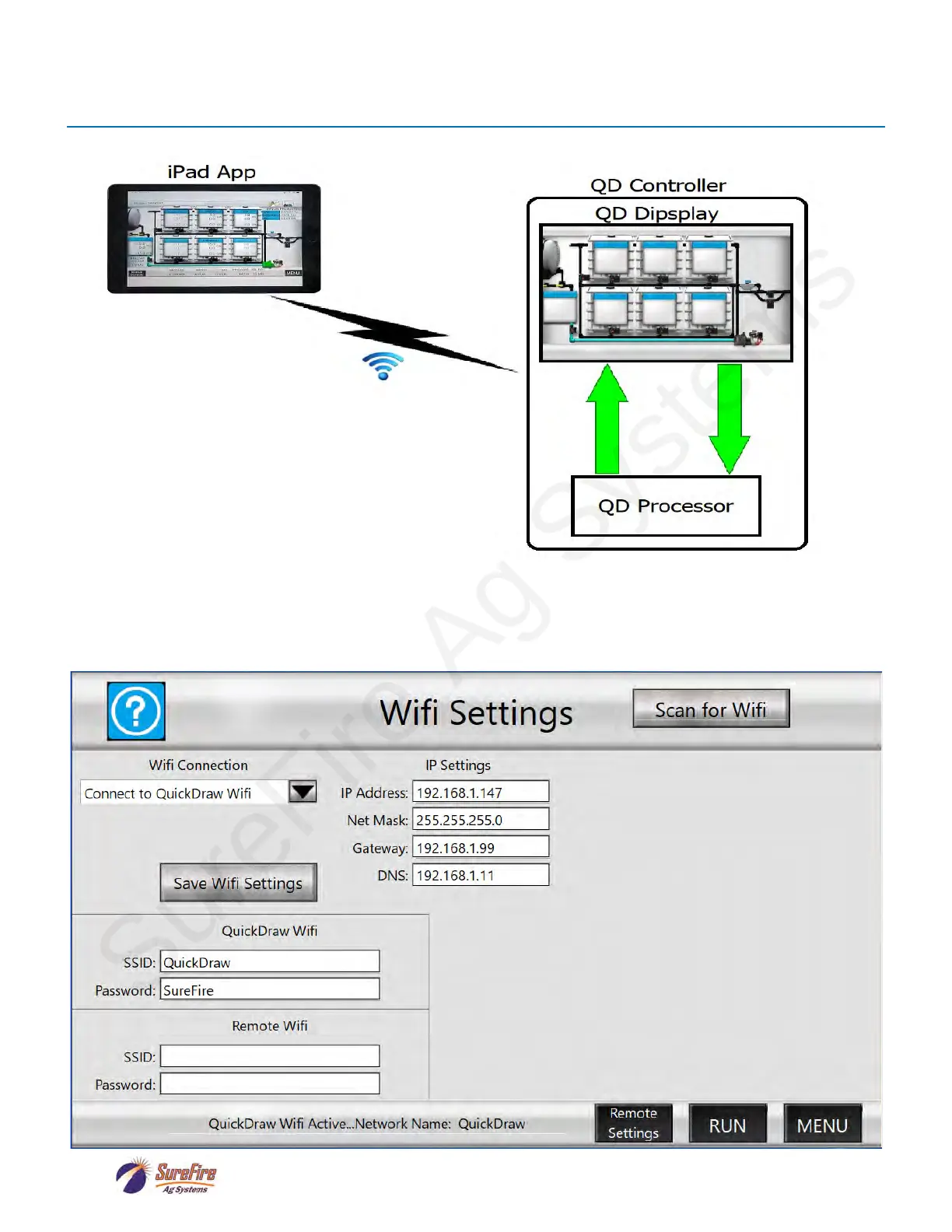
As the above image attempts to illustrate, the iPad app communicates with the QuickDraw Controller
via a Wi-Fi connection. The following instructions detail how to set up this connection.
• Go to the Wifi Setup screen on the QD3000 controller via MENU->SETTINGS->Remote Settings-
>WIFI. This will display the following screen which details the Wi-Fi settings for the QD Controller:
iPad App Connection Instructions



 To Next Page