396-4412Y1 QuickDraw 3000 Operator’s Manual 50 Revised 02/20/2020
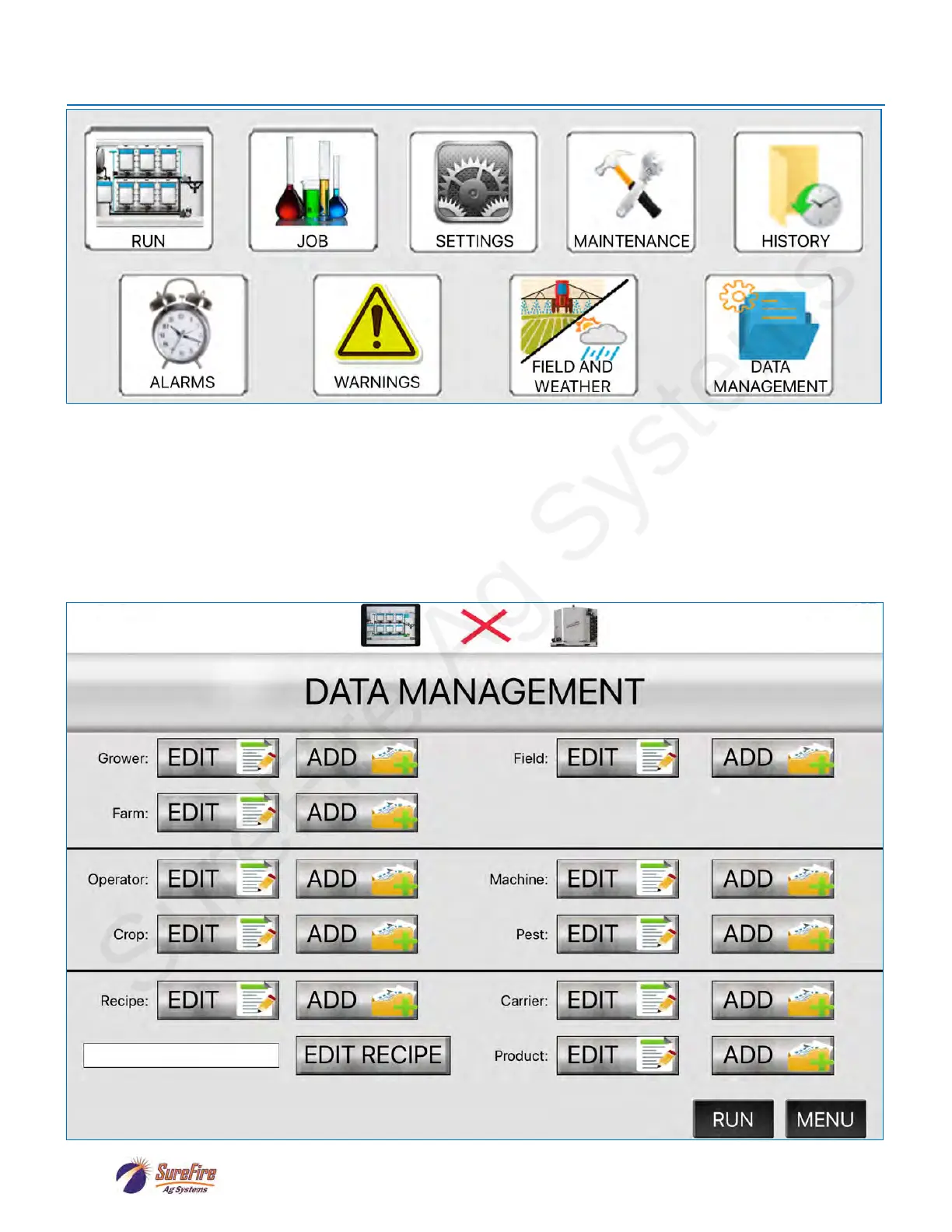
iPad App Menu and Data Management Screen
While working OFFLINE (indicated by the Red X), on the DATA MANAGEMENT SCREEN the user
can ADD or EDIT entire recipes or the carrier(s) and products that will be used. Grower, Farm, Field,
Operator, Crop, Machine, and Pest can also be added or edited.
When the iPad is later connected to the QuickDraw controller, these items can be transferred, in total
or in part, to the QuickDraw controller. See the next page for the screens that will be available when
the iPad is connected and there is new data on the iPad ready to be transferred to the QuickDraw.



 To Next Page