396-4412Y1 QuickDraw 3000 Operator’s Manual 33 Revised 02/20/2020
Boost Pump: (Not used very often) This selects the product during which you would like the optional
Boost Pump to be active. Extra harnessing is needed for this option. Typically will be DISABLED,
unless using the Boost Pump option.
Pump Start Mode: Typically, only important on electric pump control. When set as Momentary Start,
the output is only on for 3 seconds when the batch start is pressed. When set to Maintained Start, the
pump start output is on as long as the batch is active. Maintained is the correct choice for hydraulic
pumps and probably the best choice for electric, but it depends on the user’s motor control center. If
the motor has a start-stop push-button setup, Momentary may need to be the setting.
Carrier Throttling Valve % Open: Default is 75. Used only on Suction systems. This will close the
carrier valve to the designated percentage to create more suction when product is being pulled into the
batch.
Product Valves: Select DISABLED to disable that valve and to prevent it from opening even if a
recipe calls for that valve. This may be needed to allow a batch to run even if one of the valves is not
operating.
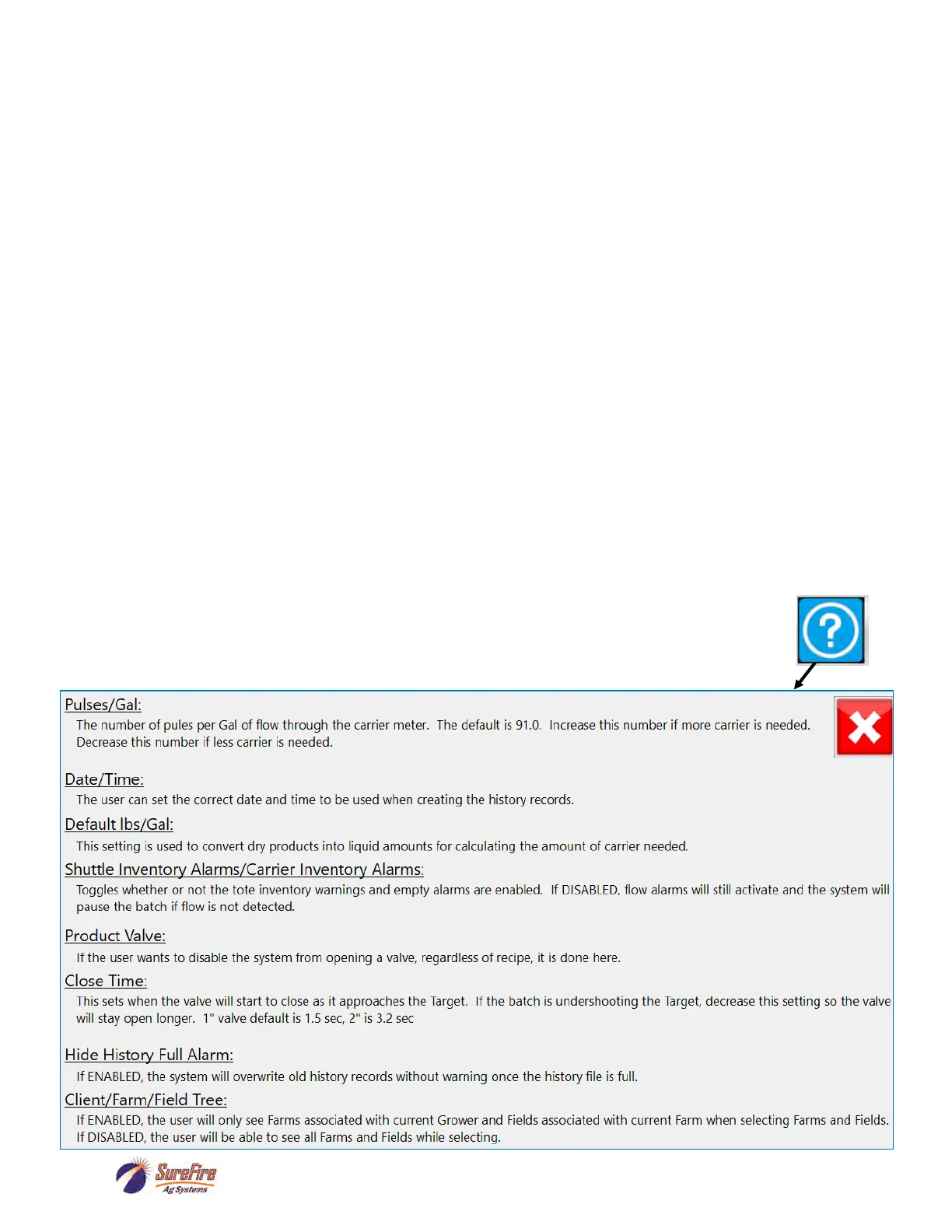
Valve Close Time: Use this to fine-tune the product valves shutoff to hit the Target. This is the
amount of time before the Target amount is reached that the valve will start to close. If the batch is
overshooting the Target, increase this time so the valve will begin shutting sooner. If the batch is
undershooting the Target, decrease this time so the valve will stay open longer before shutting. The
default value for a 1” valve is 1.5 seconds. The default for a 2” valve is 3.2 seconds.
Manual Product Valve Select: Default and typical setting is 2 Inch Venturi for a Venturi (Non-
Suction) system. To set the QuickDraw in bypass mode, select 3 Inch Valve.
Remote Settings: Press to go the Remote Communications Setup screen.
RUN: Press to go the Run Screen (will not start a batch).
MENU: Press to return to the Menu Screen.



 To Next Page