OPERATION OF THE MJB4
24 MJB4 - Operation Rev02 01-06
3
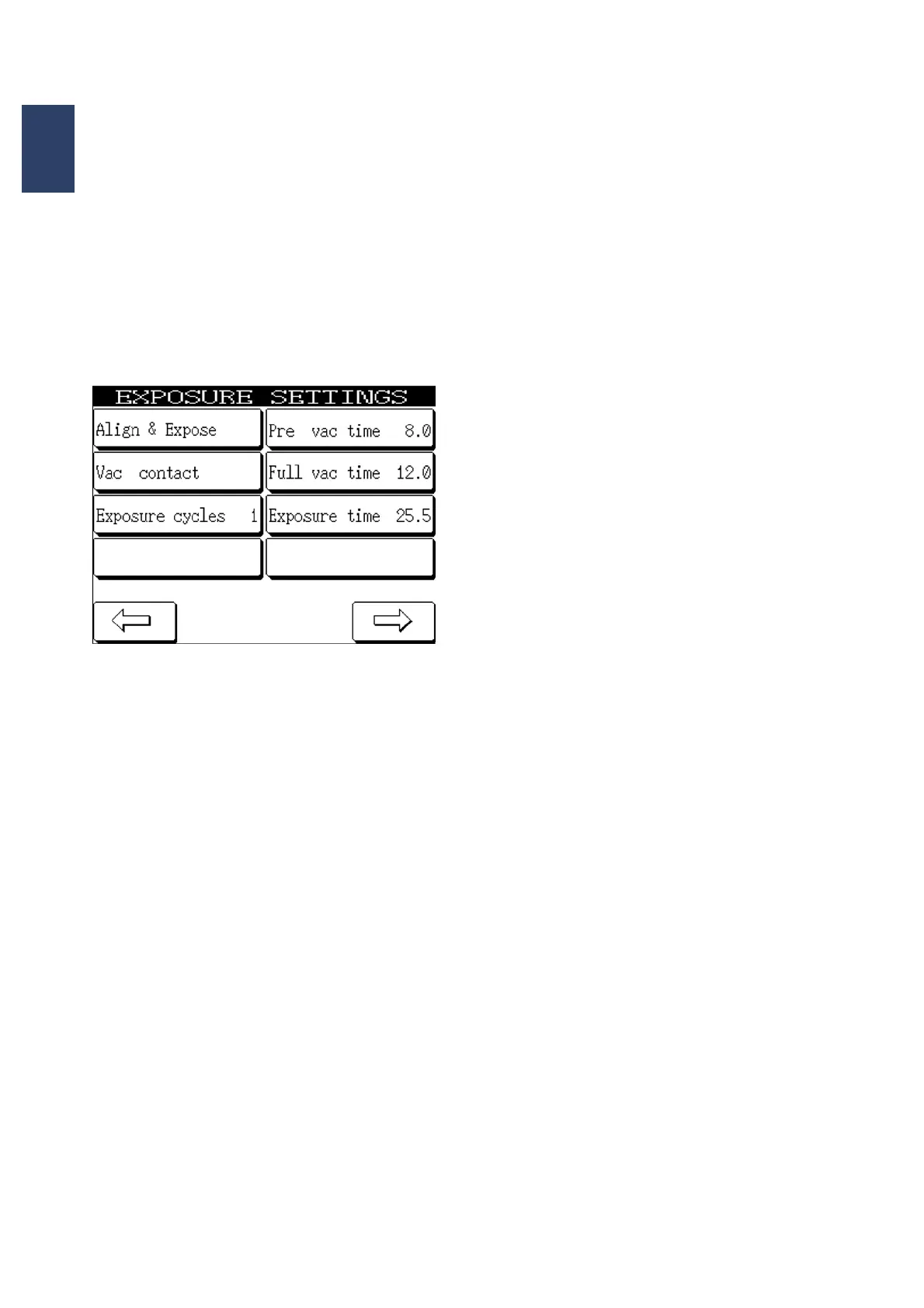
3.3.3. Setting Exposure Values
This selection is activated by pressing the
SETTINGS MENU button and the EXPOSURE
VALUES button.
You can set the desired programs and exposure
parameters in the EXPOSURE VALUES menu item.
Exposure values
Process
Adjustment+Expose – Lamp test – Flood expo-
sure – First exposure.
Contact Type
Soft contact – Hard contact – Low vacuum con-
tact - Vacuum contact – Distance exposure.
Exposure Cycles
If more than one exposure cycle is entered, the
pause time between the individual cycles can be
changed. Press PAUSE TIME on the display to
do so.
Exposure Time
Pressing this button opens the EXPOSURE
TIME menu which allows you to enter the desired
exposure time. Confirm your entry with the EN-
TER button. The display automatically switches
back to the EXPOSURE VALUES menu and
adds the value that you just set.
Hard Contact Time
This function is used to set the time for nitrogen
flushing under the substrate before exposure.
Pre-Vacuum Time
Sets the pre-vacuum time for LOW vacuum and
vacuum contact.
Main Vacuum Time
Sets the main vacuum time before exposure for
LOW vacuum and vacuum contact.
Pressing the right/left arrow buttons adds the set
parameters.



 To Next Page