OPERATION OF THE MJB4
MJB4 - Operation Rev02 01-06 35
3
3.8. Step-by-step Machine Operation
3.8.1. Selecting exposure program, e.g., soft contact
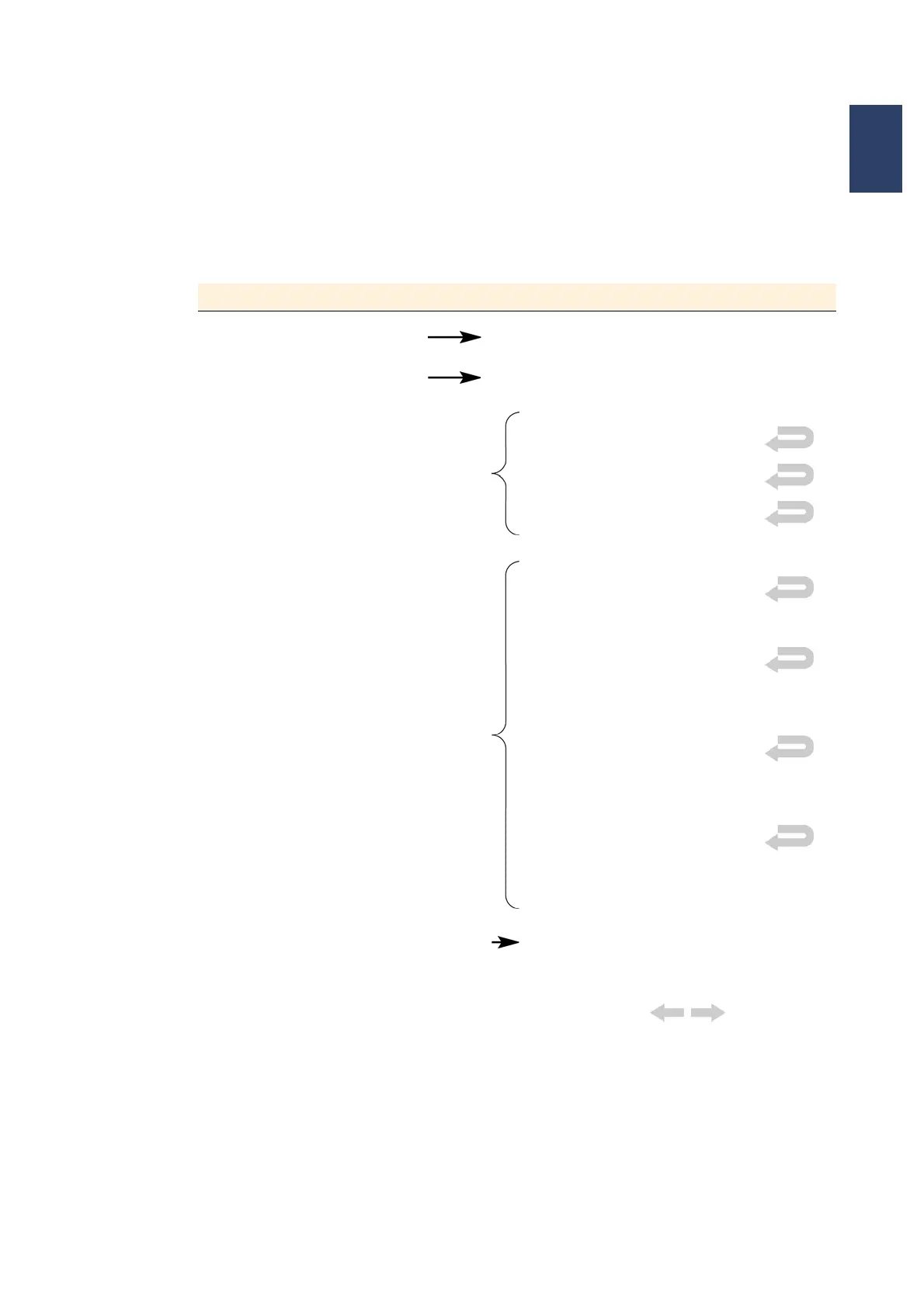
Menu in the Display Button Strokes in the Display
MAIN MENU SETTINGS MENU
SETTINGS MENU EXPOSURE VALUES
PROCESS selection
ADJUSTING & EXPOSING
LAMP TEST
FIRST EXPOSURE
FLOOD EXPOSURE
CONTACT TYPE selection
SOFT CONTACT
HARD CONTACT
Enter the HC time in the submenu
and press ENTER to confirm
LOW VACUUM CONTACT
Enter the pre-vacuum and full vac-
uum time in the submenu and press
ENTER to confirm
VACUUM CONTACT
Enter the pre-vacuum and full vac-
uum time in the submenu and press
ENTER to confirm
DISTANCE EXPOSURE
Wedge error compensation in con-
tact exposure with distance, adjust-
able to 50 µm
EXPOSURE TIME selection EXPOSURE TIME
Enter the exposure time in the sub-
menu and press ENTER to confirm
Confirm the set parameters with
MAIN MENU



 To Next Page