OPERATION OF THE MJB4
36 MJB4 - Operation Rev02 01-06
3
3.8.2. Programs
Saving a New Program
All active parameters are stored under a selected program number.
Selecting an Existing Program
All parameters stored under the respective program number are activated.
WARNING:
Pressing the DELETE button deletes all the pa-
rameters in the selected program space without
warning, and the program space becomes avail-
able again.
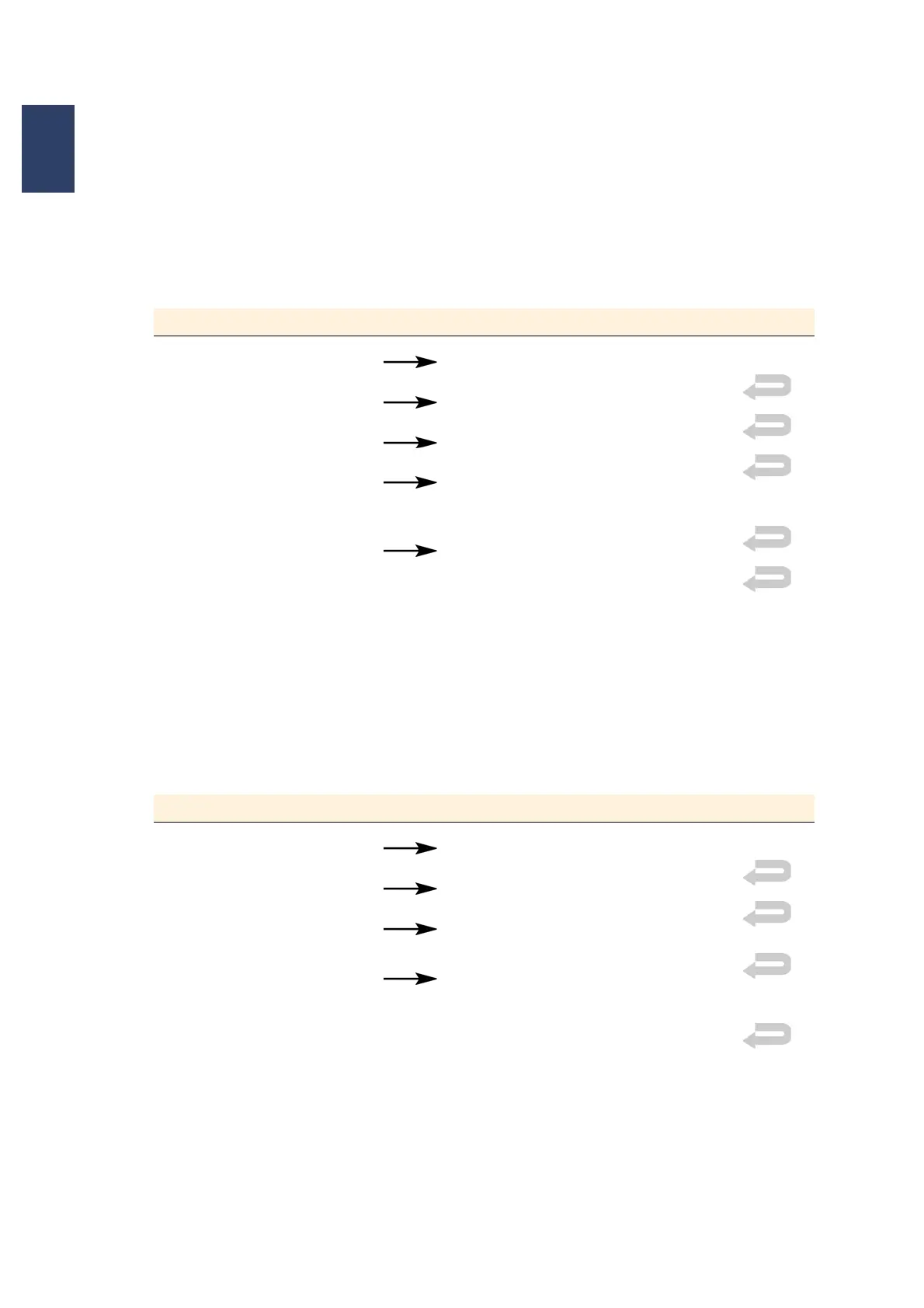
Menu in the Display Button Strokes in the Display
MAIN MENU SETTINGS MENU
SETTINGS MENU PROGRAM MENU
CONTENT Select available program space
PROGRAM MENU SAVE
All parameters stored under the program number
are displayed and saved
ALPHANUM. KEYBOARD Enter program name
ENTER
The display switches back to the main menu
The machine is ready for operation
MAIN MENU
Menu in the Display Button Strokes in the Display
MAIN MENU SETTINGS MENU
SETTINGS MENU PROGRAM MENU
CONTENT
SELECT
Select existing program space
CURRENT PARAMETERS
LOAD
The display switches back to the main menu
The machine is ready for use
MAIN MENU



 To Next Page