Swegon reserves the right to alter specications. 20220323
12
WISE User Manual
Graphs and logs
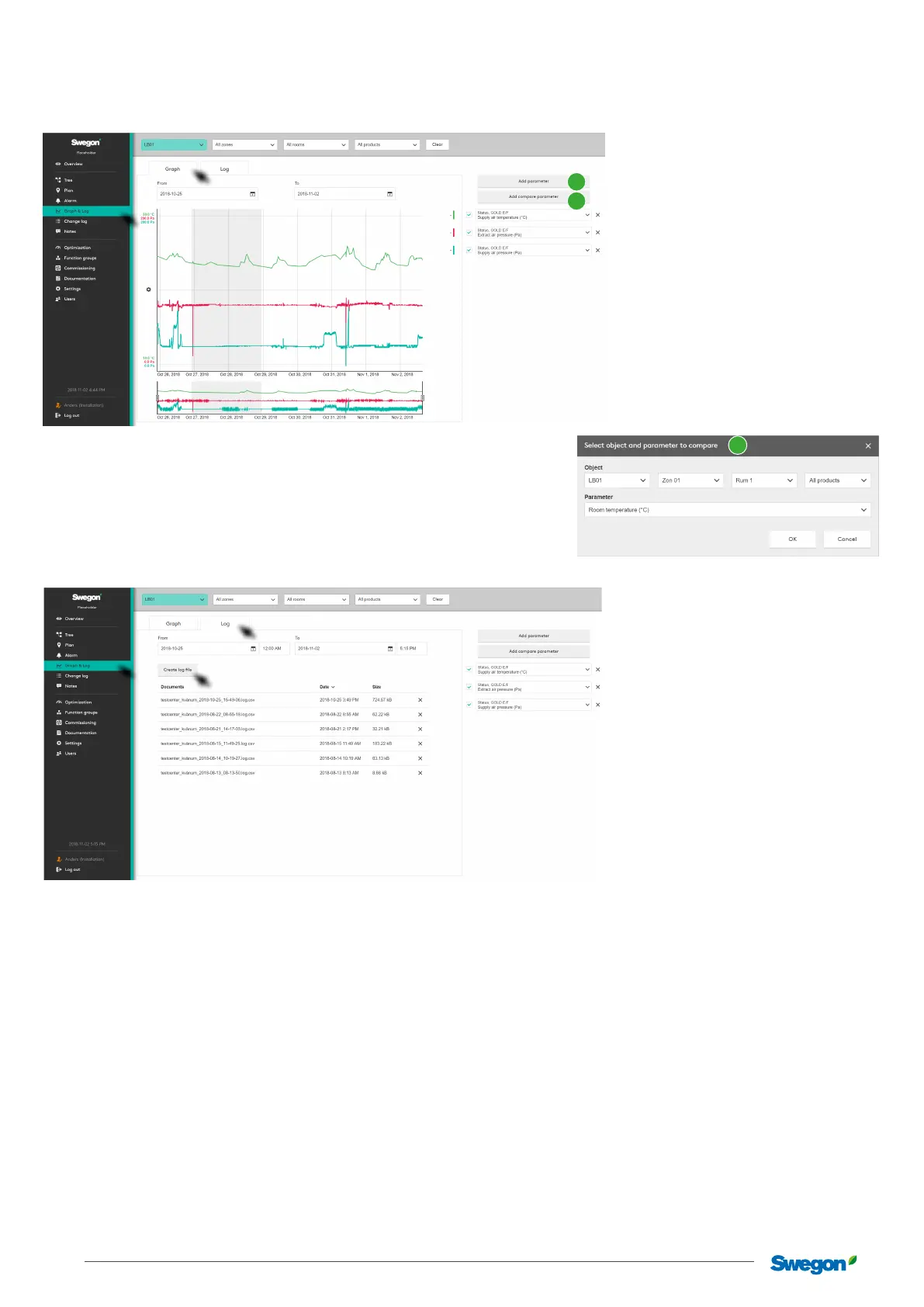
The logging function saves information from the system in SuperWISE.
It is possible to select a number of parameters to analyze in
graph view directly in the SuperWISE interface.
Add parameters for the relevant object (1) or parameters and
objects to compare (2). Select the time interval and generate a
log le by clicking “Create log le”.
2
1
2
The log le is generated in .csv-format and is delimited using a semicolon. The log le can be opened using spreadsheet soware
such as: Microso Excel or a similar program.



 To Next Page