Swegon reserves the right to alter specications. 20220323
16
WISE User Manual
Settings
Makes it possible to adjust SuperWISE to each specic project - via the menu options: Time and date, Software, Conguration,
Communication, Plan, Room position, Site, Units, Alarm, File manager, Backup and restore, Factory reset and Language.
Time and date
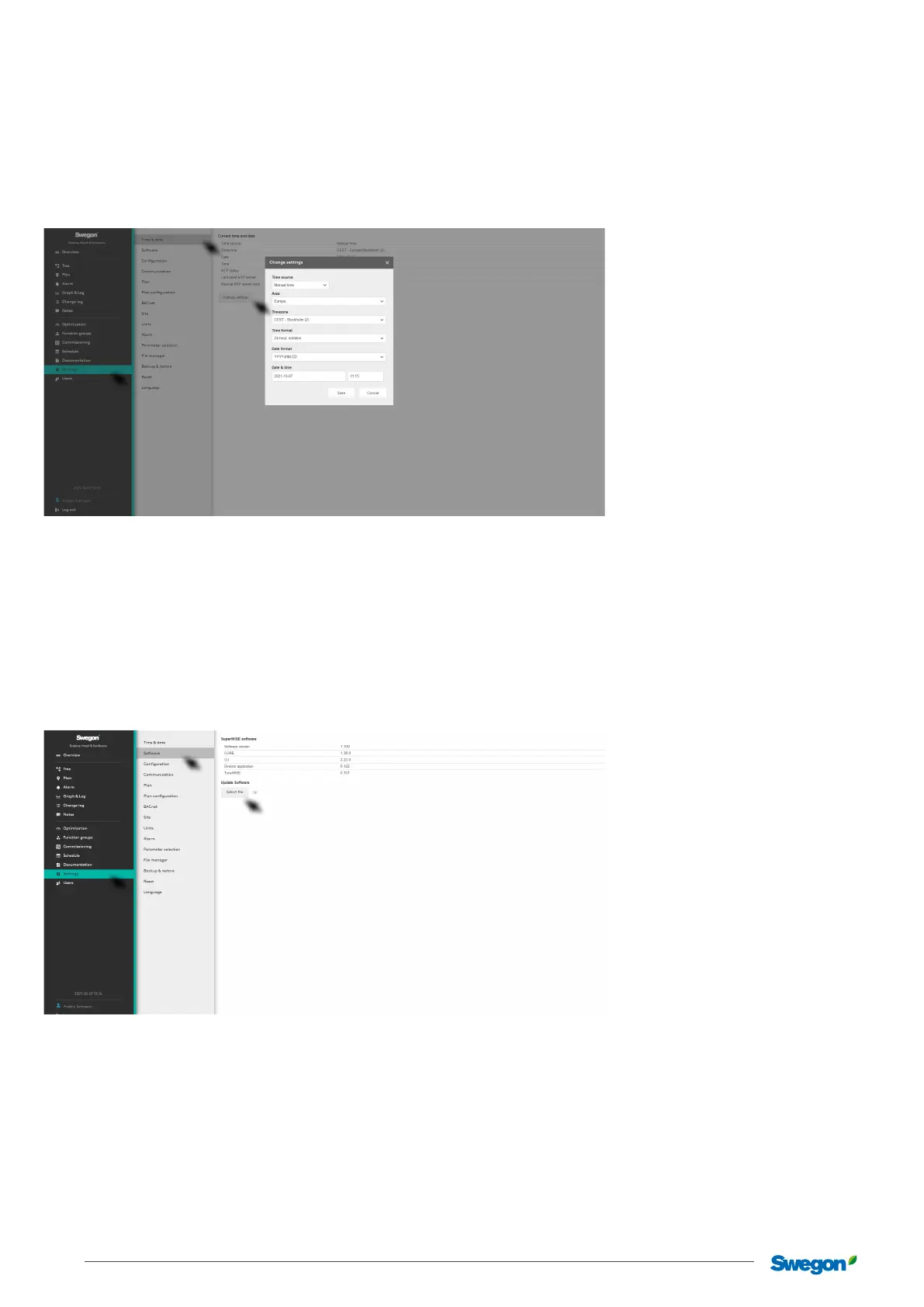
Setting of the time and date.
The current date and time can be set and adjusted if needed. The system clock automatically takes leap years into consideration.
The relevant region and city can be selected, summer time/winter time changeover will then be managed automatically.
Time source can be set to manual or via NTP (requires connection to network) and BACnet. The time format and date format can be
set.
Soware
Shows information about the version of component soware and the soware update function. Click on the select le button under
Update software and select the le to be imported.
The ongoing soware update is performed in the background for minimum impact on the system during ongoing operations.



 To Next Page