Swegon reserves the right to alter specications. 20220323
6
WISE User Manual
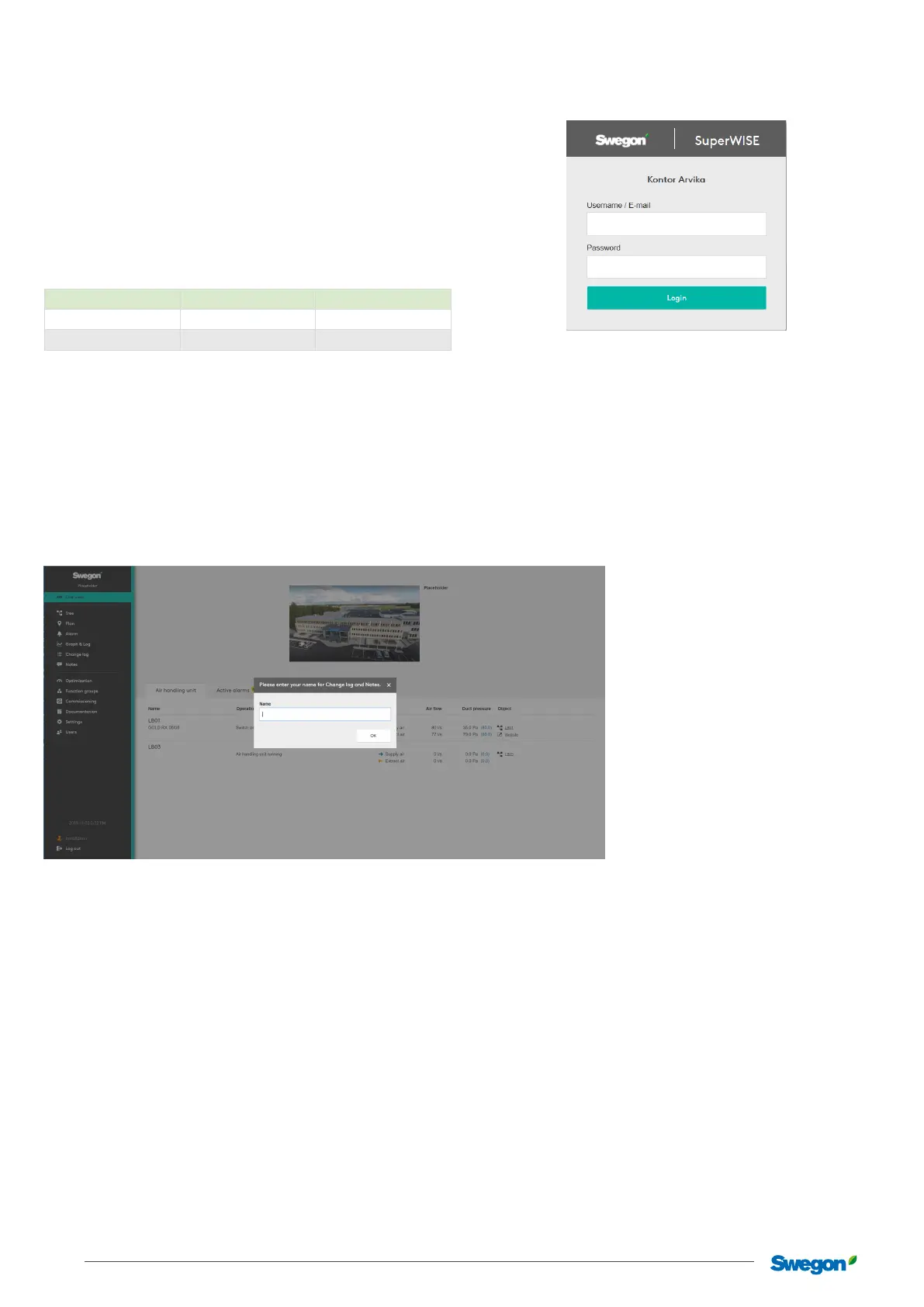
Log in
Open your web browser
*
and enter the system’s IP address in the
address eld.
Enter the password set at the factory the rst time you log on.
It is recommended that those using the system are assigned a
user name and password for future logging in.
New users are added on the settings page. When a new user has
been added, it is recommended that a standard user is activated.
Standard user
Authorisation Username Password
Local user local 0000
Installation installation 1111
*Recommended web browser: Google Chrome.
Identication
State name/signature in the dialog box shown once you have
logged in. This information is important in order to see, among
others, who made settings and adjustments to the system.
The identication dialog is only shown when the standard log in
is used.



 To Next Page