EasyManua.ls Logo

Swegon WISE - User Interface

Swegon WISE
72 pages
Print Icon
To Next Page IconTo Next Page
To Previous Page IconTo Previous Page
Loading...
20220323 Swegon reserves the right to alter specications.
7
WISE User Manual
User interface
Symbol description
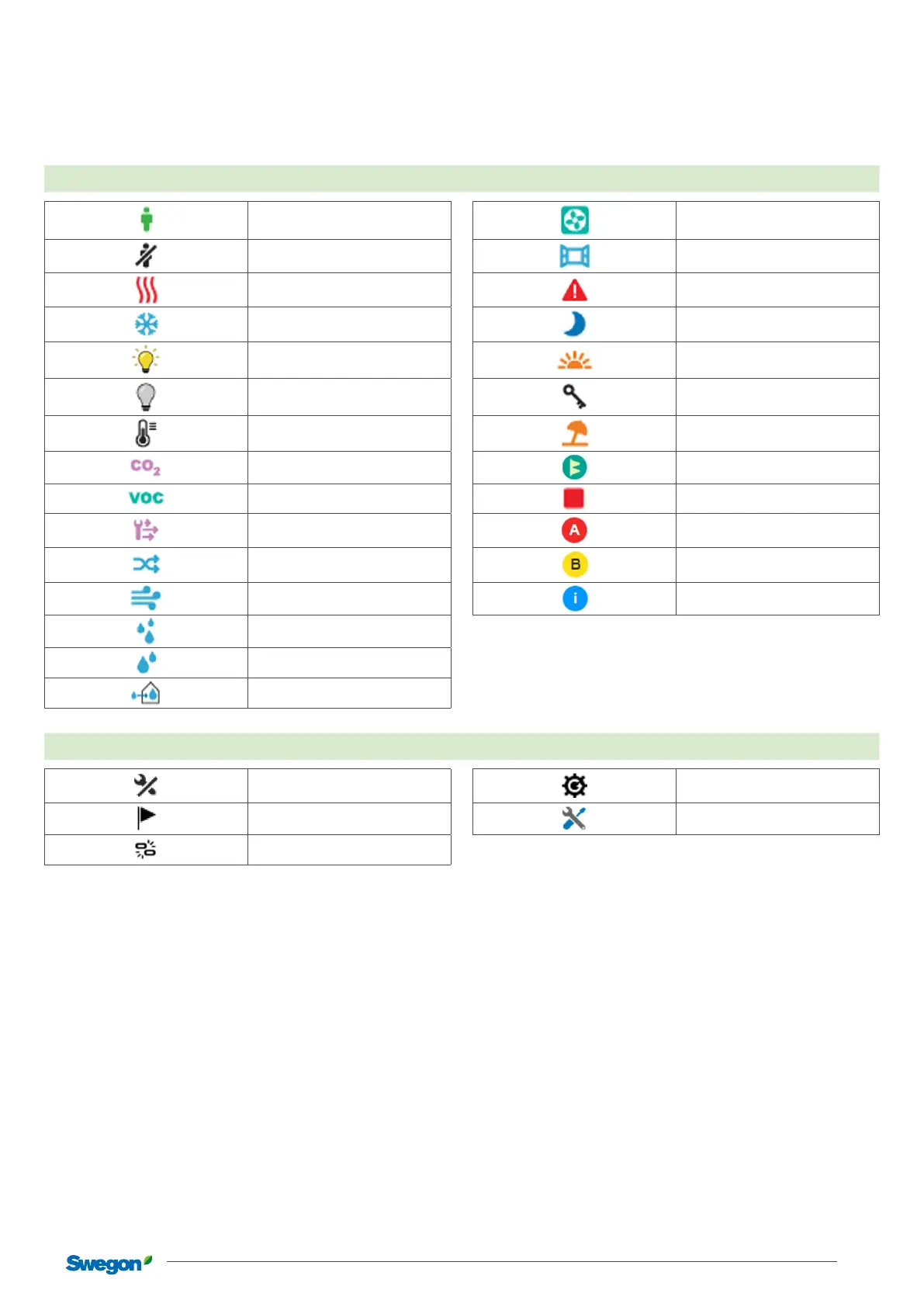
A number of symbols are used to visualize dierent modes in SuperWISE. These symbols are described below.
Room
Occupancy mode
Occupancy mode
Commissioning mode
Commissioning mode
Unoccupancy mode
Unoccupancy mode
Open window mode
Open window mode
Heating
Heating
Emergency mode
Emergency mode
Cooling
Cooling
Summer night cooling
Summer night cool
Lighting on
Light on
Morning heating
Morning boost
Lighting o
Light o
Checked in mode
Checked in mode
Temperature boost
Temperature boost
Holiday mode
Holiday mode
CO
2
boost
CO
2
boost
Filter calibration
Filter calibration
VOC boost
VOC boost
Air handling unit stopped
Manual boost
Manual boost
A Alarm
A Alarm
Air mix boost
Air mix boost
B Alarm
B Alarm
Duct ush boost
Duct ush boost
Info Alarm
Info Alarm
Condensation boost
Condensation boost
Relative humidity boost
Moisture supply boost
Product
Untested
Not tested
Synchronization
Synchronizing
Marked
Marked
Service mode
Service mode
Unpaired
Unpaired

Related product manuals