20220323 Swegon reserves the right to alter specications.
41
WISE User Manual
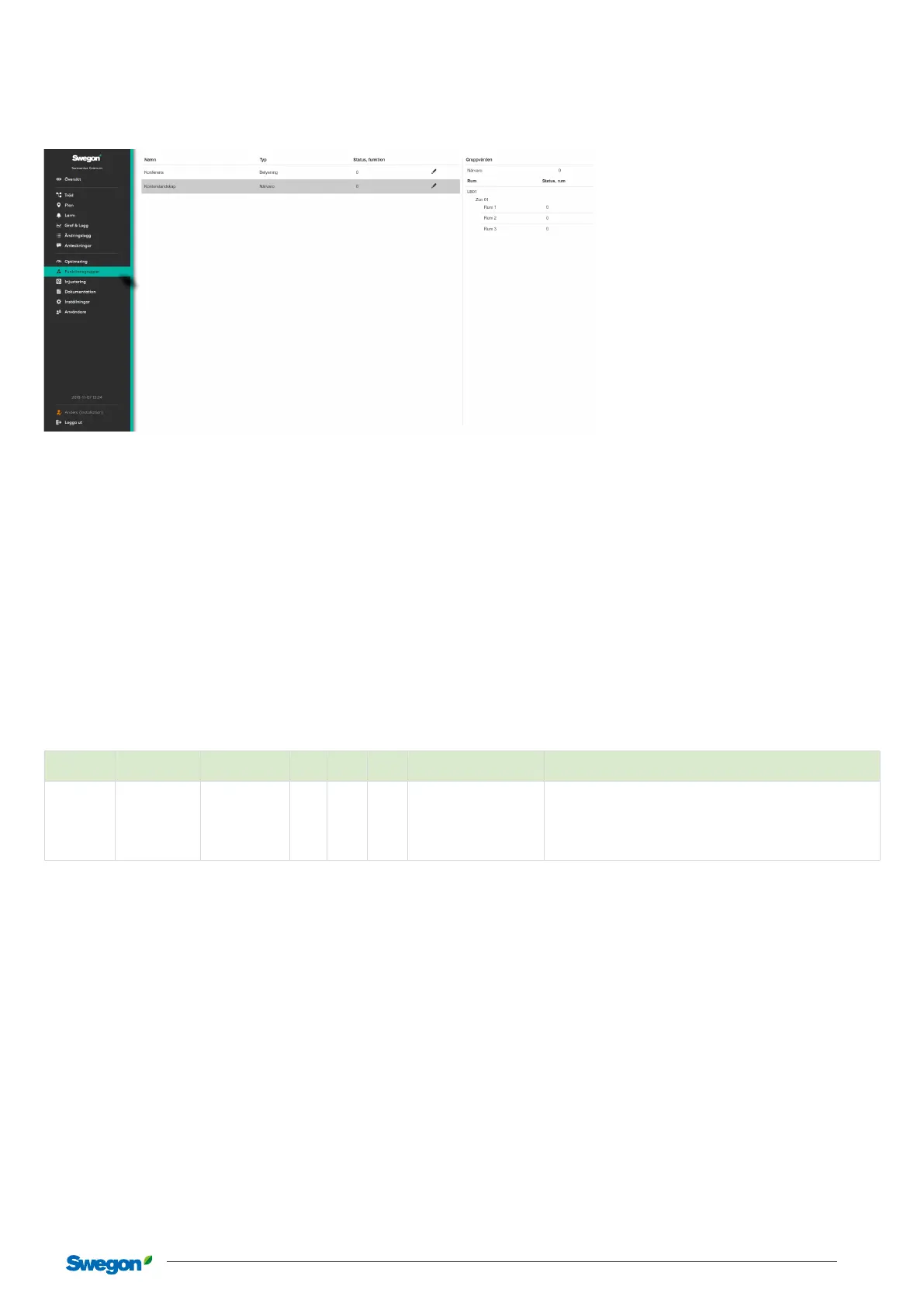
Function groups in SuperWISE
Summary of function groups in the system. These are created
when conguring the system.
Contains information about the function groups available in the
system. Detailed information is shown in the right-hand box by
clicking on the relevant group.
To make settings for the group, click on the pen to the right.
Occupancy
Why occupancy groups?
In an occupancy group signals can be shared between several
rooms. However, for occupancy in a room, all rooms in a group
can receive the occupancy status. Occupancy can be indicated
by WISE OCS and WISE SMB. The occupancy signal can also
come from the main BMS system.
Adjustable group parameters in SuperWISE
Section Description Standard value Min. Max. Unit
Lowest user level
(read/write)
Function
Function Status, room
Contribute and
follow
Local/Installation
States whether a room should use a function group value or only
contribute to the function group value without using it.
Contribute and follow
Contribute only
Follow only
Window contact
Why window contact groups?
Open windows make it dicult for the system to regulate the
indoor climate in an energy ecient manner. The function
means that all rooms in the group receive the status “Open
window” if any of its sensors detect an open window. This can be
managed by using wireless window contacts WISE WCS.
Air balancing
Why air balancing groups?
An air handling group groups several rooms to achieve air
balance in the room. All supply air dampers, constant extract air
dampers, fume hoods, etc. are included in the calculation of the
total ow for the group.



 To Next Page