Swegon reserves the right to alter specications. 20220323
54
WISE User Manual
Schedule and calendar
Why schedule and calendar?
With the help of the schedule and calendar it is possible to
control the system via weekdays and periods, by scheduling
room functions. This, for example, can be Room mode, such
as Occupancy or Holiday, Temperature oset or Air ow boost.
Schedule and calendar can also be referred to as Time channels.
How do schedule and calendar work?
Schedule and calendar can be set either via BACnet or directly
in the SuperWISE interface. The schedule can apply between
specic dates or continue indenitely. During the period that
a schedule is active it will follow the basic settings except on
times that have an event. An event is a time period during which
a function other than the basic setting is performed. It is also
possible to set exceptions from the schedule. The calendar can
be used in those instances you wish to use exceptions on the
same occasion for several schedules, as these schedules can be
linked to a calendar.
Schedule in SuperWISE
The purpose of a schedule is to be able to arrange certain room
functions. This can, for example, be Room mode, Temperature
oset or Air ow boost.
The schedule can apply between specic dates or continue
indenitely. During the period that a schedule is active it will
follow the basic settings except on times that have an event. An
event is a time period during which a function other than the
basic setting is performed.
A schedule allows you to select which room or rooms that are
to follow the schedule. A room can follow several schedules but
only one of each type.
Exceptions are exactly as the name suggests, exceptions from
the regular day schedule. A schedule can have up to 10 excep-
tions. An exception can be a day, a period, day/week/month or
linked to a calendar.
A base setting of the schedule must occur via the SuperWISE
interface. The schedule can then be modied over BACnet.
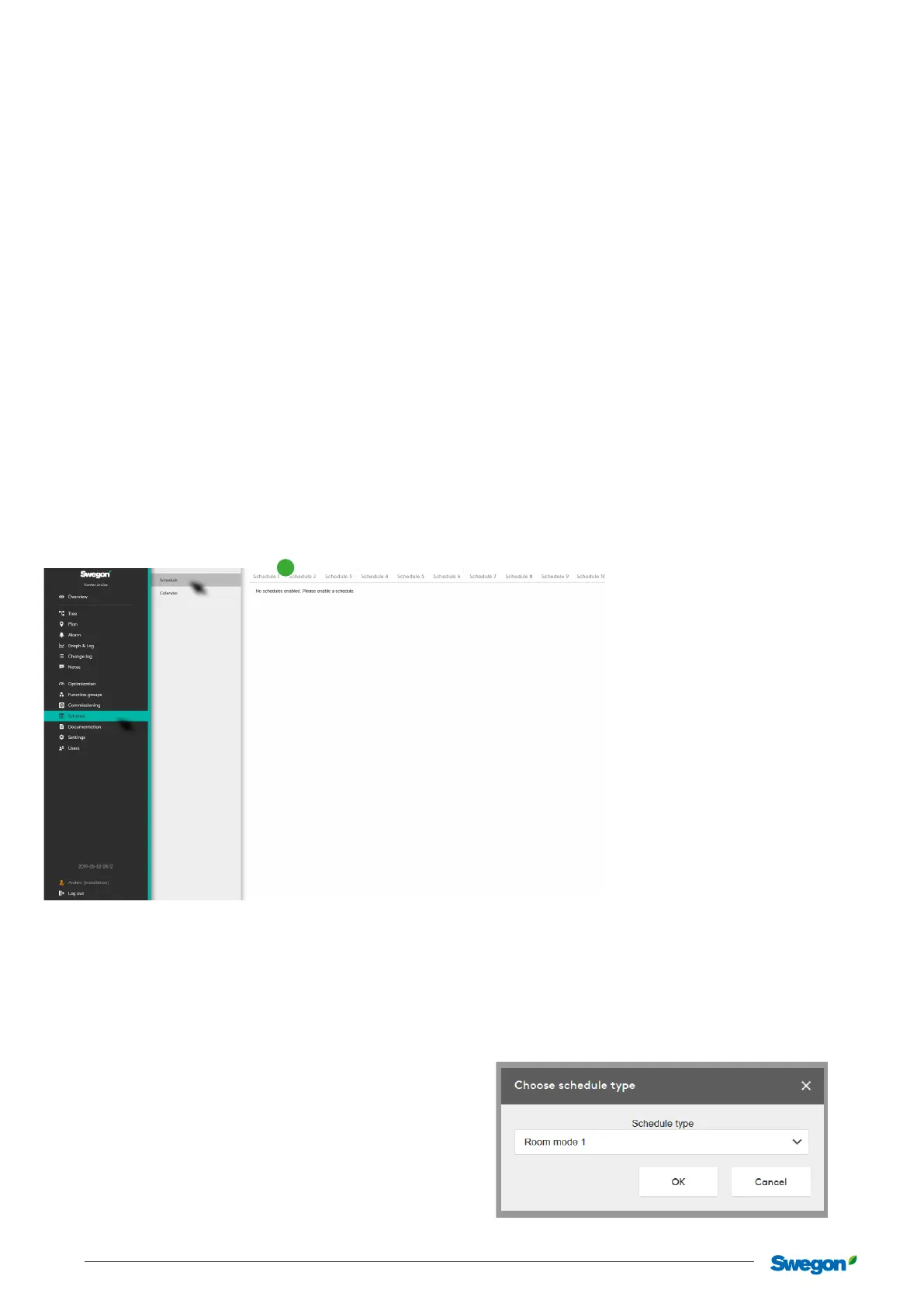
Clicking on one of the tabs (1) displays a dialogue box for the
user.
1
The dialogue box allows the user to select a schedule type for
the schedule you click on.
Clicking on “Cancel” takes the user back to the previous view.
Clicking on “OK” takes the user to the tab for the selected
schedule.



 To Next Page