Swegon reserves the right to alter specications. 20220323
60
WISE User Manual
Commissioning
The user can set the whole of the system or parts of it in a
specic operating mode via the SuperWISE interface Modbus or
BACnet. Adjustment is divided into three parts, Commissioning
air and Commissioning water and Electrical commissioning.
Selection for adjusting air:
• Unoccupied, min. ow
• Occupancy, min ow
• Max. ow rate
• Holiday, min ow
• Percentage of ow area, occupancy
Selection for adjusting water:
• Cooling
• Heating
• Cooling and Heating
Selections for electrical commissioning:
• Max. heating
• Heating
When Adjusting water, the air ow is set to the product’s
minimum ow. It is possible to use Adjusting air and Adjusting
water simultaneously.
Adjustment is started and stopped on the Adjustment tab in the
SuperWISE interface. It’s possible to set how long the adjustment
should apply. This setting can be made for each room.
See the table in “Operating mode” section.
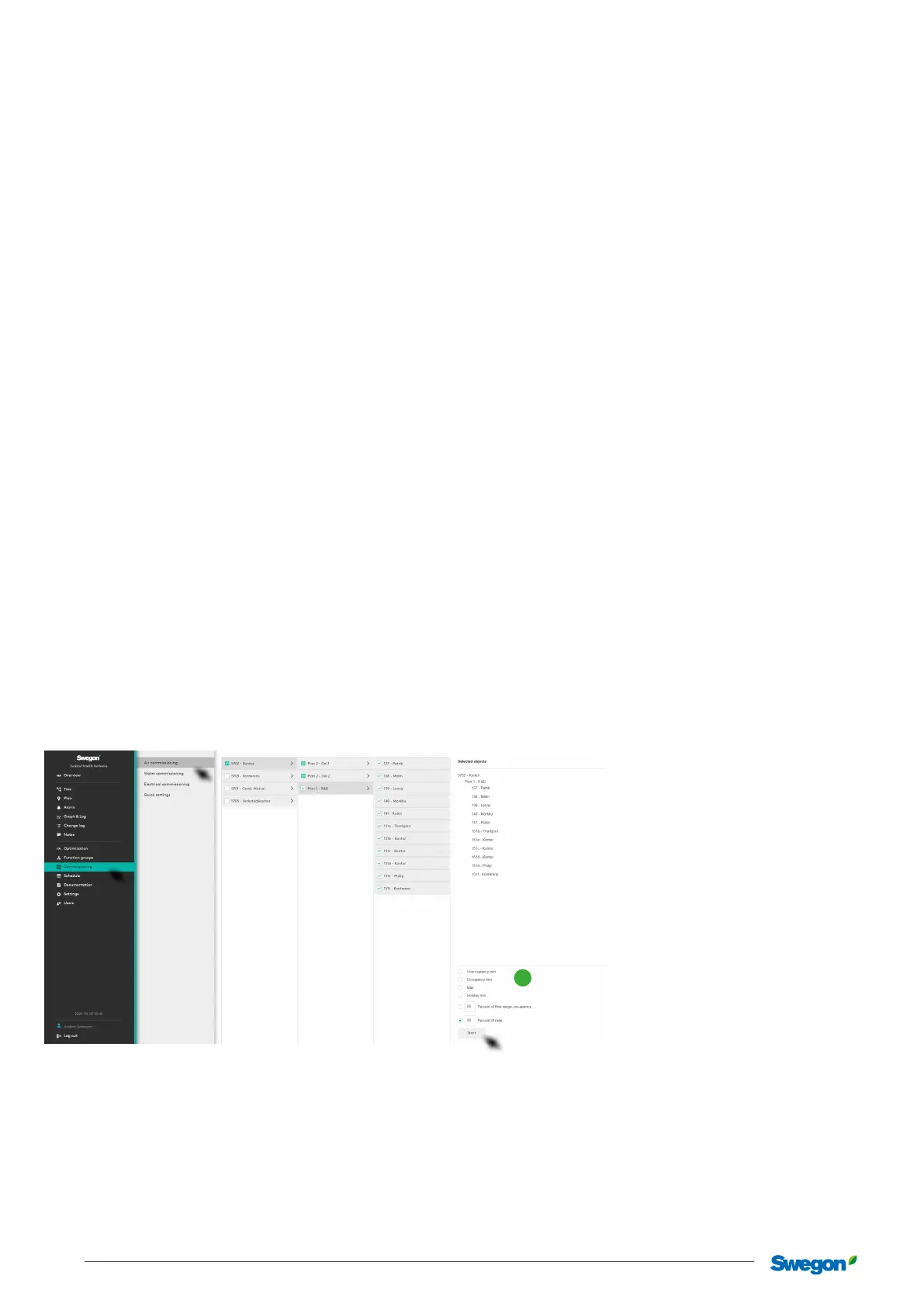
Adjustment in SuperWISE
Air
Used to adjust the air ow on a system already running.
Select the required object in the menu, select operating mode
(1) – “Unoccupancy min. ow”, “Occupancy, min. ow”,
“Maximum ow rate”, “Holidays, min. ow”, “Percentage
of ow range, occupancy” or“Percentage of maximum ow
rate” and click on the Start button. The selected part of the
system is activated according to the selection made for control
and adjustment. Once you have clicked on the Start button,
the button changes to Stop. Click on the Stop button aer the
performed control to return to normal operations.
1



 To Next Page