20220323 Swegon reserves the right to alter specications.
61
WISE User Manual
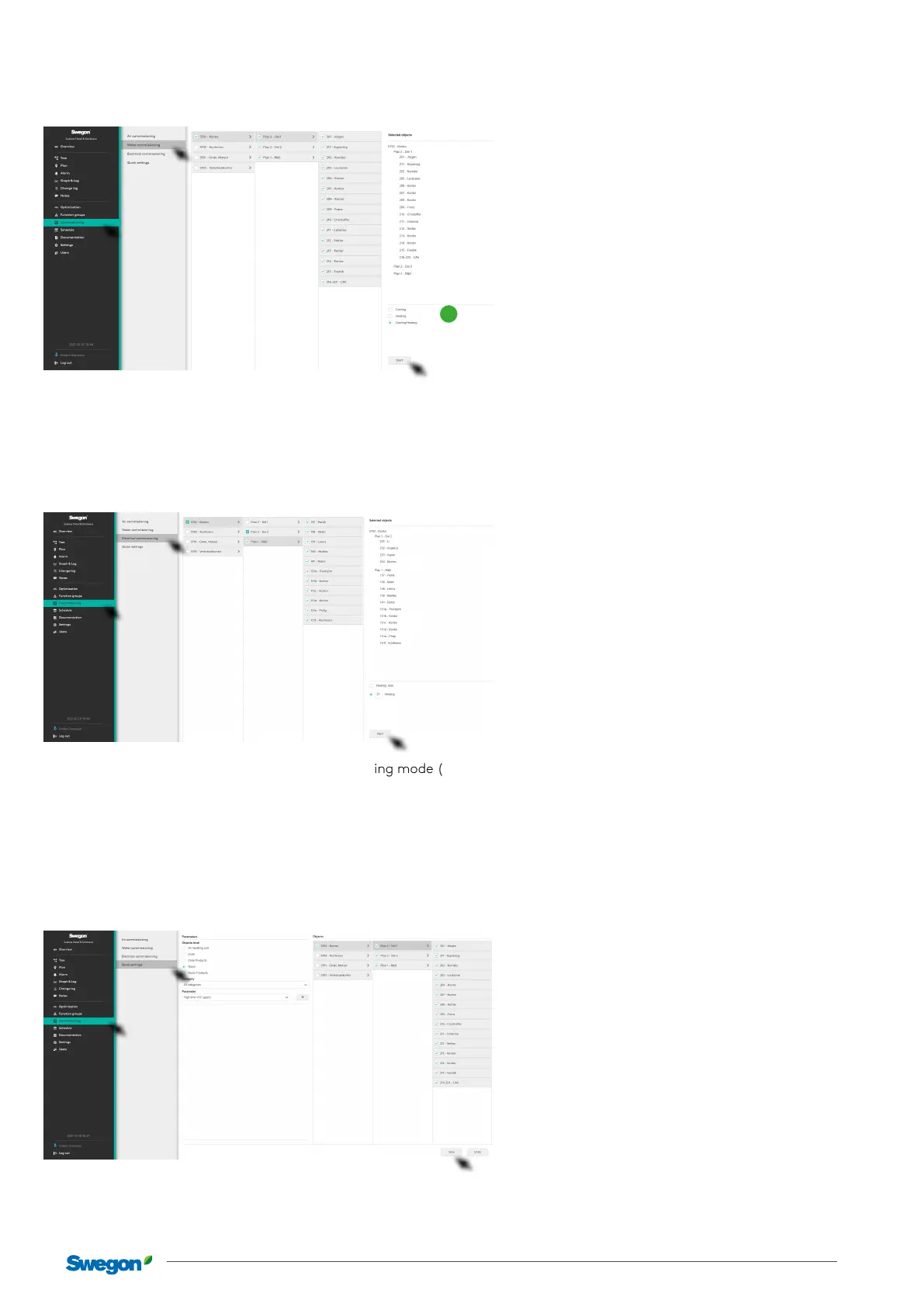
Water
Used to adjust the water on a system already running.
1
Select the required object in the menu, select operating mode (1) – Cooling, Heating, Cooling and Heating and click on Start. The
selected part of the system is activated according to the selection made for control and adjustment.
Click on the Stop button aer the performed control to return to normal operations.
Electric
Used to adjust the electricity on a system already running.
Select the required object in the menu, select operating mode (1) – Max, Heating or Heating and click on the Start button. The
selected part of the system is activated according to the selection made for control and adjustment.
Click on the Stop button aer the performed control to return to normal operations.
Quick settings
Used for simplied adjustment of parameters for Air handling units, Zone, Room and Products. Quick settings allow you to adjust
the same parameter for large parts of the building at the same time. For example, it is possible to adjust Temperature setpoint for
Occupancy in all rooms in the building with just a pair clicks, instead of having to update each room separately.
Select the relevant object level, state the parameter and its desired value. Select the object for the required value and click save. The
setting is applied to all selected objects.



 To Next Page