20220323 Swegon reserves the right to alter specications.
17
WISE User Manual
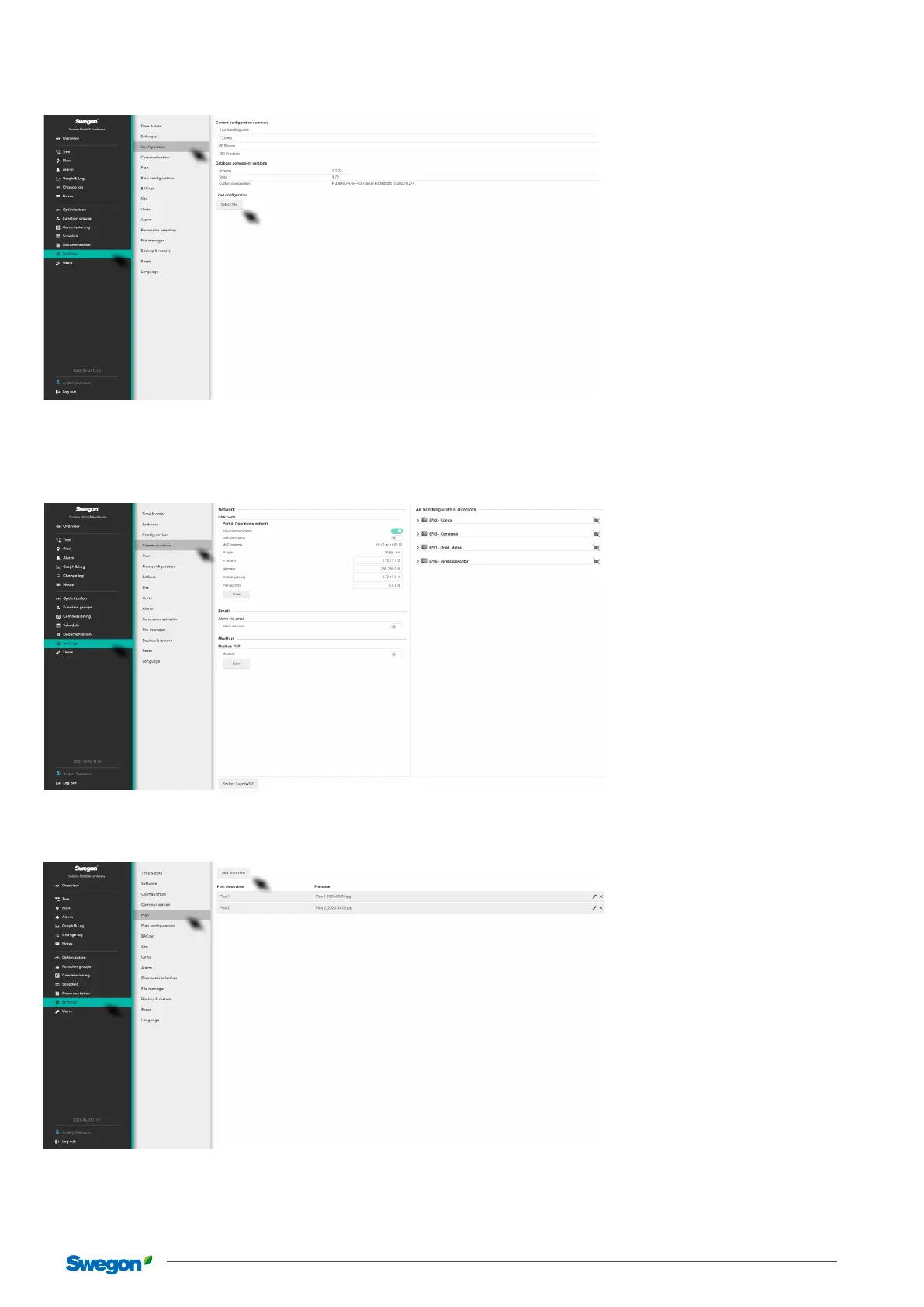
Conguration
For reading the conguration le. Click on the Select le button under Load conguration and select the le to be imported.
Communication
Network settings for the whole system and component products such as Air handling unit, WISE DIR, etc.
Plan
To add graphical les for plan views in one of the formats: .png, .jpg, .jpeg or .gif. File size, max. 5Mb.
For loading plan view. Click on the button under Add plan view and select the le to be imported. Several plan views can be added
for, e.g. dierent oors. It is possible to change the order in oor views by dragging and dropping them in the required order.
When importing a new conguration le, an Audit log will be created, which helps the user to choose between parameters that have
been changed manually in SuperWISE and parameters that are retrieved from the new conguration.



 To Next Page