Swegon reserves the right to alter specications. 20220323
18
WISE User Manual
Room position
The function to select the room and space in the system’s plan view(s), which results in it becoming dynamic with increased user
options.
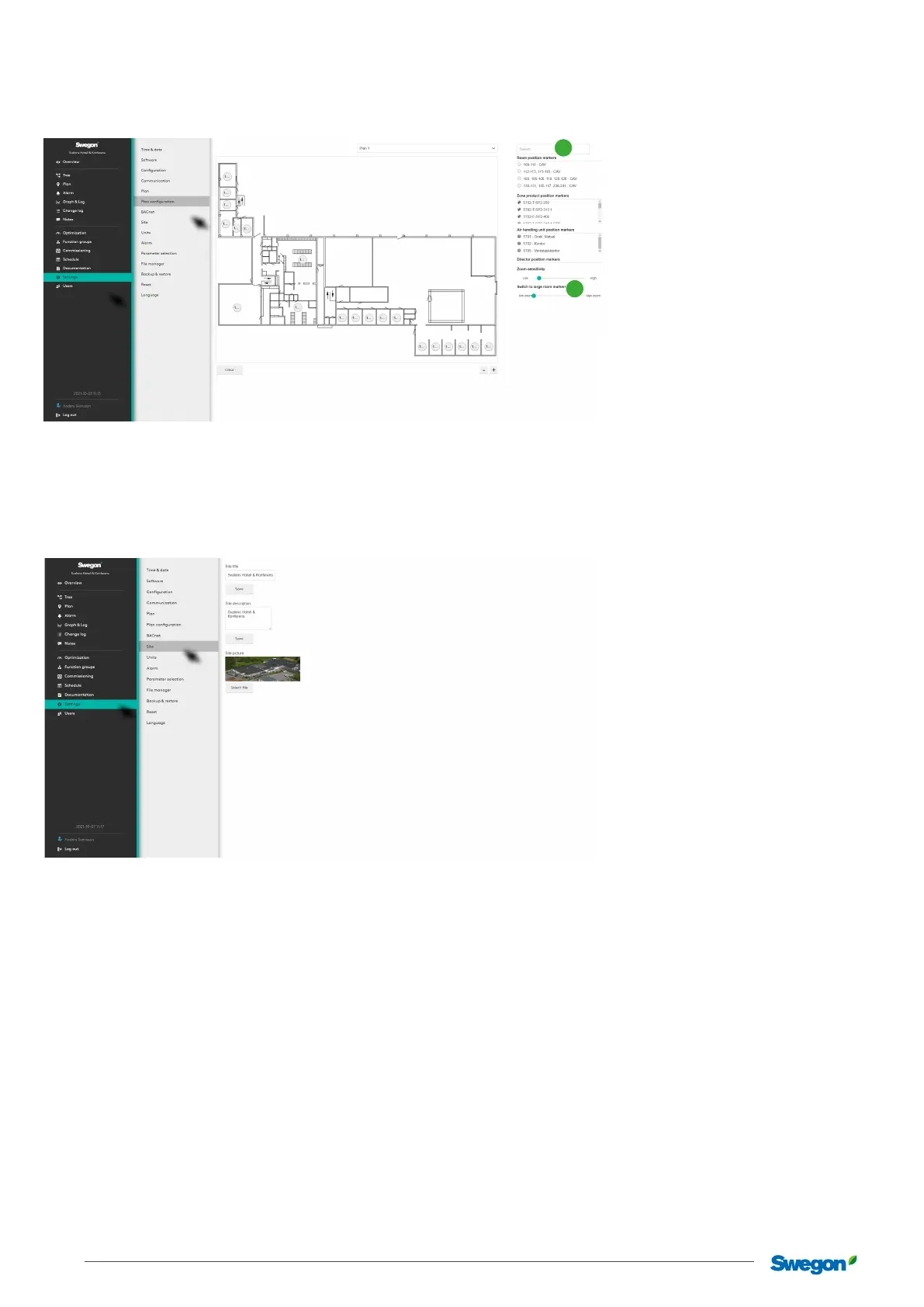
Drag and drop all Position markers for rooms, zone products, air handling units and Directors (1) to the right position on the plan view.
User the slider control to adjust the display (2).
Site
Name and describe the site. Here is a function to add a picture of the site, which is shown on the overview page.
2
1
To add graphical les for the page in one of the formats: .png, .jpg, .jpeg or .gif. File size, max. 5Mb.



 To Next Page