Swegon reserves the right to alter specications. 20220323
20
WISE User Manual
Backup and restore
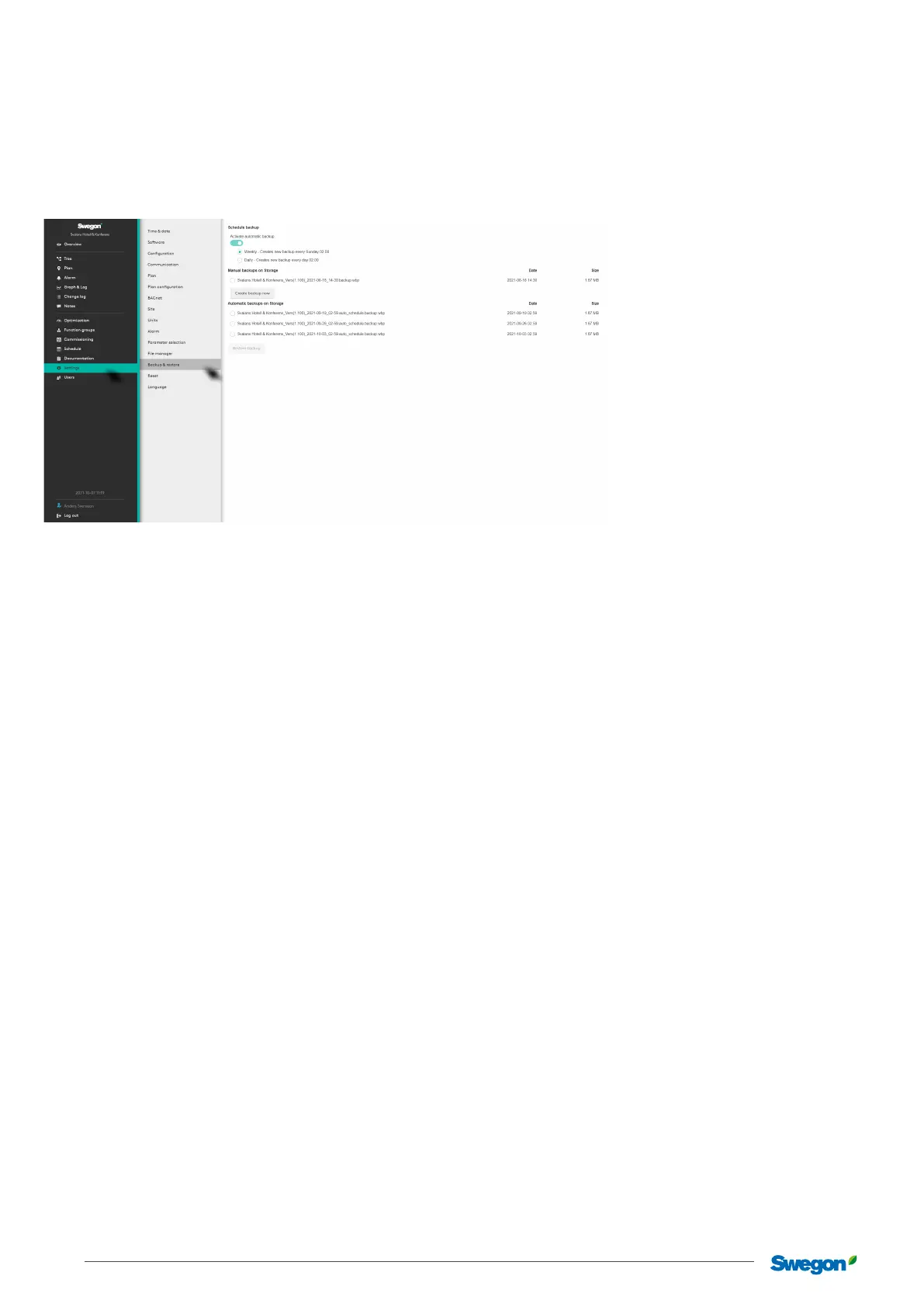
The user can manually create a backup if necessary, under Manual backup. The backup is saved on a USB memory stick and can then
be used to restore the system.
The user can also choose to let SuperWISE create a backup automatically, either daily or weekly, under Scheduled backup.
A backup is always created automatically when a new conguration le is loaded or if the soware is updated. SuperWISE saves the
three most recently created backups, and previous backups are deleted.
A backup made with a previous conguration or soware version can be migrated to a more recent soware version. Note that the
USB-memory stick must be placed in SuperWISE.
The following parts are saved to the USB-memory stick during a backup:
• Conguration
• Users
• Project information and images
• Plan views and information
• Change log
• Time settings
• Language
• Congured values
• Unit settings
• Communication settings
• Alarm priorities



 To Next Page